Mesh WiFi: is it really the right solution for your home?
Contents
You have a WiFi dead spot in your living room, your bedroom or your garden. Someone recommends a mesh WiFi system — also called mesh WiFi. But is it really the right solution? And if so, in which configuration?
The short answer: it depends. A mesh WiFi can turn a poorly covered home into a flawless network — or become a source of frustration if poorly configured. This guide separates fact from fiction, explains the conditions under which mesh makes sense, and describes the optimal configuration we recommend after 40,000+ network installations supported.
A well-configured mesh WiFi system can cover 400 to 600 m² with a uniform signal. But without a wired backbone, the satellites steal bandwidth from each other — and performance drops by 40 to 60% from the second node onwards.
The WiFi coverage problem in homes
A standard WiFi router emits a spherical signal from its location. In theory, it covers 100 to 150 m² indoors. In practice, concrete walls, floors, metal partitions and interference from household appliances reduce this range considerably.
In a 120 m² house on two levels, a single router placed on the ground floor often leaves the first floor under-covered — below -70 dBm, connections become unstable. In large properties, outbuildings or gardens, the problem is even more pronounced.
Traditional solutions — WiFi booster, repeater, extender — have been around for a long time, but they have well-known flaws: they create a second separate network with a different SSID, devices do not switch automatically between the two, and they halve the available bandwidth at each hop.
Mesh WiFi was born to address these limitations by offering a distributed single-network architecture.
How does a mesh WiFi system work?
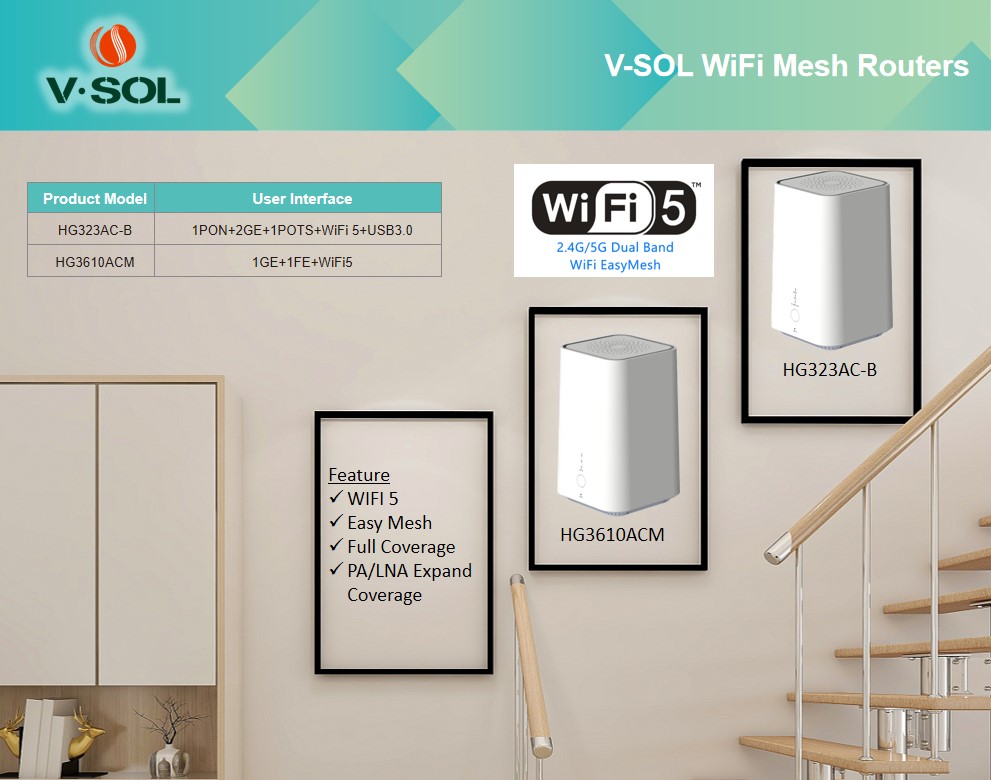
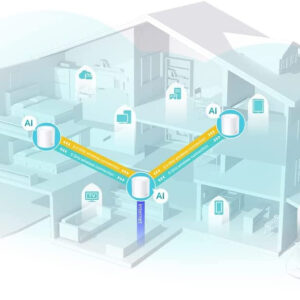
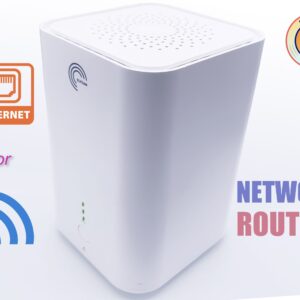
A mesh system consists of a main node (connected to your modem or ISP box) and one or more satellite nodes distributed throughout the home. They all share the same SSID and WiFi password — for the user, there is only one network.
The fundamental difference from a classic extender is seamless roaming: when you move around the house with your smartphone, it automatically switches to the nearest node without any visible disconnection. The 802.11r (Fast BSS Transition) protocol handles this handover.
The nodes communicate with each other via a backhaul link — the inter-node communication channel. This is where everything happens:
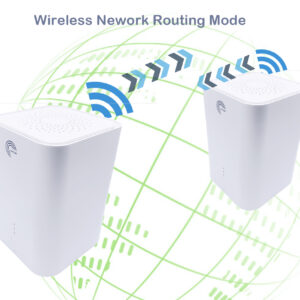
- Wireless backhaul — the nodes use a dedicated WiFi band (often the 5 GHz or 6 GHz band) to talk to each other. Easy to install, but this band is partially consumed by inter-node communication.
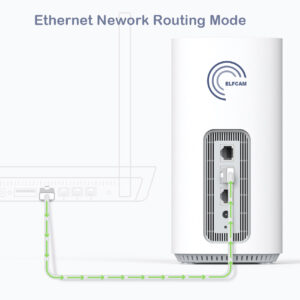
- Wired backhaul — the nodes are connected by an Ethernet cable. All the radio bandwidth is available for client devices. This is the optimal configuration.



Mesh WiFi vs extender: the real differences
Confusion between extender and mesh is common. Here is what really sets them apart.
A WiFi extender picks up the signal from your main router, amplifies it, and rebroadcasts it. It creates a second distinct network (often named "NetworkName_EXT") with its own SSID. Your devices do not switch to it automatically — you have to manually choose the network depending on your location. In addition, the extender consumes bandwidth to receive and rebroadcast — the available throughput is halved at each hop.
A mesh system shares a single SSID, manages roaming automatically via standardized protocols (802.11r/k/v), and the nodes are designed to cooperate intelligently. Some systems use a band dedicated exclusively to the backhaul (tri-band: 2.4 GHz + 5 GHz client + 5/6 GHz backhaul) to avoid eating into the client bandwidth.
Rule of thumb
If you have to manually choose between two WiFi networks depending on the room you are in, you have an extender. If you stay on the same network everywhere without intervention, you have a mesh (or a system managed by an AP controller).
The 5 concrete benefits of mesh WiFi
1. Extended and uniform coverage
A 2-node system typically covers 200 to 300 m², a 3-node system 400 to 500 m². The signal is uniform: no dead zone, no "network edge" where throughput collapses. Every room enjoys a signal as strong as if the router were installed there.
2. Seamless roaming
Mobile devices (smartphones, tablets, laptops) switch automatically to the nearest node as you move around. VoIP calls and video conferences are not interrupted when switching nodes.
3. Centralized management
All modern mesh systems offer a mobile app that lets you manage the entire network from a single place: parental controls, device prioritization, usage statistics, intruder detection, automatic firmware updates.
4. Scalability
Need to cover the garage or the garden? Just add an extra node. No need to reconfigure the network — the new node integrates automatically into the existing mesh.
5. Network resilience
In an advanced mesh network (full mesh topology), if a node fails, traffic is automatically rerouted via the other nodes. This redundancy is particularly useful in professional environments (hotels, offices, shops).
The mesh WiFi limitations no one tells you about
Mesh WiFi is not a magic solution. These limitations are often glossed over in marketing guides.
Throughput loss in wireless mode
This is the most critical limitation. When a mesh satellite communicates with the main node via WiFi, it uses part of its radio bandwidth for the inter-node backhaul. On a dual-band system, the usable throughput is halved at each hop. A 1 Gbit/s fibre subscription may offer only 200–300 Mbit/s at the satellite in wireless backhaul mode.
Interference between nodes
If the nodes are too close to each other (less than 5–8 metres), they create mutual interference. If too far apart (more than 15 metres with two concrete walls), the backhaul is degraded. Optimal node placement is not intuitive and often requires several attempts.
Increased latency
Each wireless hop adds latency. On a 3-node wireless mesh network, a device connected to the third node adds 2 to 5 ms of latency compared to a direct connection to the main router. Imperceptible for web browsing, but potentially problematic for competitive online gaming.
The cost
A quality 3-node mesh system costs between 200 and 600 €. For the same budget, a PoE switch + 3 professional WiFi access points often offer better performance, better durability and more control.
Wired mesh: the ideal configuration
The solution that combines all the advantages of mesh while eliminating its limitations: wired mesh, also called wired backhaul or Ethernet mesh.
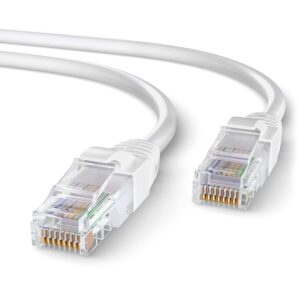
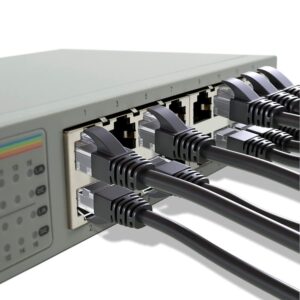
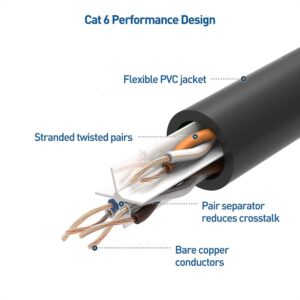
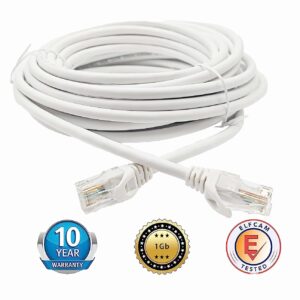
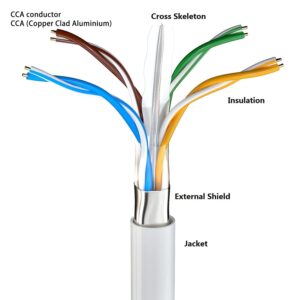
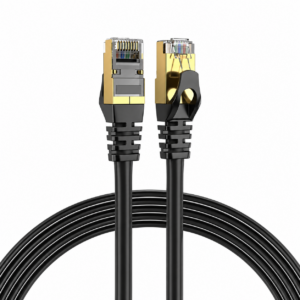
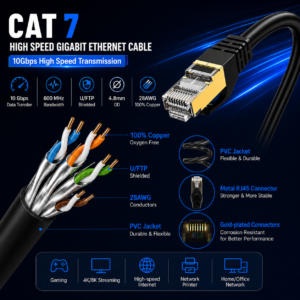
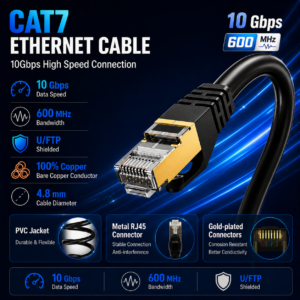
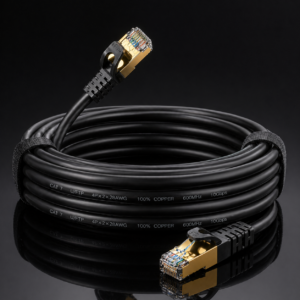
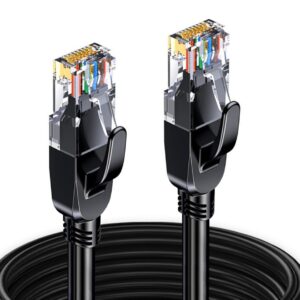
The principle is simple: connect each mesh node to a central Ethernet switch via a Cat 6 or Cat 7 cable. The inter-node backhaul goes through the cable, and the entire WiFi bandwidth is available for client devices. Result:
- No throughput loss — each node offers the same throughput as the main router
- Minimal latency — the Ethernet cable adds < 0.1 ms of latency
- Maximum stability — no radio interference between nodes
- Infinite scalability — add as many nodes as needed
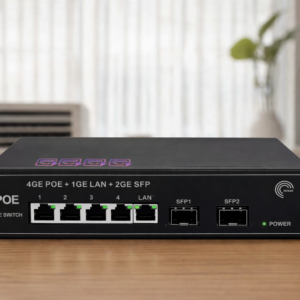
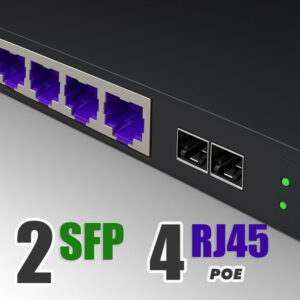
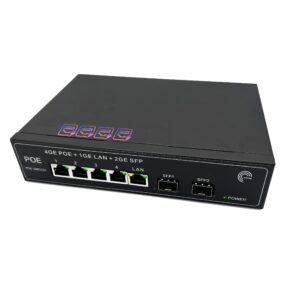
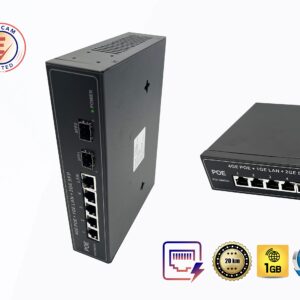
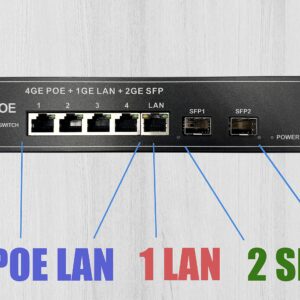
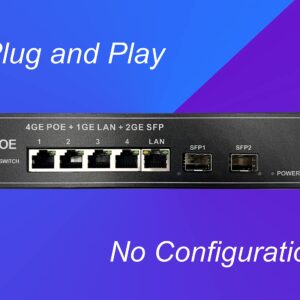
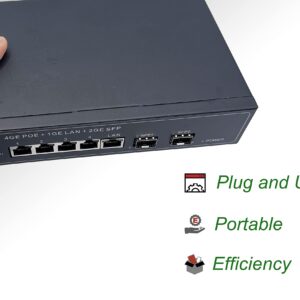
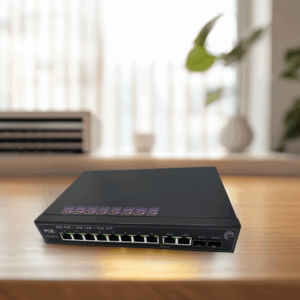
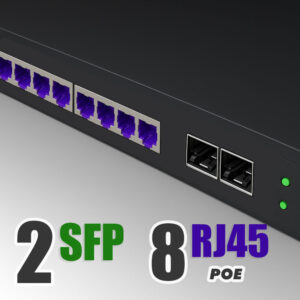
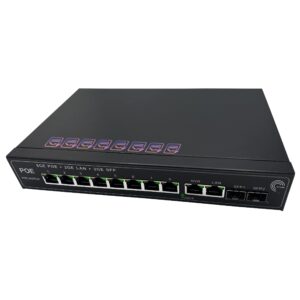
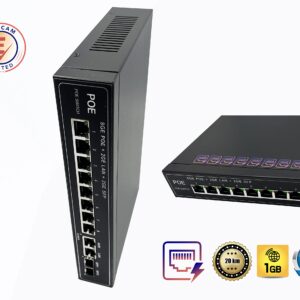
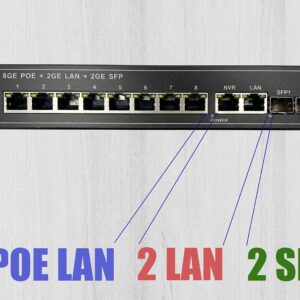
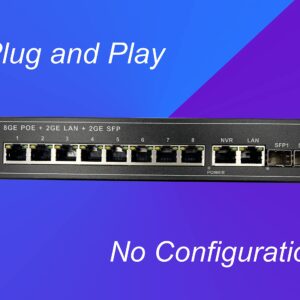
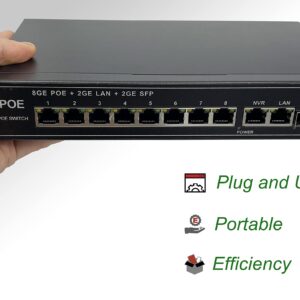
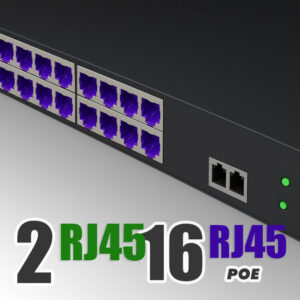
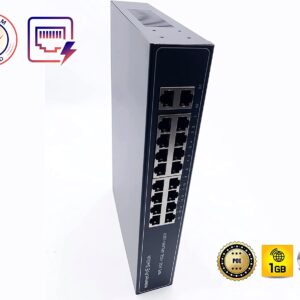
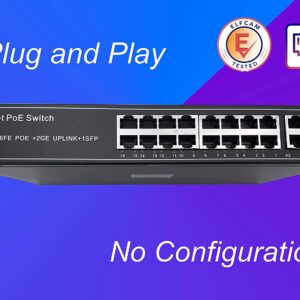
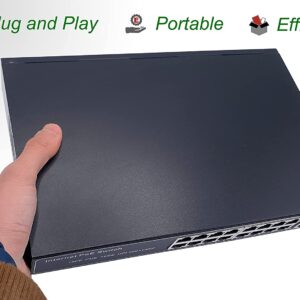
To power the mesh nodes without a mains socket nearby, a PoE switch (Power over Ethernet) injects the electrical power directly into the Ethernet cable. A single cable per node is enough for both the network AND the power.
Recommended configuration for a 150 m² home
1 main router (fibre or ADSL) → 1 PoE switch with 8 ports → 2 to 3 WiFi 6 mesh nodes connected by cable. Total cost: 150–300 €. Performance equivalent to a high-end mesh system at 500 €.

Who is mesh WiFi really right for?
Mesh WiFi is the right answer in these specific situations.
Old house without Ethernet cabling
If running Ethernet cables through the walls is impossible or too costly (stone walls, floors impossible to drill), wireless mesh is the best available option. Opt for a tri-band system with a dedicated backhaul band to limit throughput loss.
Recent house with Ethernet cabling
Ideal for wired mesh. Connect each node via the existing cabling, use a PoE switch in the technical room, and enjoy maximum performance in every room.
Large property or villa
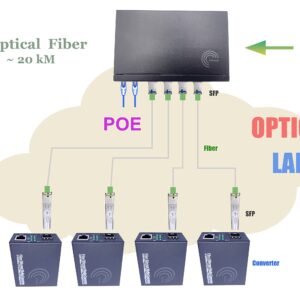
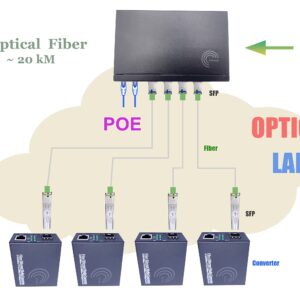
Beyond 200 m² or across several buildings (house + outbuilding + pool), mesh is often the simplest solution. For long outdoor links, a reinforced outdoor optical fibre between the buildings offers a more reliable link than long-range WiFi.
Hotel, holiday rental, guest house
Mesh is very well suited to tourist accommodation: uniform coverage in all rooms, centralized management, easily configurable guest network. The wired solution with PoE switch and professional APs steps up a level with an excellent performance/cost ratio.
When mesh is NOT the right solution
If you are in a flat of less than 80 m² on a single level, a good WiFi 6 router placed in the centre is amply sufficient. Investing in a mesh would bring no visible benefit.










Comparison table: mesh, extender, wired AP
| Criterion | WiFi extender | Wireless mesh WiFi | Wired mesh WiFi | Pro WiFi AP (wired) |
|---|---|---|---|---|
| Single network (SSID) | No | Yes | Yes | Yes |
| Automatic roaming | No | Yes | Yes | Yes |
| Inter-node throughput loss | −50% per hop | −30 to −50% | None | None |
| Cabling installation | None | None | Ethernet cable required | Ethernet cable required |
| Centralized management | Limited | Mobile app | Mobile app | AP controller |
| PoE power supply | No | No | Compatible | Native |
| Budget (3-node system) | 50–150 € | 200–600 € | 150–350 € | 200–500 € |
| Ideal for | Short-term fix | House without cabling | House with cabling | Pro / multi-tenant |

















