WiFi 6 vs WiFi 5 : débit, OFDMA, latence — le comparatif technique
Sommaire
Vous avez un routeur WiFi 5 qui "fonctionne bien", mais votre réseau ralentit dès que plusieurs appareils sont connectés simultanément. Votre box 4K rame pendant les visioconférences, vos objets connectés saturent le canal, votre téléphone se plaint en bordure de pièce. Le problème n'est pas forcément le débit — c'est l'architecture.
WiFi 6 (802.11ax) n'est pas WiFi 5 (802.11ac) avec un chiffre de plus. C'est un changement de méthode d'accès au canal radio, pensé pour les réseaux denses. Ce guide explique concrètement ce qui change, ce que vous gagnez vraiment, et quand le passage vaut la peine.
WiFi 6 est conçu pour 100 appareils sur un réseau. WiFi 5 était conçu pour 10. C'est la différence fondamentale.
802.11ac vs 802.11ax — les deux normes en bref
Le WiFi 5 (IEEE 802.11ac) est sorti en 2013 (Wave 1) puis 2016 (Wave 2). Il fonctionne uniquement sur la bande 5 GHz et a introduit le MU-MIMO en téléchargement et les canaux de 160 MHz. C'est la norme qui équipe encore la majorité des box internet françaises et des appareils vendus entre 2016 et 2021.
Le WiFi 6 (IEEE 802.11ax) est finalisé en 2021. Il fonctionne sur les bandes 2,4 GHz et 5 GHz simultanément — WiFi 6E y ajoute la bande 6 GHz. Il remplace OFDM par OFDMA, améliore le MU-MIMO (upload inclus), et introduit deux mécanismes absents de WiFi 5 : BSS Coloring et TWT.
| Critère | WiFi 5 (802.11ac) | WiFi 6 (802.11ax) |
|---|---|---|
| Norme IEEE | 802.11ac | 802.11ax |
| Bandes de fréquences | 5 GHz seulement | 2,4 GHz + 5 GHz (6E : +6 GHz) |
| Débit théorique max | 3,5 Gbit/s (Wave 2) | 9,6 Gbit/s |
| Modulation max | 256-QAM | 1024-QAM |
| Accès au canal | OFDM (un appareil à la fois) | OFDMA (plusieurs appareils simultanés) |
| MU-MIMO | DL uniquement, 4 flux max | DL + UL, 8 flux max |
| BSS Coloring | Non | Oui |
| TWT (économie énergie) | Non | Oui |
| Efficacité spectrale | Référence | +37 % environ |
| Latence réseau dense | Haute sous charge | Réduite de 75 % (Wi-Fi Alliance) |
| Canal max | 160 MHz | 160 MHz (idem, gain sur OFDMA) |
Débit théorique et réel : 3,5 vs 9,6 Gbit/s
Le chiffre "9,6 Gbit/s" de WiFi 6 est calculé pour une configuration idéale : 8 flux spatiaux × 1024-QAM × canal 160 MHz. En pratique, aucun routeur grand public ne déploie les 8 flux simultanément. Les routeurs WiFi 6 haut de gamme atteignent 4 flux (2 × 2,4 GHz + 2 × 5 GHz), soit environ 4–5 Gbit/s de capacité agrégée.
Ce qui compte davantage que le débit crête, c'est le débit réel par appareil sous charge. Sur WiFi 5, quand 10 appareils se connectent, ils se disputent le canal en OFDM : un seul parle à la fois, les autres attendent. Sur WiFi 6, OFDMA permet à plusieurs appareils de transmettre simultanément sur des sous-canaux distincts — le débit par appareil reste stable même quand le réseau est saturé.
Ce que vous observerez en pratique
Sur un réseau de 5–10 appareils légers, WiFi 6 apporte 30–40 % de débit supplémentaire vs WiFi 5. Sur un réseau de 30+ appareils (open space, appartement dense, salle de réunion), le gain peut atteindre 200–300 % grâce à OFDMA — pas parce que WiFi 6 est "plus rapide", mais parce qu'il gère mieux la contention.


OFDMA : la véritable révolution de WiFi 6
OFDMA (Orthogonal Frequency Division Multiple Access) est le changement le plus important entre les deux générations. Pour comprendre pourquoi, rappelons comment fonctionne WiFi 5.
En WiFi 5, un canal radio (ex. 80 MHz) est alloué entièrement à un seul appareil à la fois. Si votre smartphone envoie un e-mail de 2 ko, il monopolise le canal pendant quelques millisecondes — pendant lesquelles votre smart TV, vos ampoules et votre tablette attendent. Plus il y a d'appareils, plus la file d'attente s'allonge, plus la latence grimpe.
En WiFi 6, ce même canal est découpé en Resource Units (RU) — des sous-canaux plus petits. Le point d'accès les distribue simultanément à plusieurs appareils en fonction de leurs besoins. L'e-mail de 2 ko reçoit une petite RU, le flux vidéo 4K reçoit une grande RU — tout se passe en parallèle sur la même trame.
Le résultat concret : la latence moyenne sous charge chute de 75 % selon la Wi-Fi Alliance. Sur un réseau de bureau avec 50 appareils actifs, la différence entre une visioconférence fluide et des coupures se joue souvent ici.
MU-MIMO amélioré : de 4 flux à 8 flux, et upload inclus
Le MU-MIMO (Multi-User Multiple Input Multiple Output) existait déjà en WiFi 5 Wave 2 — mais uniquement en téléchargement (DL), et limité à 4 flux simultanés. WiFi 6 l'étend à l'upload (UL) et double la capacité à 8 flux simultanés.
Concrètement, un routeur WiFi 6 peut parler simultanément à 8 appareils différents dans les deux sens. C'est particulièrement utile pour les visioconférences, le gaming en ligne et les sauvegardes cloud — toutes des situations où l'upload est aussi critique que le download.
Équipements Elfcam pour déployer WiFi 6
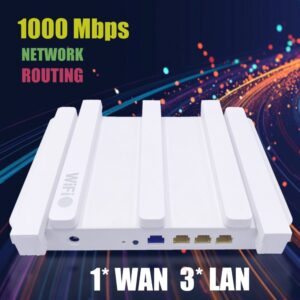
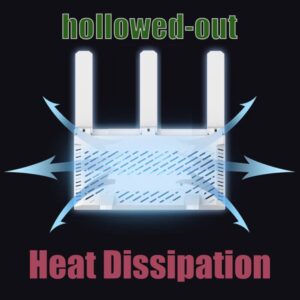
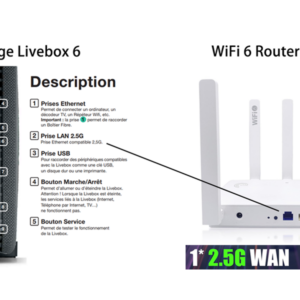
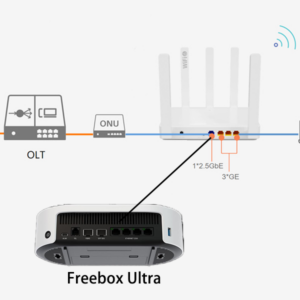
- Routeur WiFi 6 Mesh AX3000 — port WAN 2,5 Gb, idéal pour Freebox Ultra et Orange Livebox 6
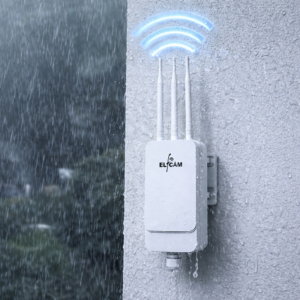
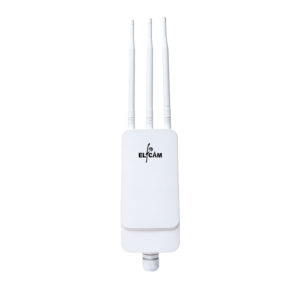
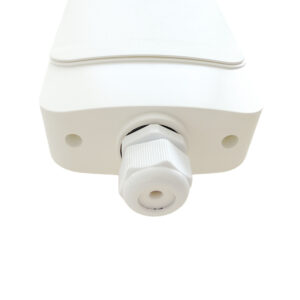
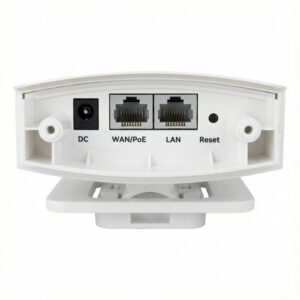
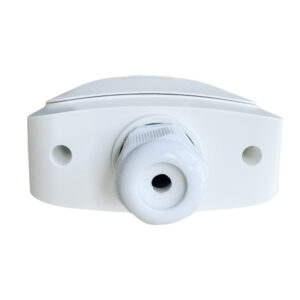
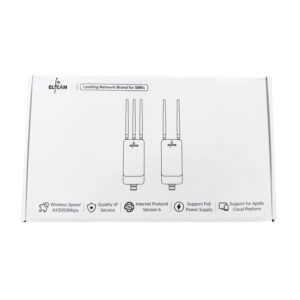
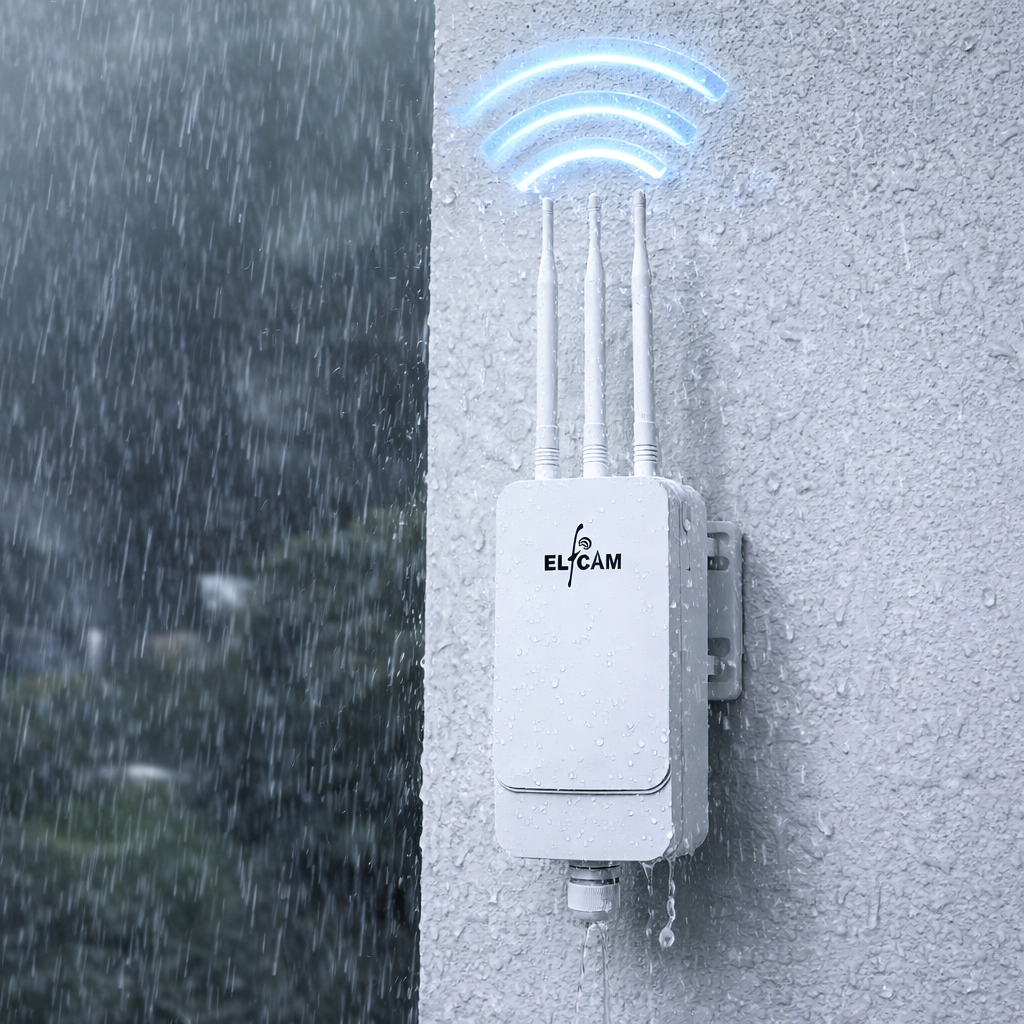
- Point d'accès WiFi 6 Extérieur AX3000 — IP67, alimentation PoE+, pour jardin et zones difficiles
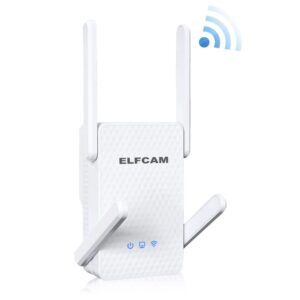
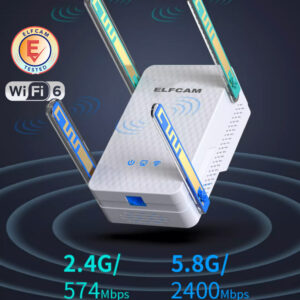
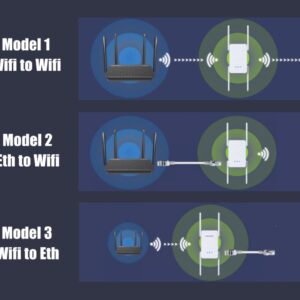
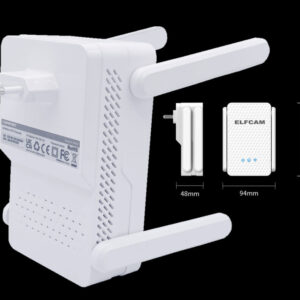
- Répéteur WiFi 6 AX3000 — double bande 2,4/5 GHz, compatible toutes box
BSS Coloring et TWT : interférences et autonomie
Deux mécanismes spécifiques à WiFi 6 passent souvent inaperçus mais ont un impact réel dans les environnements denses.
BSS Coloring — réduire les interférences entre réseaux voisins
En immeuble ou en open space, des dizaines de réseaux WiFi se chevauchent sur les mêmes canaux. En WiFi 5, un appareil qui détecte un signal d'un réseau voisin attend avant de transmettre — même si ce signal ne lui est pas destiné. C'est le problème de la co-channel interference.
BSS Coloring ajoute un "marqueur de couleur" (un identifiant) dans chaque trame. Un appareil WiFi 6 qui reçoit une trame colorée différemment de son réseau l'ignore et transmet quand même. Résultat : moins d'attentes inutiles, meilleure utilisation du canal dans les environnements à forte densité de réseaux.
TWT — économie d'énergie pour les appareils IoT
TWT (Target Wake Time) permet au point d'accès et aux appareils de négocier des fenêtres de réveil précises. Une ampoule connectée qui n'a besoin de communiquer qu'une fois par seconde peut rester en veille profonde entre les échanges au lieu de scruter le canal en permanence.
L'impact est double : autonomie des appareils IoT sensiblement améliorée (jusqu'à 7× selon Wi-Fi Alliance), et réduction du nombre d'appareils "actifs" simultanément sur le canal, ce qui soulage encore la contention.

WiFi 6E et la bande 6 GHz : l'extension logique
WiFi 6E est une extension de WiFi 6 qui ajoute la bande 6 GHz (5,925–7,125 GHz), disponible en France depuis 2021 sur certains équipements certifiés. Cette bande offre jusqu'à 1200 MHz de spectre supplémentaire — soit 7 canaux de 160 MHz non chevauchants, contre 2 en bande 5 GHz.
Le 6 GHz est actuellement peu encombré : peu d'équipements anciens l'utilisent, pas de micro-ondes ni d'appareils Bluetooth sur cette plage. C'est l'espace idéal pour les applications à très faible latence : gaming, VR/AR, flux vidéo 8K. La portée est légèrement inférieure à la bande 5 GHz (absorption plus forte), ce qui en fait une technologie complémentaire plutôt que de remplacement.
WiFi 6E sur 6 GHz, c'est comme ouvrir une nouvelle autoroute vide à côté d'un périphérique saturé. La vitesse n'est pas plus élevée, mais le trafic s'écoule sans embouteillage.
Et WiFi 7 (802.11be) ?
WiFi 7 standardise le Multi-Link Operation (MLO) — un appareil peut utiliser simultanément plusieurs bandes (2,4 + 5 + 6 GHz) pour cumuler les débits et basculer automatiquement en cas d'interférence. Débit théorique : 46 Gbit/s. La carte WiFi 7 Intel BE200 disponible chez Elfcam est l'une des premières à supporter le MLO sur PC.
Faut-il migrer vers WiFi 6 en 2026 ?
La réponse dépend de votre contexte, pas du chiffre sur la boîte.
Migration recommandée si : vous avez plus de 15 appareils connectés simultanément, votre réseau ralentit en soirée ou en présence de plusieurs utilisateurs, vous déployez des caméras ou des capteurs IoT en grand nombre, ou vous êtes en immeuble avec beaucoup de réseaux voisins sur les mêmes canaux.
Migration optionnelle si : vous avez moins de 10 appareils, votre box WiFi 5 actuelle vous donne satisfaction, et votre connexion internet est limitée à 1 Gbit/s ou moins — dans ce cas, la latence de votre FAI sera le goulot d'étranglement bien avant votre WiFi.
Un point important : WiFi 6 est rétrocompatible avec tous les appareils WiFi 4 et WiFi 5. Vous n'avez pas besoin de remplacer vos terminaux pour profiter d'un routeur WiFi 6 — les anciens appareils continuent de fonctionner, mais n'utilisent pas OFDMA ni TWT tant qu'ils ne supportent pas 802.11ax.
Compléter votre réseau WiFi 6
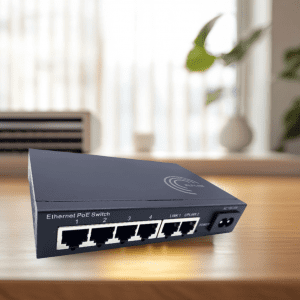
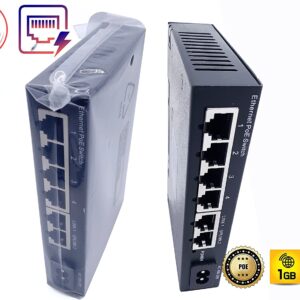
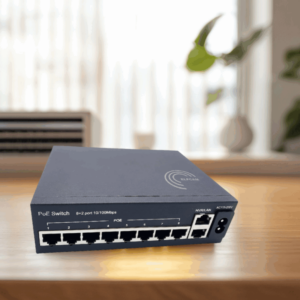
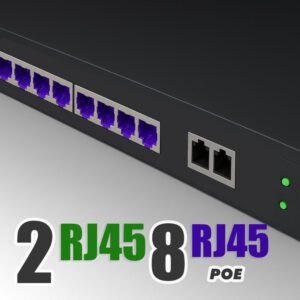
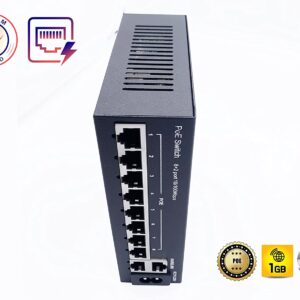
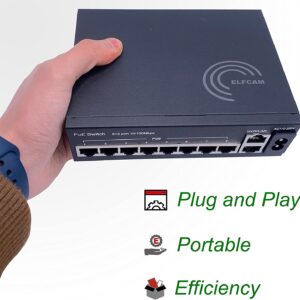
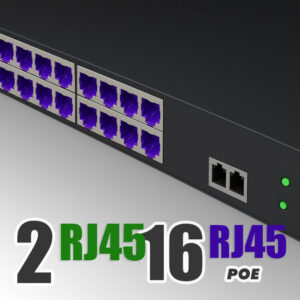
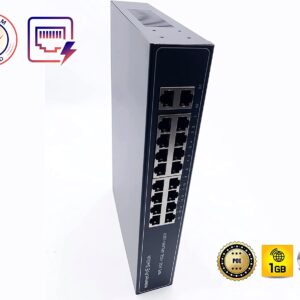
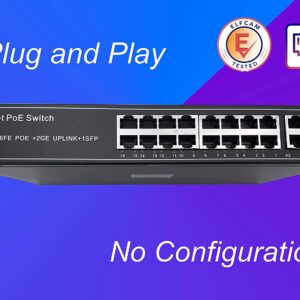
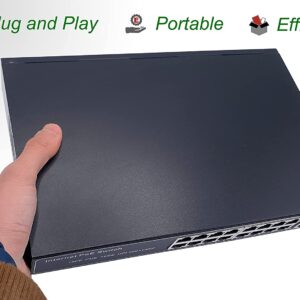
- Switch PoE Elfcam — pour alimenter vos points d'accès WiFi 6 sans câble secteur dédié
- Réseau fibre maison — backbone fibre pour relier vos points d'accès sans déperdition de débit
- Guide mesh WiFi vs répéteur — quel système choisir pour couvrir toute la maison

















