WiFi 2,4 GHz vs 5 GHz : quelle bande choisir en 2026 ?
Sommaire
Votre routeur WiFi moderne diffuse deux réseaux : 2,4 GHz et 5 GHz, parfois même trois (avec le 6 GHz du WiFi 6E/7). Votre smartphone se connecte automatiquement à l'un ou l'autre, parfois au moins bon. Résultat : WiFi lent dans certaines pièces, déconnexions, objets connectés qui n'accrochent plus.
Ces deux bandes ne sont pas interchangeables : elles ont des caractéristiques physiques différentes qui les rendent complémentaires. Savoir laquelle utiliser selon le cas (smartphone en visio, objet connecté en 2,4 GHz, TV 4K en 5 GHz) résout la majorité des problèmes de réseau domestique. Ce guide explique les différences, les arbitrages et comment exploiter les deux bandes en parallèle dans votre maison.
Qu'est-ce que le WiFi 2,4 GHz ?
La bande 2,4 GHz est une fréquence ISM (Industrial, Scientific, Medical) sans licence disponible dans le monde entier depuis les années 90. Elle a historiquement servi au WiFi 802.11b/g/n, et est partagée avec :
- Bluetooth
- Four à micro-ondes
- Baby phones analogiques
- Télécommandes de garage
- Objets IoT (capteurs, domotique)
Avantages
- Portée étendue : pénètre mieux les murs porteurs et traverse plusieurs pièces
- Disponibilité mondiale : aucun pays ne la restreint
- Faible consommation : idéale pour objets IoT sur pile (durée 5-10 ans)
- Faible coût : composants abordables, intégrés dans chaque appareil connecté
Inconvénients
- Seulement 3 canaux non-chevauchants (1, 6, 11 en Europe) sur 14 canaux théoriques
- Saturation en zone dense : immeubles, quartiers, aéroports
- Débit plafonné : ~600 Mbps en WiFi 6 (pratique 100-300 Mbps)
- Interférences multiples : four micro-ondes, Bluetooth, caméras analogiques
Qu'est-ce que le WiFi 5 GHz ?
La bande 5 GHz est arrivée avec le WiFi 802.11a (1999) puis s'est généralisée avec 802.11n/ac/ax. Elle offre beaucoup plus de canaux (24 non-chevauchants en Europe, avec DFS) et une bande passante par canal plus large (jusqu'à 160 MHz en WiFi 6/6E).
Avantages
- Débit élevé : jusqu'à 4,8 Gbps en WiFi 6 (pratique 500-1500 Mbps)
- Moins d'interférences : peu partagée avec d'autres technologies
- Nombreux canaux : 24 canaux non-chevauchants, beaucoup plus de flexibilité
- Latence réduite : idéal gaming et visio
Inconvénients
- Portée réduite de 30-50% par rapport au 2,4 GHz
- Atténuation par les murs : béton/pierre absorbent beaucoup
- Consommation plus élevée : un peu moins bon pour IoT sur pile
- DFS obligatoire : certains canaux (52-144) doivent libérer la place si un radar est détecté (aéroport, météo, militaire)
Comparatif direct 2,4 vs 5 GHz
| Critère | 2,4 GHz | 5 GHz |
|---|---|---|
| Débit max WiFi 6 | ~600 Mbps | ~4,8 Gbps |
| Portée intérieure | 30-45 m | 15-25 m |
| Pénétration murs | Excellente | Moyenne |
| Canaux non-chevauchants | 3 | 24 (avec DFS) |
| Largeur canal max | 40 MHz | 160 MHz |
| Interférences EM | Beaucoup (Bluetooth, micro-ondes) | Peu |
| Latence moyenne | 20-40 ms | 10-20 ms |
| Consommation client | Faible | Modérée |
| Usage typique | IoT, pièces éloignées, mobilité maison | Streaming 4K, gaming, NAS, télétravail |
Règle simple : près du routeur → 5 GHz. Loin du routeur ou objet IoT → 2,4 GHz. Un bon système mesh gère automatiquement ce choix pour vous.
Et la bande 6 GHz (WiFi 6E/7) ?
Depuis 2021 en France, le WiFi 6E ajoute la bande 6 GHz (5,945-6,425 GHz), soit 1200 MHz supplémentaires. Le WiFi 7 (2024) exploite également cette bande avec des canaux jusqu'à 320 MHz.
- Débit pic : jusqu'à 9,6 Gbps (WiFi 6E) et 46 Gbps (WiFi 7 théorique)
- Quasi-aucune interférence : bande quasi-vierge en 2026
- Portée encore plus courte que le 5 GHz (~10-15 m)
- Compatibilité limitée : iPhone 15 Pro+, Samsung S22+, MacBook M2+, PC récents
Si votre routeur est compatible, activez le 6 GHz pour les clients récents — notamment pour les transferts NAS, la VR, le gaming en sans-fil. Sinon, restez sur le duo 2,4 + 5 GHz. Voir notre guide WiFi 6 vs WiFi 5 pour plus de détails.
Quelle bande choisir selon l'usage
Smart Connect : laissez le routeur décider
La plupart des routeurs récents proposent un mode Smart Connect (ou "Band Steering") qui fusionne les deux SSID en un seul : vos appareils se connectent automatiquement à la meilleure bande selon le signal. À activer sauf cas particulier (IoT vieux qui boude le 5 GHz).
Usage 2,4 GHz prioritaire
- Objets connectés (thermostat, détecteurs, ampoules intelligentes, serrures)
- Téléphones éloignés du routeur (cave, grenier, fond du jardin)
- Imprimantes anciennes
- Jouets connectés (drones, voitures radiocommandées)
Usage 5 GHz prioritaire
- TV 4K/8K pour Netflix, Disney+, YouTube 4K
- Consoles gaming (PS5, Xbox Series X)
- PC télétravail en visio
- NAS et transferts de fichiers volumineux
- Smartphones récents (iPhone 11+, Samsung S10+)
Comment optimiser les deux bandes
- Routeur bi-bande minimum, tri-bande idéal (AX3000 Mesh, WiFi 6 ou 6E)
- Placement central dans le logement, à 1,5-2 m du sol, loin des micro-ondes et routeurs voisins
- Activer Smart Connect pour simplifier la gestion des clients
- Garder SSID séparés pour IoT si besoin : certains objets connectés scannent uniquement en 2,4 GHz
- Sélection canal automatique ou manuelle (Analyzer WiFi pour détecter le canal le moins encombré)
- Système mesh pour couverture homogène multi-pièces : guide configuration mesh
- Backhaul Ethernet entre nœuds mesh : câbles Cat 6 pour libérer 100% de la bande WiFi aux clients
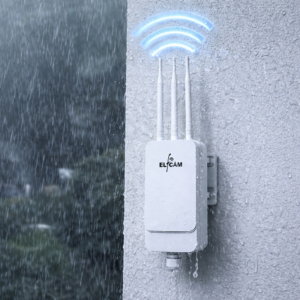
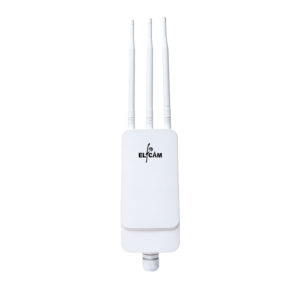
- AP extérieurs WiFi 6 pour jardin, terrasse : AP IP67 PoE
Matériel WiFi bi-bande Elfcam
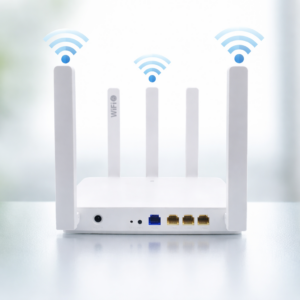
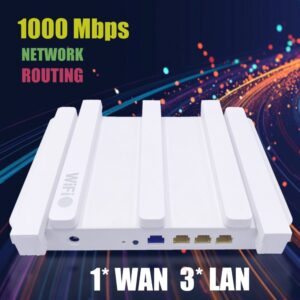
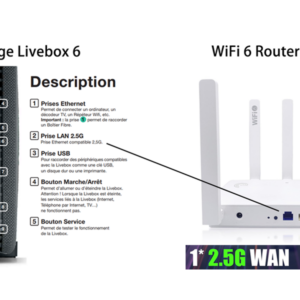
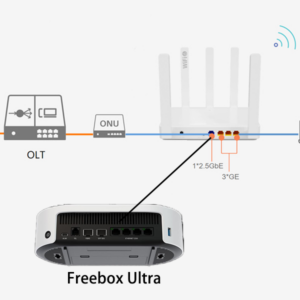
- Routeur WiFi 6 Mesh AX3000 — bi-bande 2,4 + 5 GHz, 2,5 Gb WAN
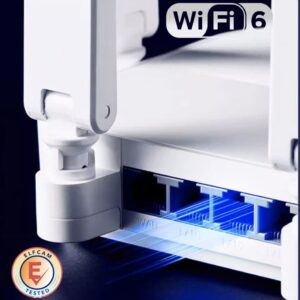
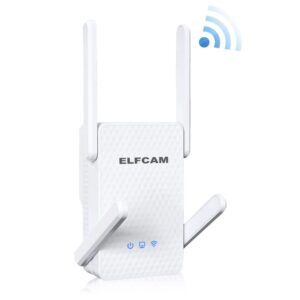
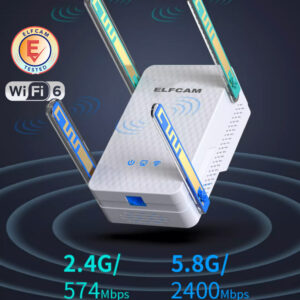
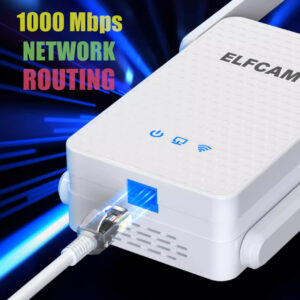
- Répéteur WiFi 6 AX3000 — étend les deux bandes
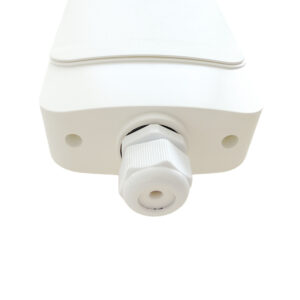
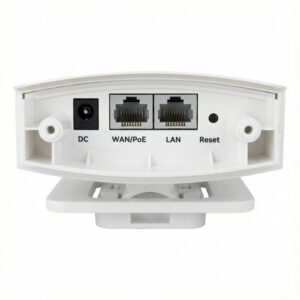
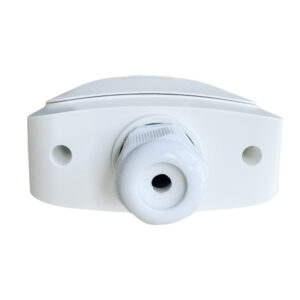
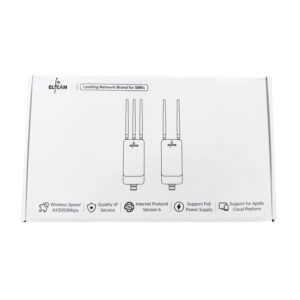
- AP WiFi 6 extérieur IP67 AX3000 — couvre jardin, terrasse
- HGU WiFi 6 FTTH — box fibre tout-en-un bi-bande
- Câbles Ethernet Cat 6/7/8 — backhaul mesh

FAQ — 2,4 GHz vs 5 GHz
1Comment savoir à quelle bande mon appareil est connecté ?
- iPhone/iPad : Paramètres > WiFi > clic sur (i) → "Canal" (1-11 = 2,4 GHz ; 36+ = 5 GHz)
- Android : app "WiFi Analyzer" Play Store
- Windows :
netsh wlan show interfacesdans cmd - macOS : Option + clic sur icône WiFi → "Canal"
2Pourquoi mon smartphone choisit parfois la mauvaise bande ?
- Désactiver WiFi et réactiver (force la re-sélection)
- Séparer les SSID en 2 noms distincts (WiFi-Maison_2.4 et WiFi-Maison_5)
- Mettre à jour le firmware routeur et smartphone
- Forcer la préférence 5 GHz dans les réglages WiFi avancés (Android, macOS)
3Dois-je désactiver le 2,4 GHz ?
45 GHz consomme-t-il plus de batterie ?
5WiFi 5 GHz passe-t-il à travers les murs ?
- Mur plaque de plâtre : -3 à -5 dB (peu)
- Mur brique : -8 à -10 dB
- Mur béton armé : -15 à -25 dB (fort)
- Mur pierre épaisse : -20 à -30 dB (très fort)
6Les micro-ondes perturbent-ils vraiment le WiFi ?
- Ralentissement WiFi 2,4 GHz
- Perte de connexion temporaire
- Latence accrue
7Que faire si mon WiFi 2,4 GHz est saturé en immeuble ?
- Basculer un maximum d'appareils en 5 GHz
- Changer manuellement de canal 2,4 GHz (1, 6, ou 11 — celui le moins utilisé dans votre immeuble)
- Réduire la puissance d'émission 2,4 GHz (compromis entre portée et saturation)
- Envisager un routeur WiFi 6E/7 avec la bande 6 GHz (quasi-vierge)
- Installer un système mesh avec meilleure gestion
8Livraison et garantie sur les routeurs bi-bande Elfcam ?
En résumé
Les bandes 2,4 GHz et 5 GHz ne sont pas en compétition : elles sont complémentaires. La 2,4 GHz couvre (IoT, pièces éloignées), la 5 GHz livre le débit (streaming, gaming, télétravail). En WiFi 6E/7, la bande 6 GHz ajoute un troisième niveau pour les appareils premium proches du routeur.
Pour un usage optimal, utilisez un routeur bi-bande WiFi 6 minimum, activez Smart Connect, et complétez avec un répéteur ou un AP extérieur IP67 selon les besoins. Un backhaul Ethernet Cat 6 entre nœuds mesh fait la différence sur les grandes maisons.