WiFi 6 vs WiFi 5 : quelle génération choisir en 2026 ?
Sommaire
Le WiFi 6 (IEEE 802.11ax) est le successeur officiel du WiFi 5 (802.11ac). Déployé massivement depuis 2019, il devient aujourd'hui la norme des box opérateur, routeurs mesh et smartphones récents. Mais à quel point est-il supérieur ? Faut-il jeter son routeur WiFi 5 ?
Ce guide compare les deux générations sur cinq critères techniques : débit, fréquence, efficacité multi-utilisateur, sécurité et consommation, puis détaille les cas d'usage où le passage au WiFi 6 change réellement la donne.
Que sont WiFi 6 et WiFi 5 ?
Le WiFi désigne les technologies WLAN basées sur le standard IEEE 802.11. La WiFi Alliance a simplifié la nomenclature en 2018 :
- WiFi 4 = 802.11n (2009)
- WiFi 5 = 802.11ac (2014)
- WiFi 6 = 802.11ax (2019)
- WiFi 6E = WiFi 6 + bande 6 GHz (2021)
- WiFi 7 = 802.11be (2024)
Le WiFi 6 est conçu pour les environnements denses : logements avec 20+ objets connectés, bureaux, immeubles où les signaux se superposent. Il ne cherche pas seulement à augmenter le débit pic, mais à améliorer l'expérience en présence de nombreux clients simultanés.
Débit : 9,6 Gbps vs 3,5 Gbps
Le débit théorique maximal du WiFi 6 atteint 9,6 Gbps, soit environ 1,2 Go/s en transfert local. Le WiFi 5 plafonne à environ 3,5 Gbps en configuration premium.
Attention : débit WiFi ≠ vitesse Internet
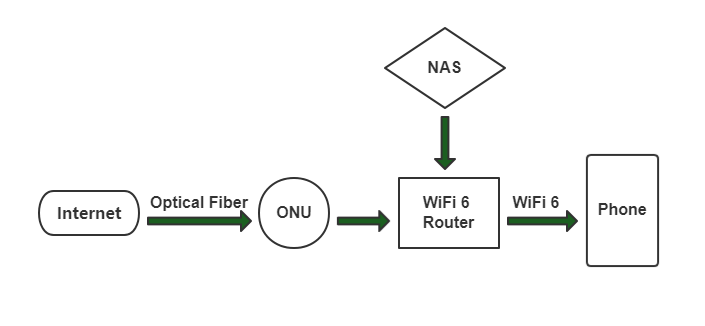
Ces chiffres correspondent à la vitesse entre le routeur et l'appareil (smartphone, PC). Si votre abonnement fibre plafonne à 1 Gbps, le WiFi 6 ne rendra pas votre Internet plus rapide. En revanche, il accélère tout transfert interne : streaming 4K depuis un NAS, sauvegarde cloud locale, impression réseau.
Le gain réel en conditions typiques (1 client, courte distance) est d'environ 40-50% vs WiFi 5. En environnement congestionné (10+ clients), le gain peut dépasser 300% grâce à l'OFDMA.
Fréquence : bi-bande 2,4 + 5 GHz
Le WiFi 5 fonctionne uniquement en 5 GHz (les routeurs "WiFi 5" grand public combinent un radio 5 GHz WiFi 5 et un radio 2,4 GHz WiFi 4). Le WiFi 6 gère nativement les deux bandes : 2,4 GHz et 5 GHz.
| Bande | Débit max | Portée | Pénétration murs | Idéal pour |
|---|---|---|---|---|
| 2,4 GHz | ~600 Mbps | Excellente | Bonne | IoT, pièces éloignées |
| 5 GHz | ~4,8 Gbps | Moyenne | Moyenne | Streaming, gaming |
| 6 GHz (WiFi 6E) | ~9,6 Gbps | Courte | Faible | Clients haut débit proches |
Le WiFi 6E, sortie fin 2021, ajoute la bande 6 GHz (1200 MHz supplémentaires, peu congestionnés). C'est le saut le plus significatif pour les immeubles saturés par les WiFi voisins.
OFDMA, MU-MIMO et latence
C'est la vraie révolution du WiFi 6. L'ancien OFDM (utilisé par WiFi 4/5) traite les clients un par un : quand votre smartphone télécharge, la tablette attend. L'OFDMA du WiFi 6 divise chaque canal en sous-porteuses parallèles, permettant de servir plusieurs clients simultanément.
Autres améliorations :
- MU-MIMO 8x8 : 8 flux spatiaux simultanés vs 4 en WiFi 5
- BSS Coloring : réduit les interférences entre réseaux WiFi voisins
- Latence moyenne 20 ms vs 30 ms en WiFi 5 (-33%)
- Canaux 160 MHz natifs : doublent la largeur de bande pour débit pic
Sur un réseau mesh domestique avec 20 appareils actifs, le WiFi 6 maintient un débit 3 à 5× supérieur au WiFi 5. La différence est flagrante en visio + streaming 4K simultanés.
Sécurité WPA3
Tout équipement certifié WiFi 6 doit supporter WPA3, nouveau protocole de chiffrement publié en 2018. Principales améliorations vs WPA2 :
- Protection contre attaques par force brute : SAE (Simultaneous Authentication of Equals) remplace la poignée de main PSK
- Forward Secrecy : une clé compromise ne permet pas de déchiffrer les anciennes sessions
- Protection WiFi public : chiffrement individuel même sans mot de passe (OWE)
- WPA3 Enterprise 192-bit : pour environnements gouvernementaux/finance
La plupart des routeurs WiFi 6 supportent également WPA2 en rétro-compatibilité, pour les anciens smartphones et objets connectés.
Consommation et autonomie (TWT)
Le WiFi 5 fonctionne en mode "écoute permanente" : les clients restent éveillés pour surveiller le routeur. Cela vide les batteries des smartphones et objets IoT.
Le WiFi 6 introduit le Target Wake Time (TWT) : le routeur programme précisément quand chaque client doit se réveiller pour communiquer. Entre ces créneaux, l'appareil dort totalement.
Gains mesurés :
- Smartphone : +30 à 50% d'autonomie WiFi
- Capteurs IoT sur pile : jusqu'à 10 ans d'autonomie possible (capteurs environnement, détecteurs de fuite)
- Caméra WiFi sur batterie : durée de charge doublée
Applications concrètes du WiFi 6
1. Vidéo 4K/8K et VR
La bande 5 GHz en canaux 160 MHz + OFDMA permet de diffuser plusieurs flux 4K simultanés sans compression. Idéal pour foyers avec plusieurs TV connectées ou casques VR/AR (Meta Quest, Vision Pro).
2. Gaming en ligne
La faible latence (-33%) et la stabilité en environnement congestionné font du WiFi 6 une alternative valable à l'Ethernet pour beaucoup de gamers. Le WiFi 7 va encore plus loin (latence sub-10 ms).
3. Maison intelligente
Une maison 2026 typique compte 30 à 50 objets connectés (thermostat, détecteurs, caméras, ampoules, serrures, aspirateur robot). Le WiFi 5 sature rapidement ; le WiFi 6 absorbe sans problème grâce à l'OFDMA et au TWT.
4. Télétravail multi-utilisateur
Deux adultes en visio simultanée + enfants streaming + NAS en sauvegarde : scénario insoluble en WiFi 5, fluide en WiFi 6. Couplé à la fibre GPON 1-10 Gbps et un bon routeur mesh, l'expérience devient comparable à du filaire.
5. Point d'accès extérieur
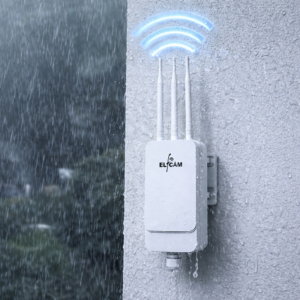
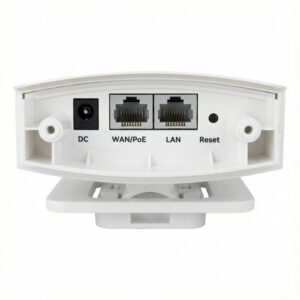
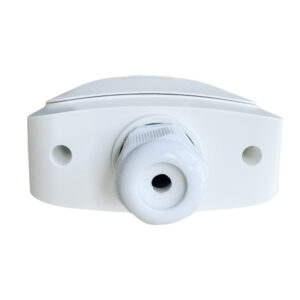
Les AP WiFi 6 extérieurs étanches (IP67) couvrent jardins, terrasses et allées. Alimentation PoE+ via le même câble Ethernet que les données : une seule ligne pour tout. Un switch PoE en amont suffit à alimenter plusieurs AP. Pour le cœur du réseau, les cartes WiFi 7 Intel BE200 permettent de tirer parti de la prochaine génération côté client.
Matériel WiFi 6 Elfcam
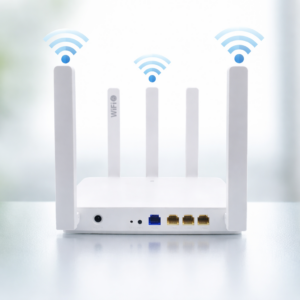
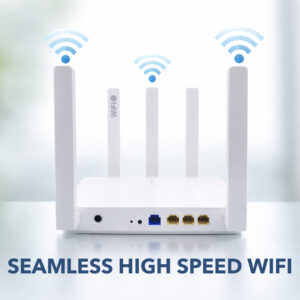
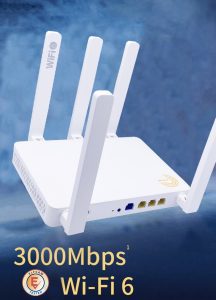
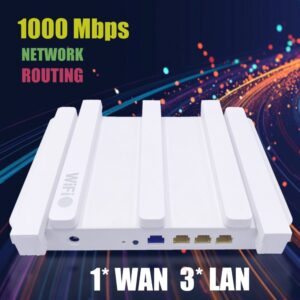
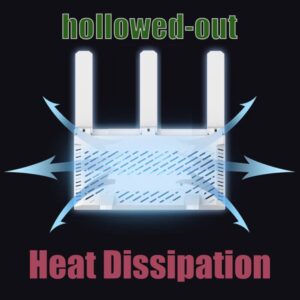
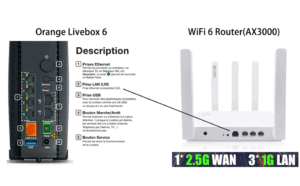
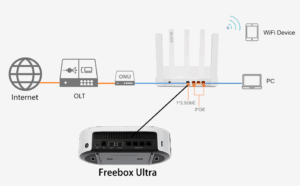
- Routeur WiFi 6 Mesh AX3000 avec port WAN 2,5 Gb, jusqu'à 3000 Mbps, idéal Freebox Ultra / Orange Livebox 6
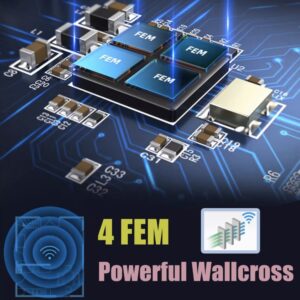
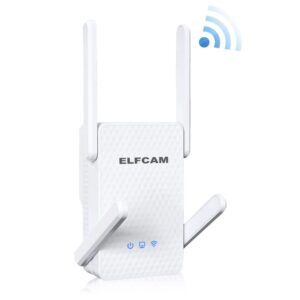
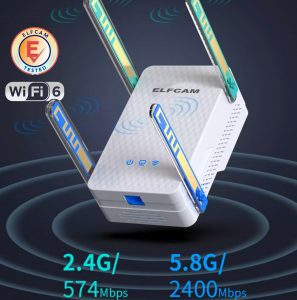
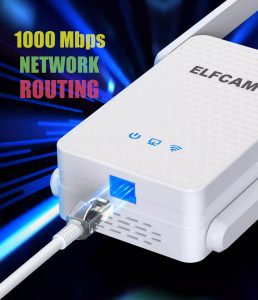
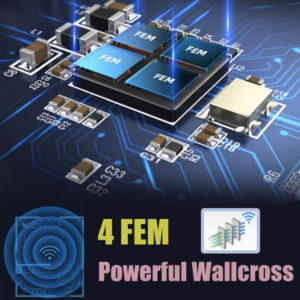
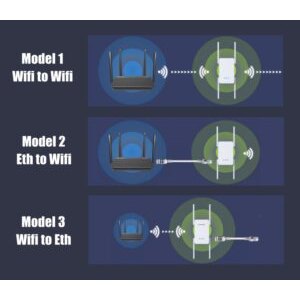
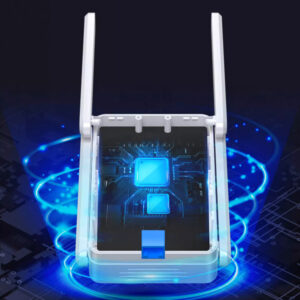
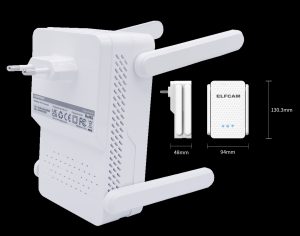
- Répéteur WiFi 6 AX3000 bi-bande pour étendre la couverture sans changer de box
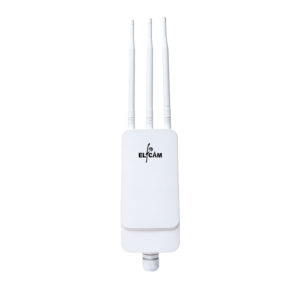
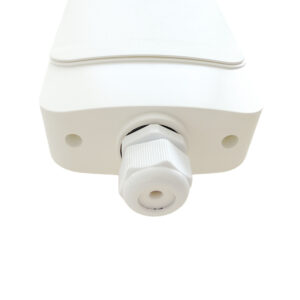
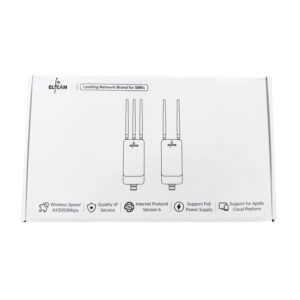
- Point d'accès WiFi 6 extérieur IP67 alimenté PoE+ pour jardin, allée, zone rurale
- Cartes WiFi 7 Intel BE200 PCIe pour upgrader un PC fixe ou un serveur
- Backbone fibre optique domestique pour tirer parti de la fibre multi-gig
FAQ — WiFi 6 vs WiFi 5
1Dois-je remplacer mon routeur WiFi 5 ?
2Mon smartphone WiFi 5 fonctionnera-t-il sur un routeur WiFi 6 ?
3WiFi 6 ou WiFi 6E : lequel choisir en 2026 ?
- Vous vivez en immeuble dense (beaucoup de WiFi voisins)
- Vos appareils récents (iPhone 15+, Samsung S22+, MacBook M2+) supportent 6 GHz
- Vous voulez du débit maximal < 5 m du routeur (VR, transferts NAS)
4Ma box Freebox/Livebox/SFR est-elle déjà WiFi 6 ?
- Freebox Pop, Delta, Ultra : WiFi 6 ou 7
- Orange Livebox 6, 7 : WiFi 6 ou 6E
- SFR Box 8, 8X : WiFi 6
- Bbox Ultym WiFi 7 : WiFi 7
5Le WiFi 6 va-t-il améliorer ma vitesse Internet ?
6Combien coûte un routeur WiFi 6 ?
- Entrée de gamme (AX1500-AX1800) : 50-80 €
- Milieu de gamme (AX3000-AX5400) : 100-200 €
- Mesh 3 nœuds WiFi 6 : 200-400 €
- Haut de gamme WiFi 6E/7 : 400-800 €
7Comment vérifier si mon appareil supporte WiFi 6 ?
- iPhone : WiFi 6 à partir du iPhone 11 (2019), WiFi 6E à partir du iPhone 15 Pro
- Samsung : WiFi 6 à partir du Galaxy S10 (2019), 6E à partir du S22
- MacBook/iMac : WiFi 6 à partir de 2020, 6E à partir de M2
- PC Windows :
Panneau de configuration › Connexions réseau › Propriétés— cherchez "802.11ax"
8Livraison et garantie sur les routeurs Elfcam ?
En résumé
Le WiFi 6 n'est pas simplement "un WiFi 5 plus rapide". C'est une refonte technique qui apporte +30-50% de débit pic, 3 à 5× plus de performance en multi-clients, WPA3, et +30-50% d'autonomie pour vos appareils mobiles. Le passage est justifié si votre logement compte 20+ objets connectés ou si vous avez un abonnement fibre multi-gigabit.
Pour une mise à niveau efficace sans changer de box opérateur, notre routeur WiFi 6 Mesh AX3000 (2,5 Gb WAN) est le choix recommandé. Complétez avec un répéteur AX3000 ou un AP extérieur IP67 selon vos besoins. Pour un réseau encore plus robuste, un backhaul Ethernet Cat 6 entre nœuds mesh fait la différence, et un switch PoE simplifie l'alimentation des AP additionnels. Pour un socle fibre domestique complet, voir nos solutions Home Fiber.

















