Layer 2 vs Layer 3 switch : differences and use cases 2026

Contents
In a professional network, you will often see the terms L2 switch and L3 switch mentioned. Behind this technical terminology lies a major architectural difference : where and how the switch makes its decisions about forwarding packets. Choosing the wrong type leads to degraded performance or unnecessary costs.
This guide clarifies the difference between a Layer 2 (L2) switch and a Layer 3 (L3) switch according to the OSI model, details 5 concrete operational differences, and indicates where to place each type in a professional architecture (access, distribution, core).
What is a Layer 2 switch ?
An L2 switch operates at the data link layer of the OSI model. Its characteristics :
- Processes Ethernet frames
- Identifies MAC addresses (48-bit hardware identifiers)
- Maintains a MAC table associating each address with a port
- Forwards frames to the corresponding port, or via flooding if the MAC is unknown
- Does not understand IP addresses
- Manages VLAN 802.1Q (in managed L2 models)
See our complete guide to switches for more details.
What is a Layer 3 switch ?
An L3 switch operates at the network layer of the OSI model. It combines :
- All the functions of an L2 switch (MAC, VLAN, fast switching)
- IP routing between subnets / VLANs
- Routing table + IP addresses associated with logical interfaces
- Support for routing protocols (RIP, OSPF, BGP depending on model)
- Hardware (ASIC) processing for wire-speed performance
An L3 switch is essentially a "switch + router" in a single box. It massively accelerates routing between VLANs by doing it in hardware instead of software.
Comparison of how they work
L2 switch : MAC-based forwarding
- The switch receives an Ethernet frame on a port
- It reads the source MAC address and records it in the MAC table along with the incoming port
- It reads the destination MAC address and looks it up in the MAC table
- If found → unicast send on the corresponding port
- If not found → flooding on all ports (except the incoming one)
L3 switch : IP-based forwarding (for inter-VLAN traffic)
- The switch receives an IP frame from a source VLAN
- It reads the destination IP address of the packet
- It consults its routing table to determine the outgoing interface
- It replaces the source/destination MAC addresses with those suited to the outgoing network
- The packet is switched in hardware at the same speed as an L2 switch
Key point : the L3 does not give up the L2 function. For intra-VLAN traffic, it acts as a classic L2 switch.
5 key differences
| Criterion | L2 switch | L3 switch |
|---|---|---|
| OSI layer | Data link | Network (+ Data link) |
| Decision basis | MAC address | IP address |
| Main function | Ethernet switching | Switching + routing |
| VLAN | Yes (with isolation) | Yes + inter-VLAN routing |
| Inter-subnet communication | Impossible without external router | Native |
| Protocols | Physical + Data link | Physical + Data link + Network |
| Routing performance | N/A | Wire-speed (hardware) |
| Routing protocols | None | RIP / OSPF / BGP (depending on model) |
| Price | $ - $$ | $$$ |
| Typical use | Access, distribution | Core, datacenter |
1. Operating layer
L2 = data link (OSI layer 2). L3 = network (OSI layer 3, but also includes 2). This simple difference impacts everything else.
2. Forwarding theory
L2 reads source MAC → destination MAC → MAC table → outgoing port. L3 adds : if destination MAC = "default gateway", read destination IP → routing table → routing to another VLAN/subnet.
3. Added functions
L3 adds : IP addresses per interface (SVI), static and dynamic routing, advanced IP-based ACLs, QoS by DSCP.
4. Architectural application
L2 : access layer (user ports) and distribution. L3 : core layer of the professional network. On small networks, an L3 can replace the core + distribution simultaneously.
5. Supported protocols
L2 : STP, RSTP, MSTP, 802.1Q, LACP. L3 adds : RIP v1/v2, OSPF, EIGRP (Cisco), BGP (high-end), VRRP/HSRP for redundancy.
Network architecture : where to place L2 and L3
In a classic 3-tier enterprise architecture :
| Network layer | Typical switch | Role |
|---|---|---|
| Core | High-capacity L3 (modular, SFP+/QSFP) | Inter-VLAN routing, WAN egress, redundancy |
| Distribution | Mid-range L3 (or L2+) | Floor aggregation, policies, QoS |
| Access | L2 / L2+ / PoE | User ports, VLAN access |
In an SMB (< 100 users), the architecture can be collapsed core/distribution : a single L3 switch serves as core+distribution, with L2 PoE switches at the access layer.
How to choose ?
Case 1 : Home or small office (< 20 devices)
A Gigabit unmanaged L2 PoE switch is enough. No complex VLAN, no inter-subnet routing. Price 50-150 €.
Case 2 : Advanced home with firewall (pfSense/OPNsense)
Managed L2 switch with VLAN to separate IoT/Clients/Guests, the firewall handles inter-VLAN routing. L3 not necessary.
Case 3 : SMB 50-200 users
L3 switch in the core (for hardware inter-VLAN routing) + managed L2 PoE switches at the access layer. Typical architecture. Our 10G SFP+ range provides suitable models.
Case 4 : Hotel POL or campus
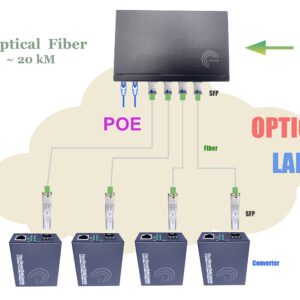
Redundant L3 core + GPON OLT → splitters → WiFi 6 HGU per room. L3 manages the subscriber / management / services VLANs.
Elfcam switch hardware
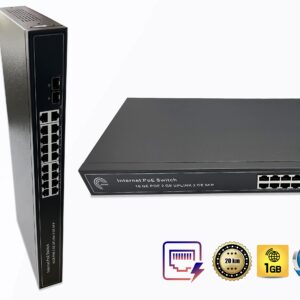
- Gigabit L2 PoE switches 4/8/16 ports — home and SMB access
- 10G SFP+ L2+/L3 switches — multi-gig backbone, SMB core
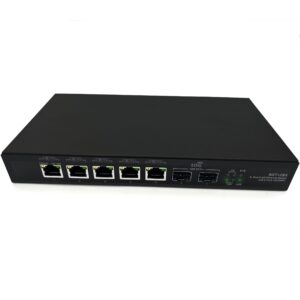
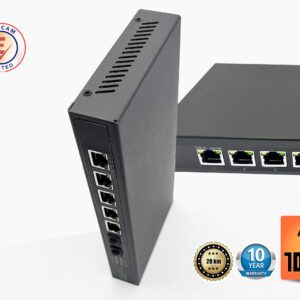
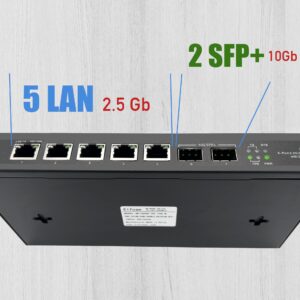
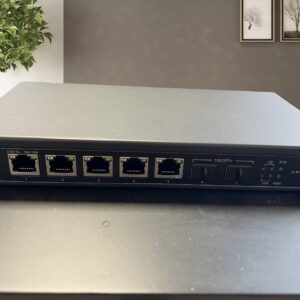
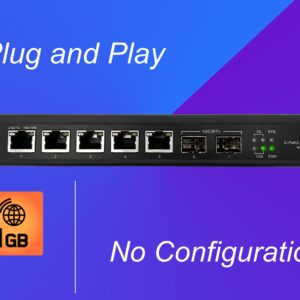
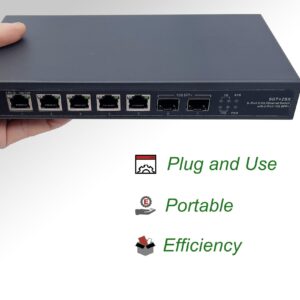
- Switch 2×10G SFP+ + 5×2.5G RJ45 — pro NAS + recent PCs
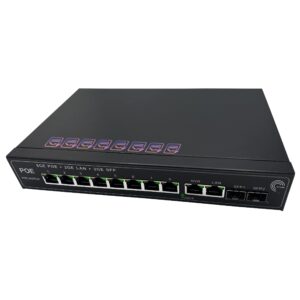
- PoE switch 4 ports + 2 SFP — small office
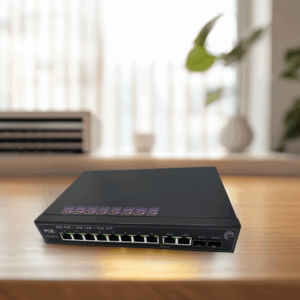
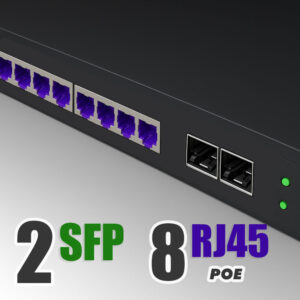
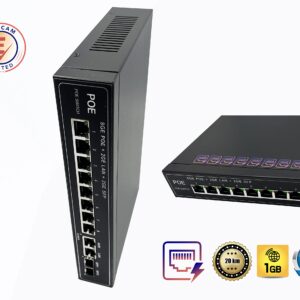
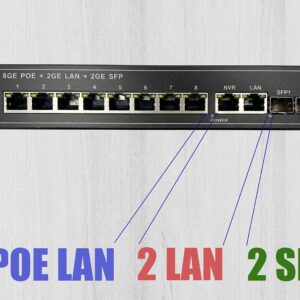
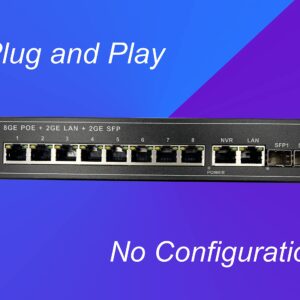
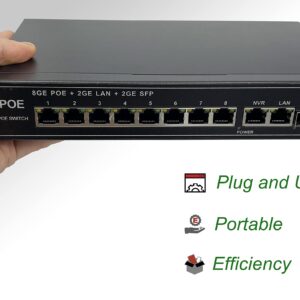
- PoE switch 8 ports + 2 SFP — standard home/SMB
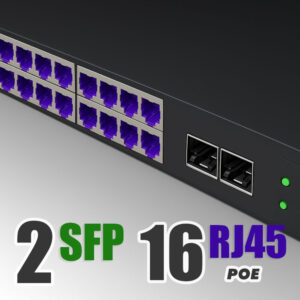
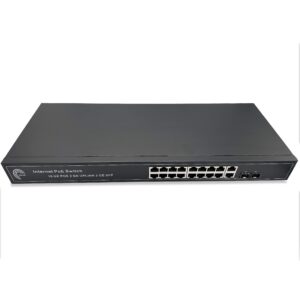
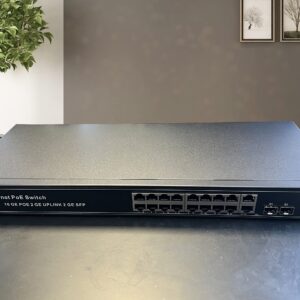
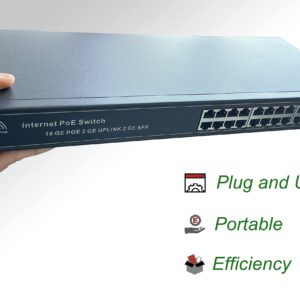
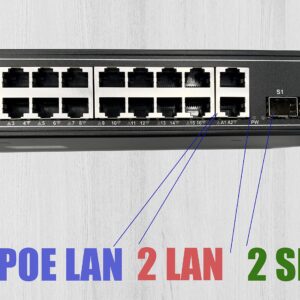
- PoE switch 16 ports + 2 SFP — hotel POL, residence
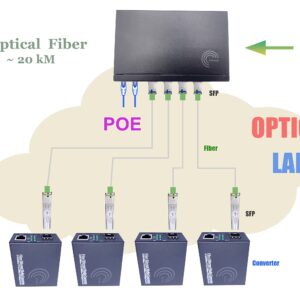
- SFP/SFP+ BiDi, LR, ER modules — fiber links

FAQ — L2 vs L3 switch
1When does an L3 switch become necessary ?
- 3+ VLANs with intensive inter-VLAN traffic
- Wire-speed performance needed between subnets
- Multi-site network with OSPF/BGP
- Formalized core/distribution/access architecture
2L3 vs dedicated router, what's the difference ?
- Dedicated router : software (CPU), more flexible (VPN, NAT, application firewall), but slower at high throughput
- L3 switch : hardware (ASIC), much faster (10-100 Gbps per port), but fewer "intelligent" features
3Can an L3 replace my Internet router ?
- Yes for internal LAN routing
- No for : NAT, application firewall, VPN, advanced DHCP, DNS, WAN connection (ADSL, fiber)
4Cost : how much for a decent L3 ?
- Light L3 8-16 Gigabit ports : 300-600 €
- Stackable L3 24-48 ports + 10G uplink : 800-2000 €
- Modular multi-slot L3 core : 3000-10000 €
- Datacenter L3 10G/40G/100G : 5000-50000 €
5Native VLAN on an L2 switch ?
6L3 switch at home, relevant ?
- Home with 5+ VLANs and 20+ critical devices
- Network lab / home-lab for learning
- Home connected to multiple networks (segmented pro + personal)
7Routing protocols on entry-level L3 ?
- Light L3 / Smart : static routing, RIP v1/v2
- Enterprise L3 : OSPF, VRRP/HSRP
- Core/datacenter L3 : OSPF, ISIS, BGP, VXLAN
8Elfcam delivery and support ?
In summary
The L2 switch works on MAC addresses : fast intra-VLAN switching, ideal for access/distribution layers. The L3 switch adds hardware IP routing between VLANs and subnets : ideal for the network core and SMB/campus.
For home or small office use, unmanaged L2 PoE switches are enough. For SMBs with 50+ users or POL, plan for an L3 10G SFP+ core + L2 PoE access. For datacenter or multi-site, L3 with OSPF/BGP becomes mandatory.