Single-mode vs multimode fiber: OS2, OM3, OM4 — complete selection guide
Contents
There are two families of fiber optic cable — single-mode and multimode — whose physical characteristics entirely dictate performance, achievable distances and installation costs. Choosing wrong between the two means either over-dimensioning (and paying needlessly) or under-dimensioning (and having to redo everything). This guide details the technical differences, the OS1/OS2/OM1 to OM5 standards, the cable and connector types, to give you the keys to an informed choice.
Single-mode vs multimode: the physical principle
In an optical fiber, light propagates inside a glass core surrounded by cladding whose refractive index is slightly different. This index differential creates a total internal reflection phenomenon that confines the light signal within the core.
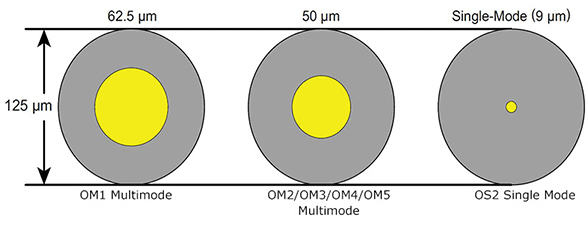
The fundamental difference between single-mode and multimode lies in the core size:
- Single-mode fiber — core of 9 µm. So thin that only a single propagation mode is possible: light travels in a straight line, without bounces. Result: no modal dispersion, distances up to 80 km, theoretically unlimited bandwidth.
- Multimode fiber — core of 50 µm (OM3/OM4/OM5) or 62.5 µm (OM1/OM2). The wide core allows light to take several simultaneous paths (modes). The different modes do not arrive at exactly the same moment — this is modal dispersion, which limits distances and bandwidth.

The trade-off of this narrow core in single-mode: it requires a very precise light source (DFB laser) that costs more than an LED or a VCSEL used in multimode. This is why active single-mode equipment is more expensive than its multimode equivalents — but the cables themselves are comparable in price.
Single-mode fiber: OS1 and OS2
The IEC 60793-2-50 standard defines two sub-categories of single-mode fiber for structured cabling:
OS1 (ITU-T G.652) — tight-buffered single-mode fiber, designed for indoor installations. Attenuation: 0.4 dB/km at 1310 nm. Typical distances: up to 10 km in Gigabit Ethernet (1000BASE-LX). OS1 cables cannot withstand the mechanical and environmental constraints of an outdoor installation.
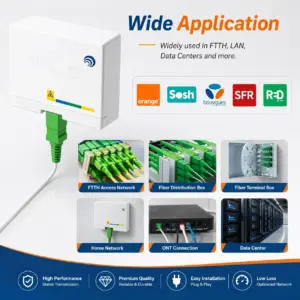
OS2 (ITU-T G.652D) — low-attenuation single-mode fiber (low-water-peak), for indoor and outdoor use. Attenuation: 0.2 dB/km at 1550 nm. It is the reference standard for FTTH deployments in France (Orange, SFR, Bouygues) and for long-distance links. Distances: up to 80 km on active 10GbE links.
In everyday language, "single-mode fiber" almost always refers to OS2 G.652D. The OS1/OS2 distinction is mainly relevant for installers who must verify the compliance of existing cables.
A third family, G.657, is an evolution of G.652 specially designed for in-home installations:
- G.657.A1 — minimum bend radius 10 mm. For sheaths and ducts in standard installation.
- G.657.A2 — minimum bend radius 7.5 mm. For tight passages and armored cables.
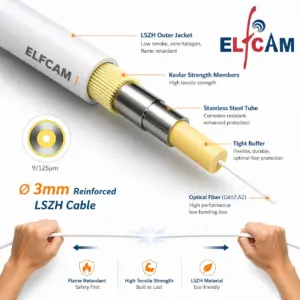
- G.657.B3 — minimum bend radius 5 mm. For transparent patch cords bonded along baseboards and moldings.
-
Promo !
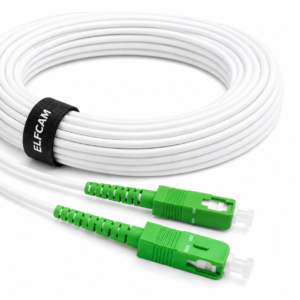
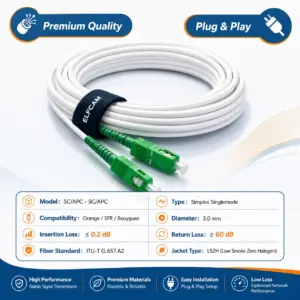
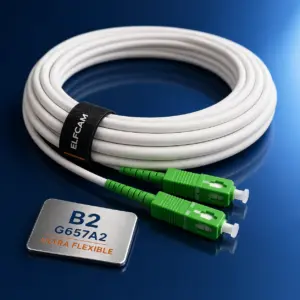

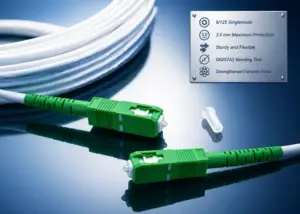
Câble/Rallonge Fibre Optique Orange SFR Bouygues — Jarretière Simplex Monomode SC/APC à SC/APC OS2 Renforcée Blanc (Ref:319)
152 comments 0.5M – 300M Le prix initial était : $7.99.$1.99Le prix actuel est : $1.99. + Ce produit a plusieurs variations. Les options peuvent être choisies sur la page du produit -
Promo !
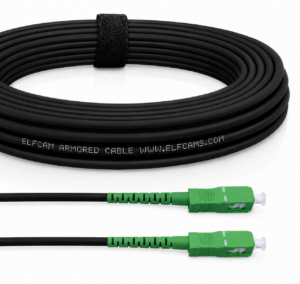
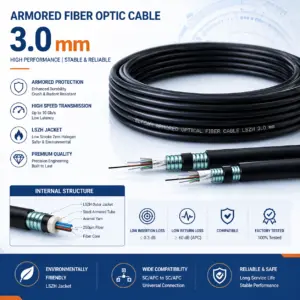
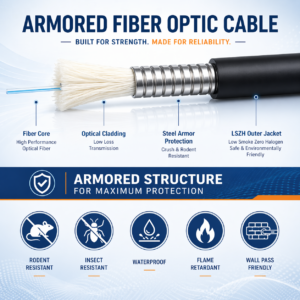
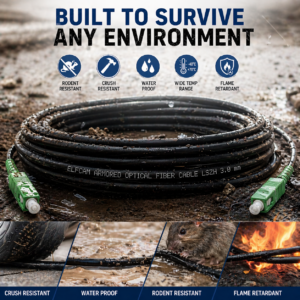
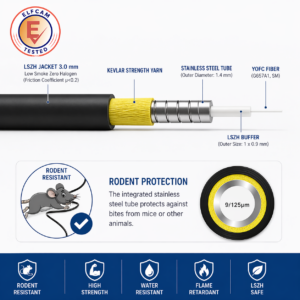
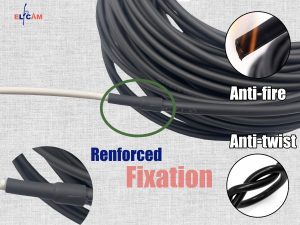
Câble fibre optique blindé acier SC/APC–SC/APC OS2 monomode simplex LSZH (Ref:1366)
74 comments 5M – 300M Le prix initial était : $9.99.$7.99Le prix actuel est : $7.99. + Ce produit a plusieurs variations. Les options peuvent être choisies sur la page du produit -
Promo !
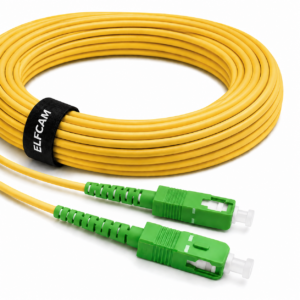
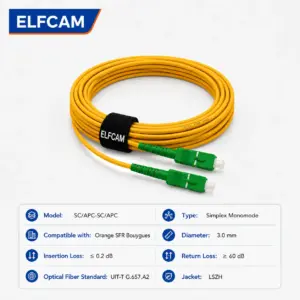
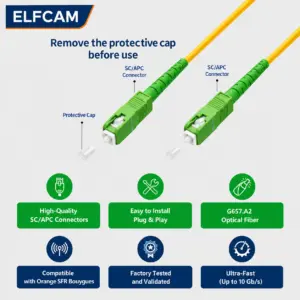
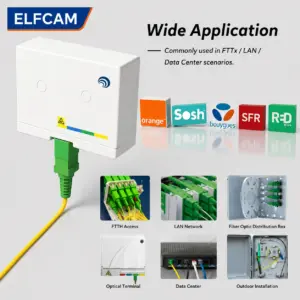
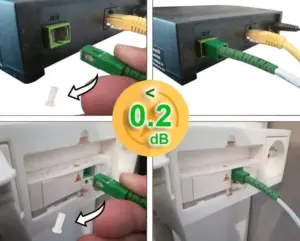
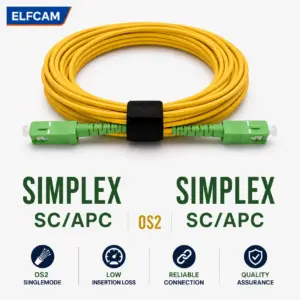
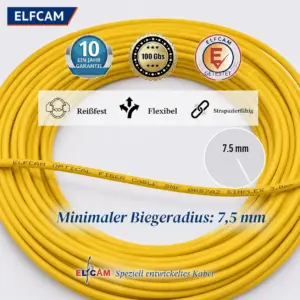
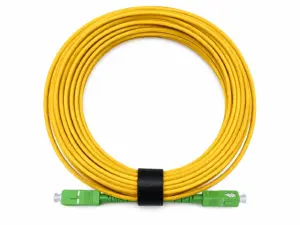
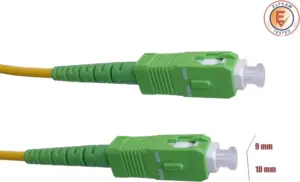
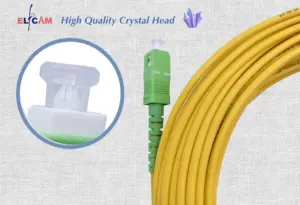
Câble à Fibre Optique SC/APC à SC/APC OS2 Simplex Jaune (Ref:11)
35 comments 5M – 300M Le prix initial était : $6.99.$4.99Le prix actuel est : $4.99. + Ce produit a plusieurs variations. Les options peuvent être choisies sur la page du produit -
Promo !
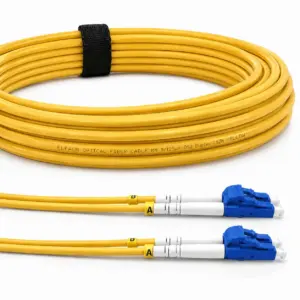
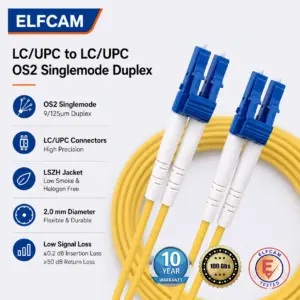
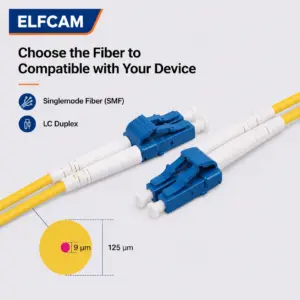
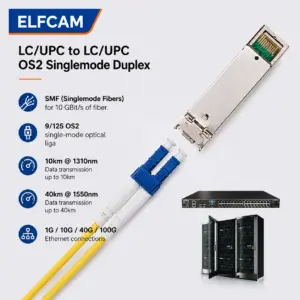
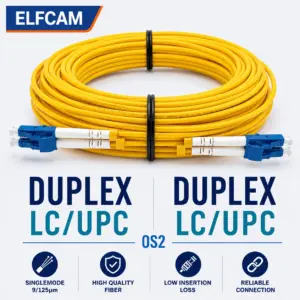
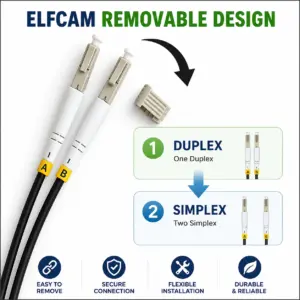
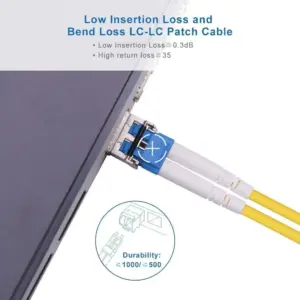
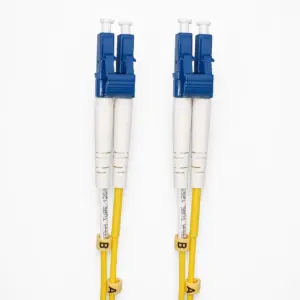
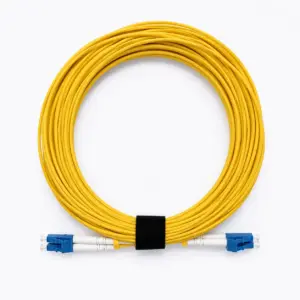
Câble à Fibre Optique LC/UPC á LC/UPC OS2 Duplex(Ref:425)
25 comments 0.5M – 50M Le prix initial était : $6.99.$6.99Le prix actuel est : $6.99. + Ce produit a plusieurs variations. Les options peuvent être choisies sur la page du produit
Multimode fiber: OM1 to OM5
Multimode fibers are classified by generation, from OM1 (the oldest) to OM5 (the most recent). Each generation improves the effective modal bandwidth (EMB) and the distances achievable at high bit rates.
OM1 — 62.5/125 µm core, orange color. Bandwidth 200 MHz·km at 850 nm. Obsolete for new deployments — supports Gigabit Ethernet only up to 275 m and 10G to just 33 m. Still present in old datacenter cabling.
OM2 — 50/125 µm core, orange color. Bandwidth 500 MHz·km at 850 nm. Gigabit Ethernet up to 550 m, 10G up to 82 m. It too is reaching end of life for new installations.
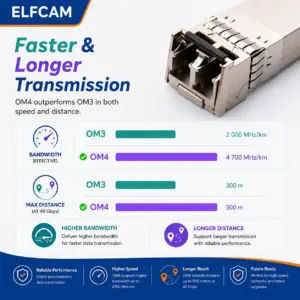
OM3 — 50/125 µm core, aqua color. Bandwidth 2,000 MHz·km at 850 nm (laser-optimized). Gigabit Ethernet up to 1,000 m, 10G up to 300 m, 40G/100G up to 100 m. The current reference for datacenters and server rooms on a controlled budget.
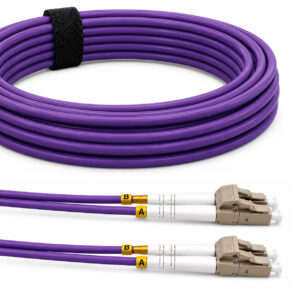
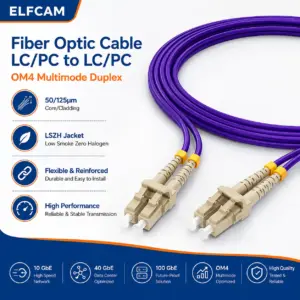
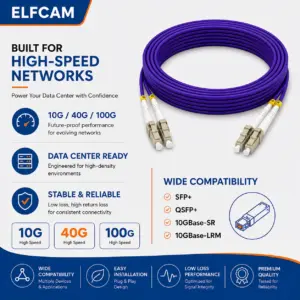
OM4 — 50/125 µm core, violet/erika color. Bandwidth 4,700 MHz·km at 850 nm. 10G up to 400 m, 40G/100G up to 150 m, 400G up to 50 m (with appropriate modules). Standard in high-density datacenters.
OM5 — 50/125 µm core, lime green color (lime). Supports short-wavelength WDM (SWDM) over 4 wavelengths (850, 880, 910, 940 nm). Achieves 40G and 100G over distances similar to OM4 with a single strand. Used in 400G infrastructure and beyond.
-
Promo !
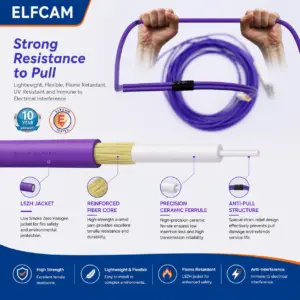
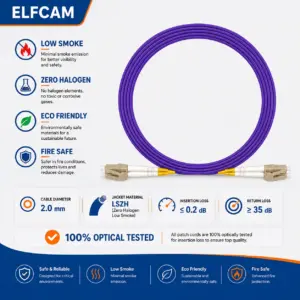
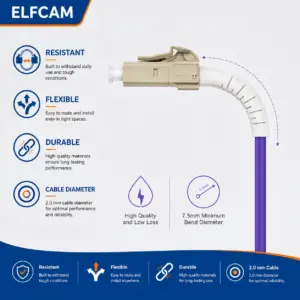
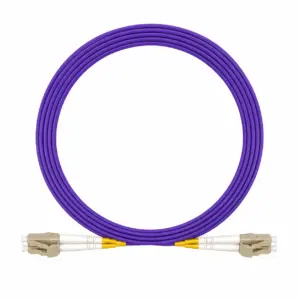
Câble à Fibre Optique LC/UPC à LC/UPC OM4 Duplex (Ref:1410)
44 comments 1M – 200M Le prix initial était : $9.99.$5.99Le prix actuel est : $5.99. + Ce produit a plusieurs variations. Les options peuvent être choisies sur la page du produit -
Promo !
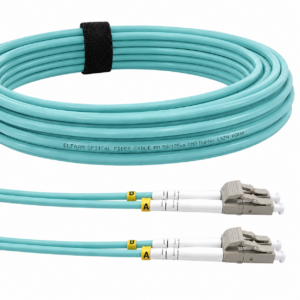
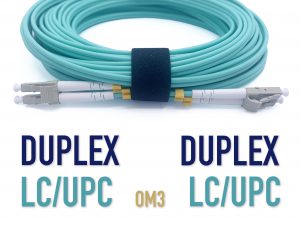
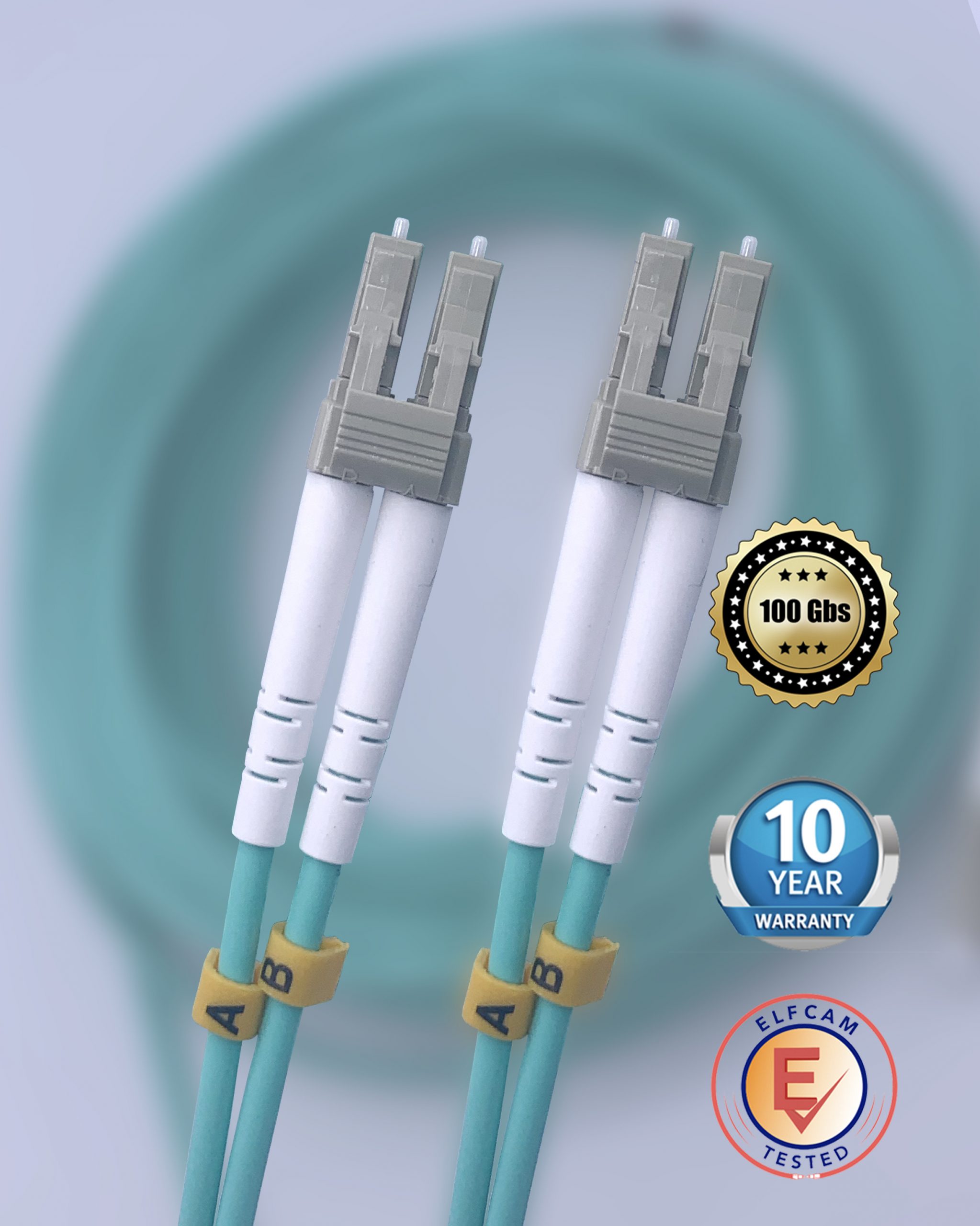
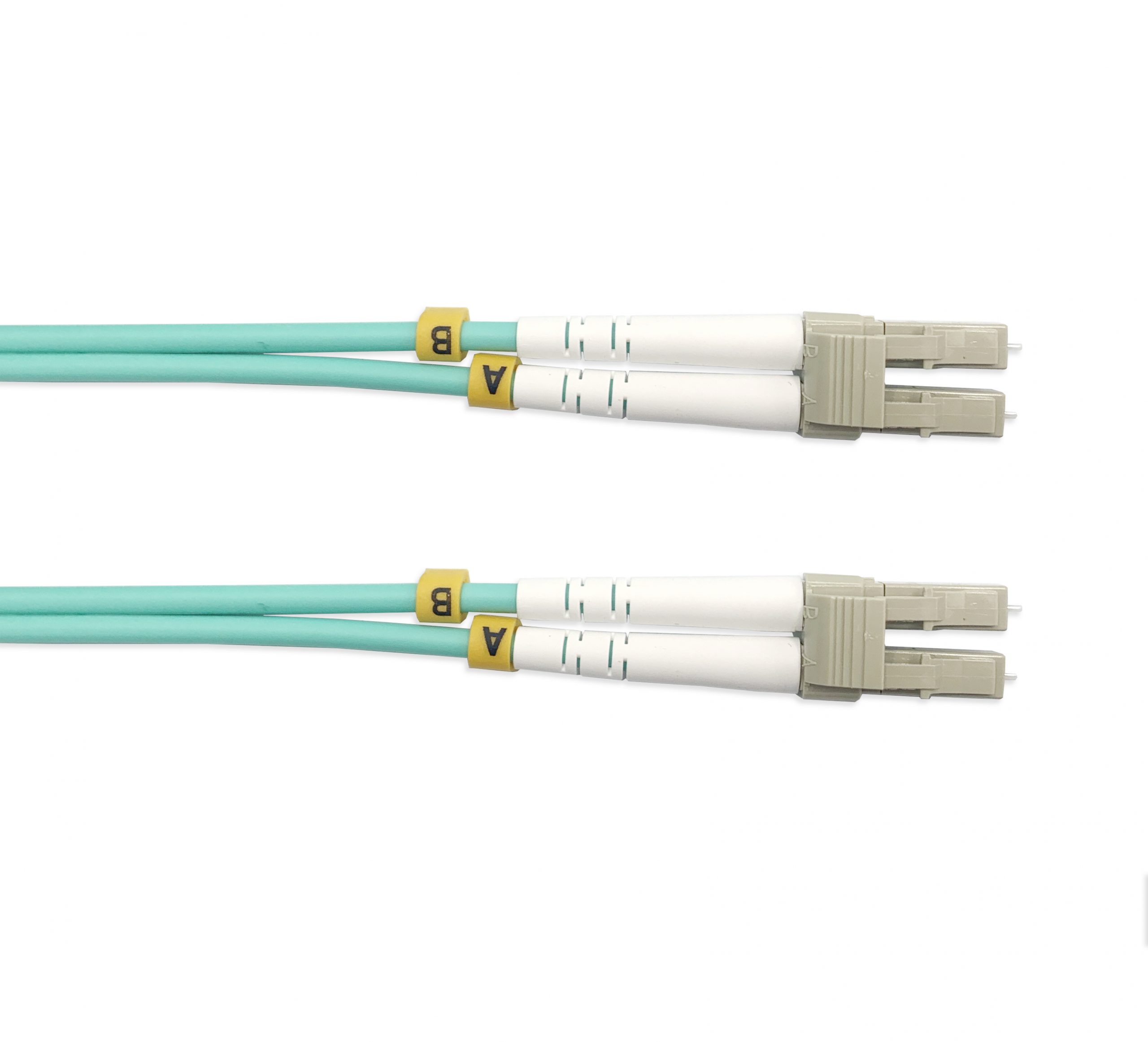
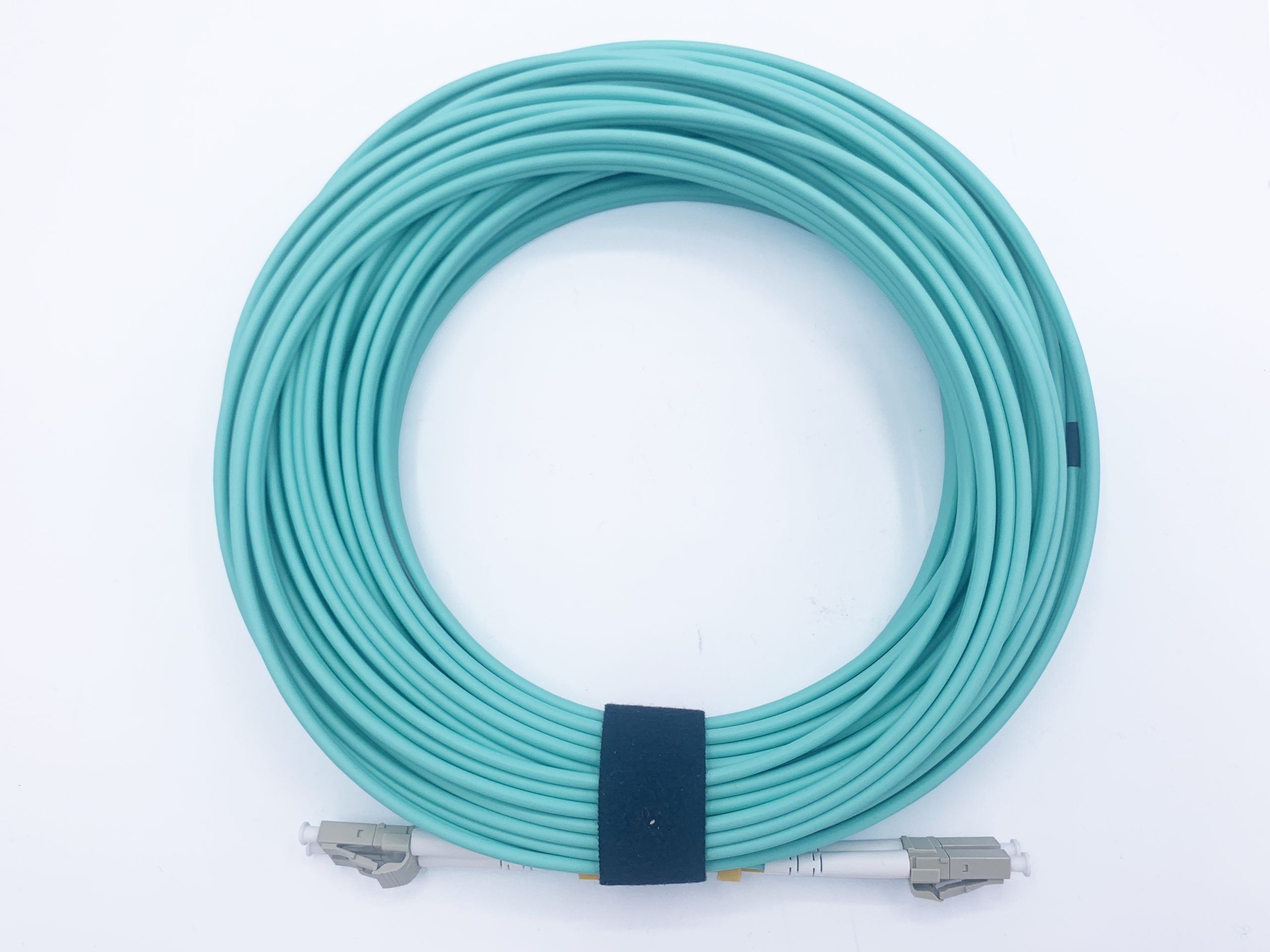
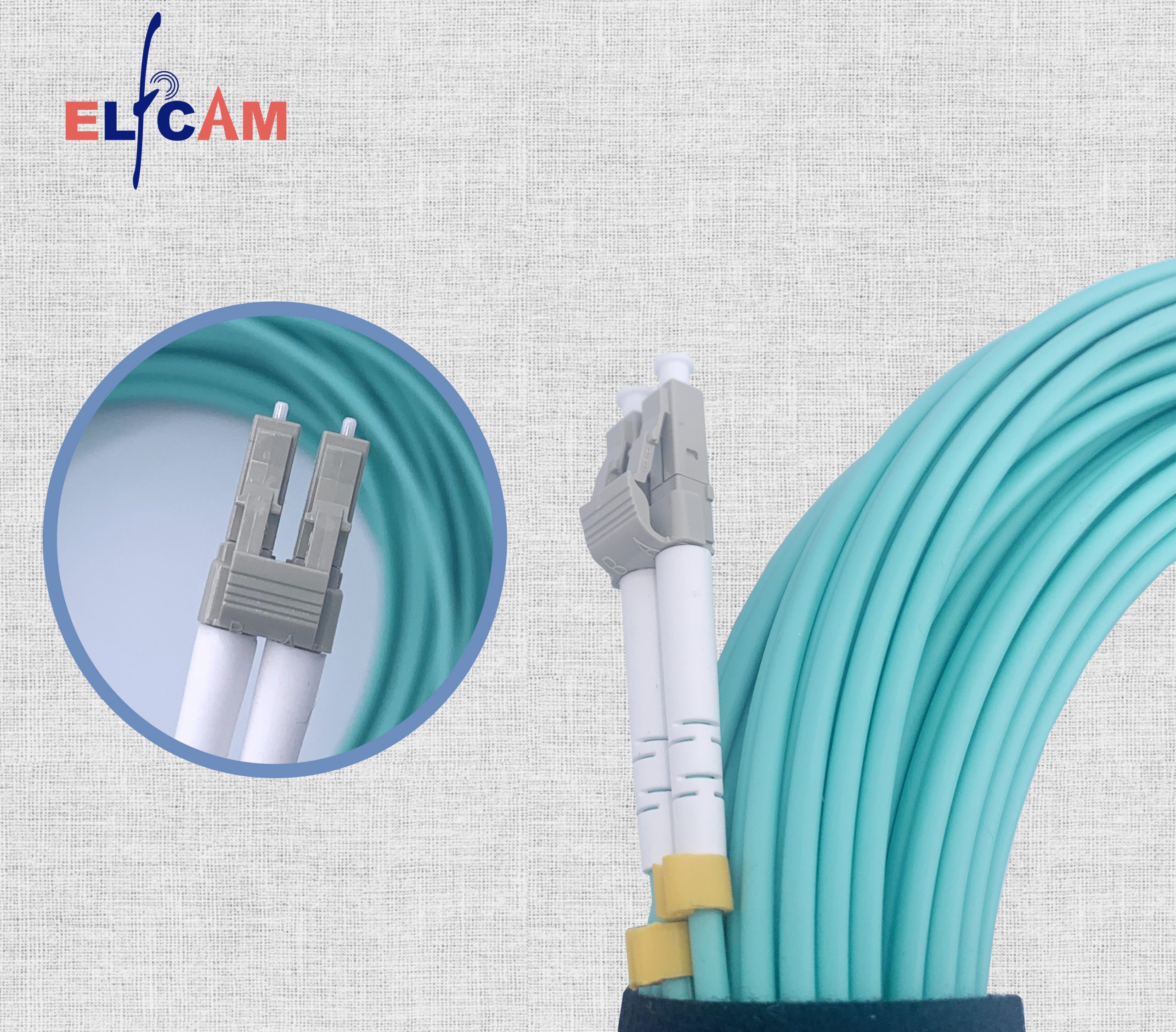
Câble à fibre optique LC/UPC á LC/UPC, OM3 Multimode Duplex Jarretière Fibre Optique 50/125um LSZH, Couleur Blanc/Bleu (Ref:400)
27 comments 1M – 100M Le prix initial était : $8.99.$7.99Le prix actuel est : $7.99. + Ce produit a plusieurs variations. Les options peuvent être choisies sur la page du produit -
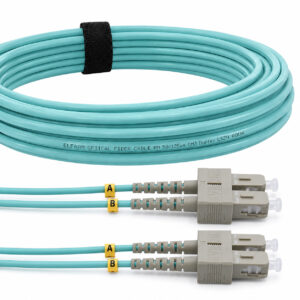
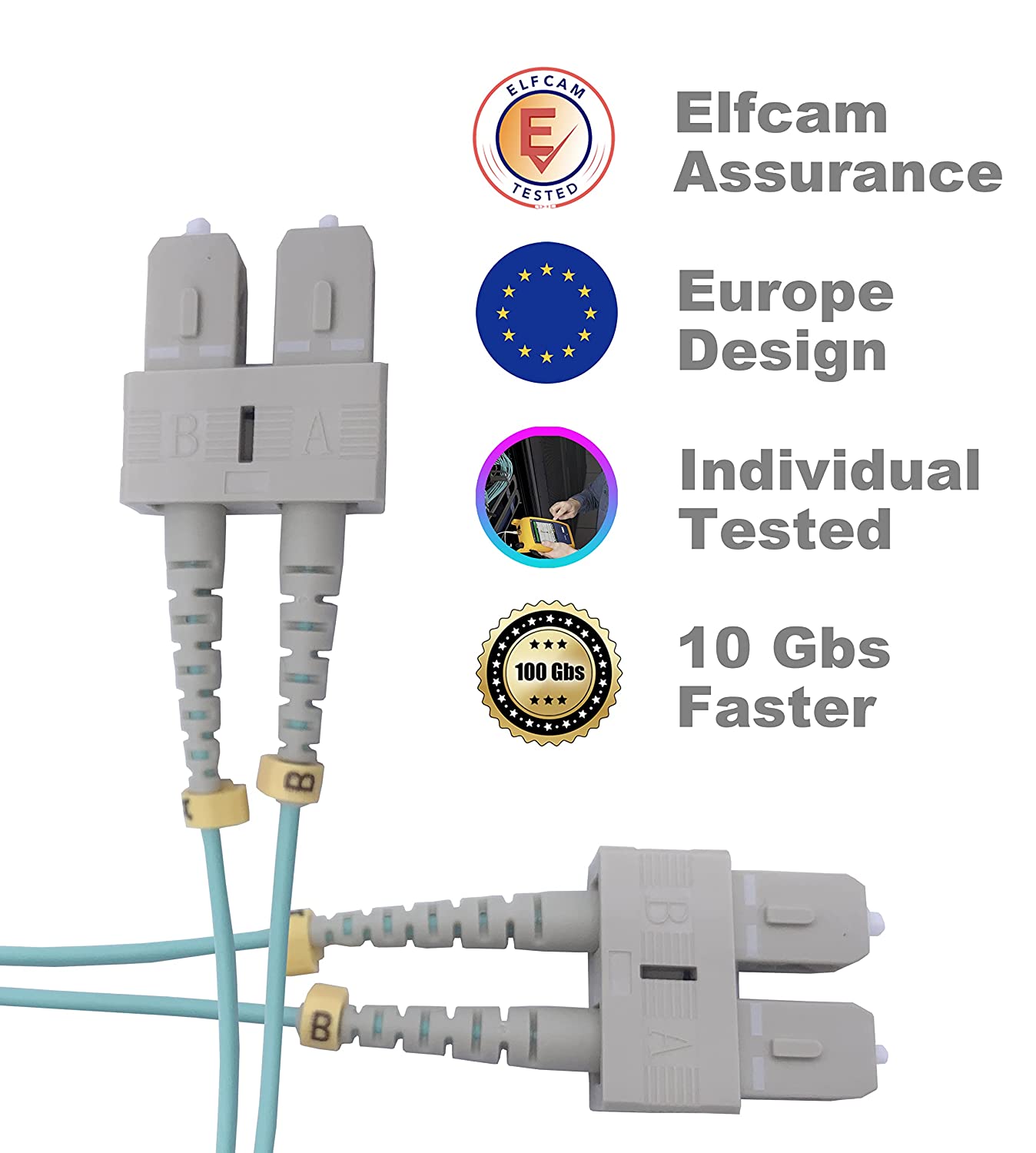
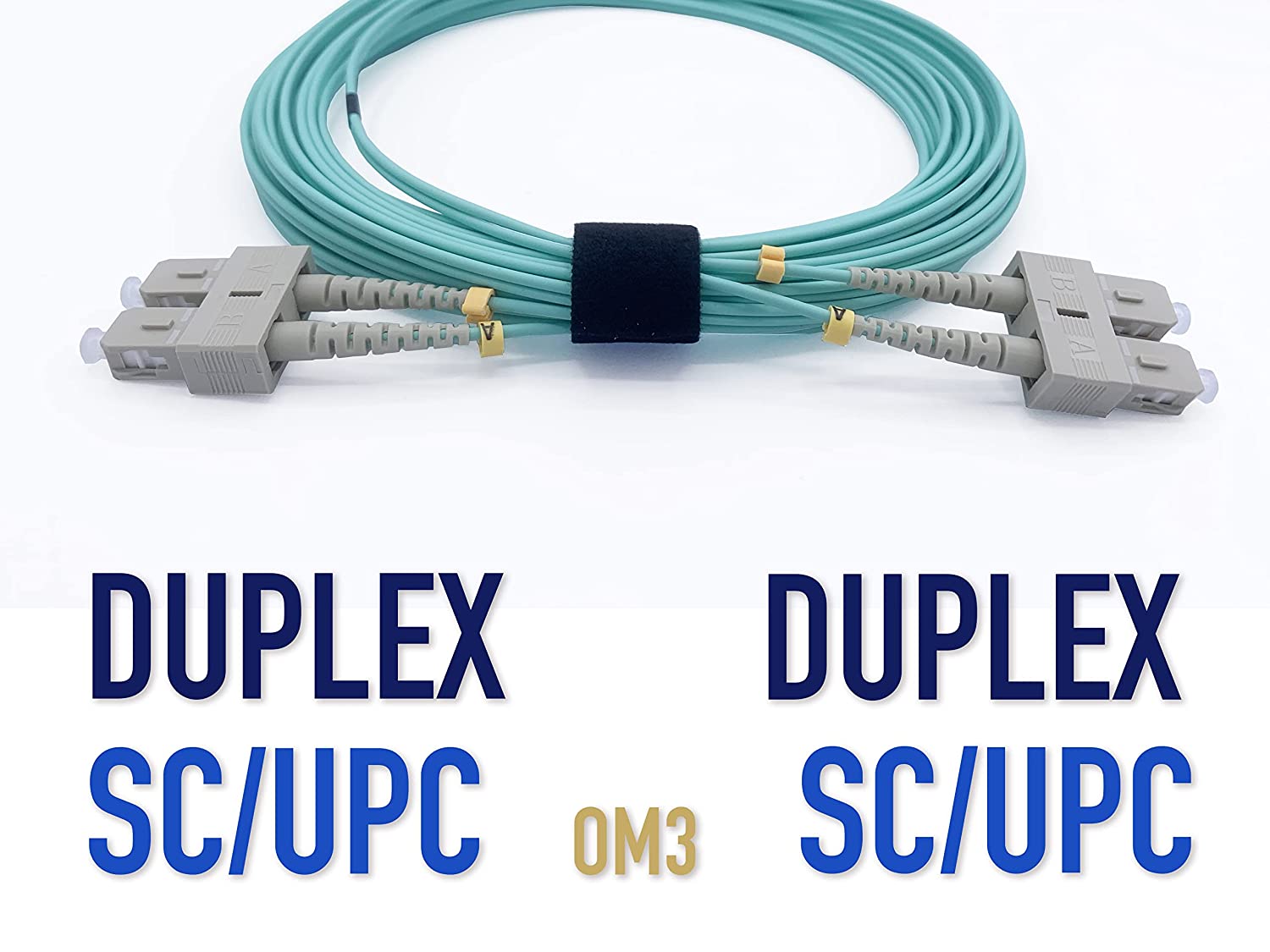
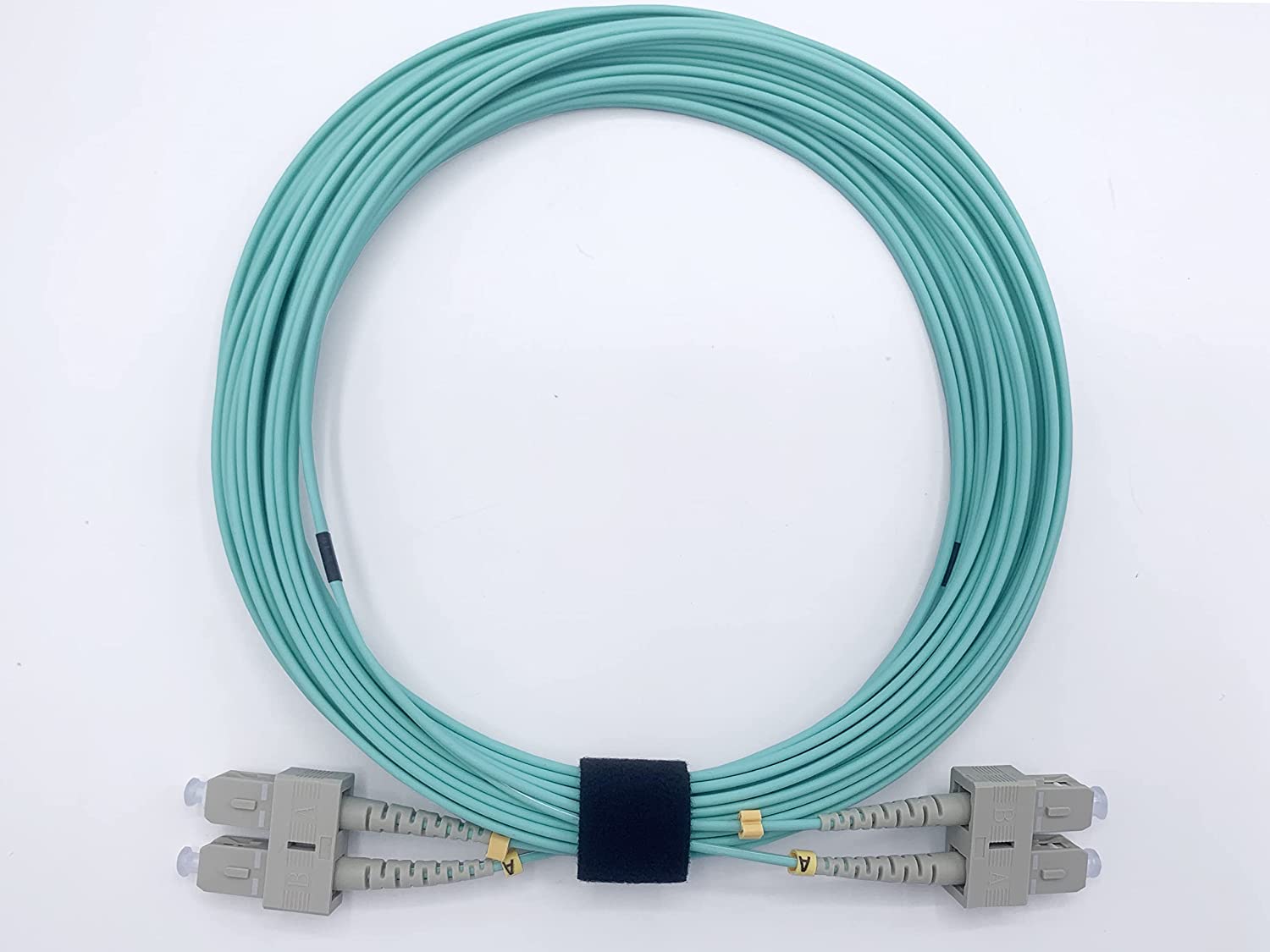
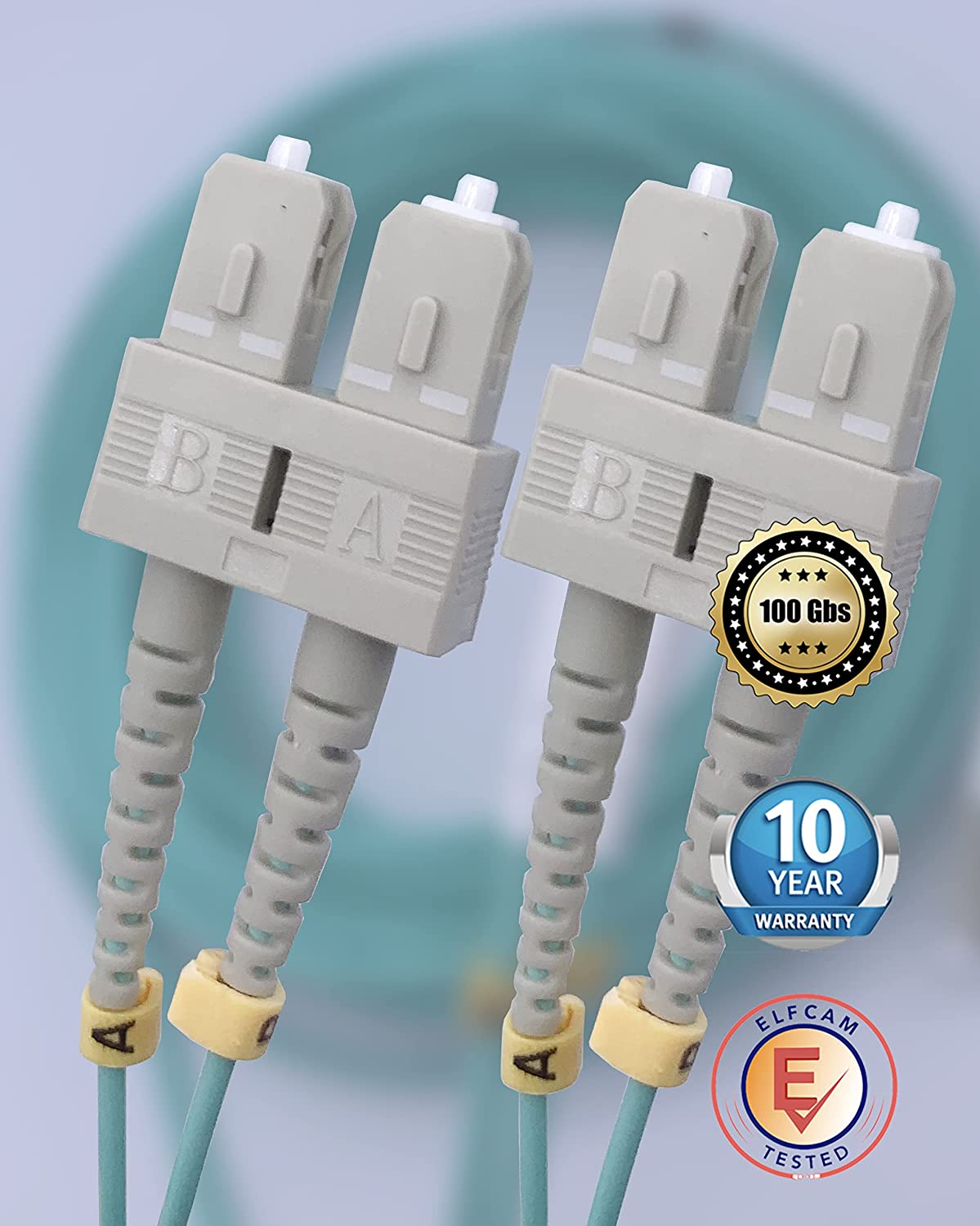
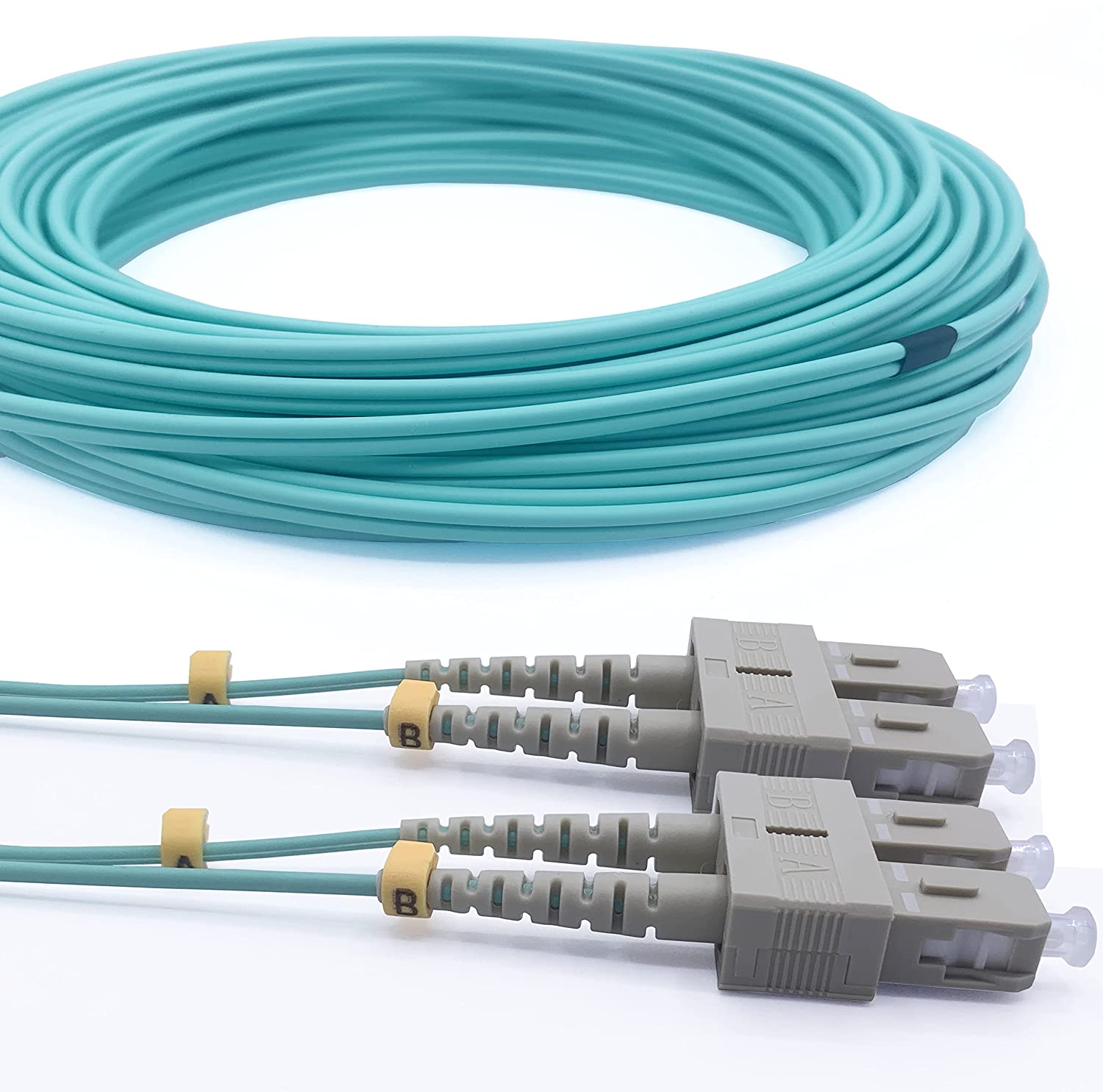
Câble à Fibre Optique SC/UPC – SC/UPC OM3 (Ref:5508)
7 comments 0.5M – 100M $9.99 + Ce produit a plusieurs variations. Les options peuvent être choisies sur la page du produit -
Promo !
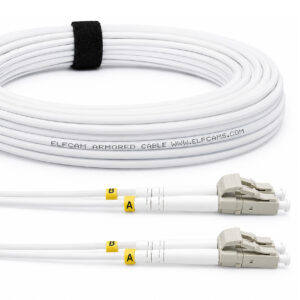
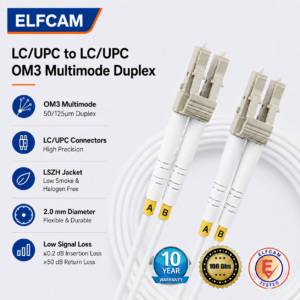
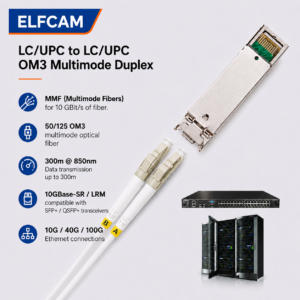
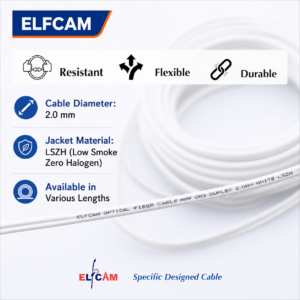
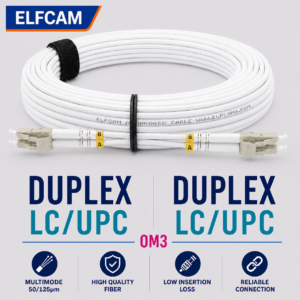
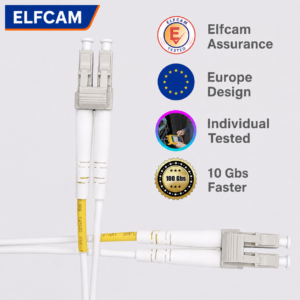
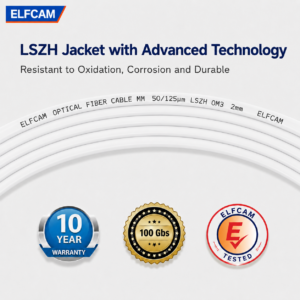
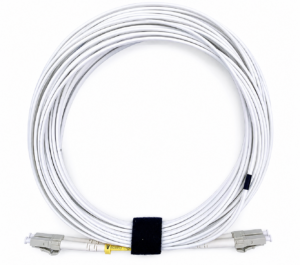
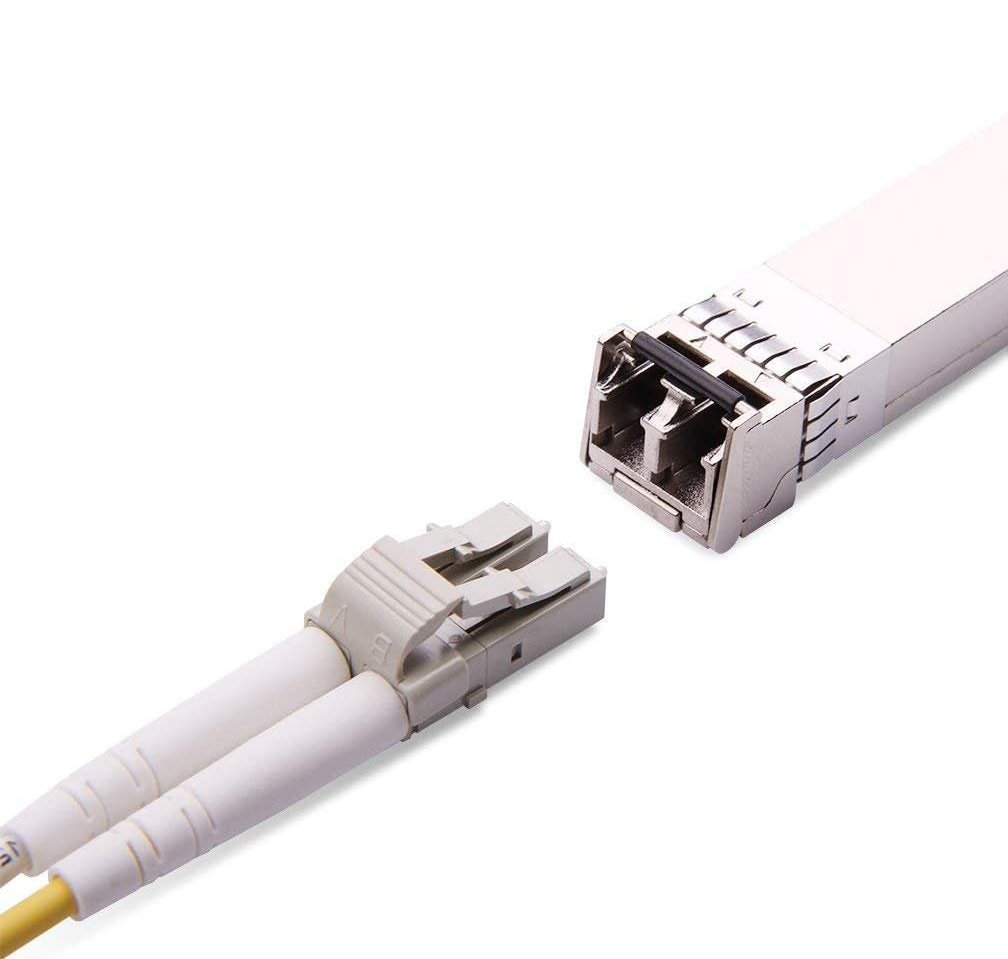
Elfcam® – Câble à Fibre Optique LC/UPC – LC/UPC OM3 Duplex Blanc (Ref: 9113)
3 comments 5M – 100M Le prix initial était : $19.99.$17.99Le prix actuel est : $17.99. + Ce produit a plusieurs variations. Les options peuvent être choisies sur la page du produit
Comparison table OS1/OS2/OM1 to OM5
| Type | Core | Color | Attenuation | 1GbE max. | 10GbE max. | 40/100G max. | Typical use |
|---|---|---|---|---|---|---|---|
| OS1 | 9/125 µm | Yellow | 0.4 dB/km | 10 km | 10 km | 40 km | Indoor building |
| OS2 | 9/125 µm | Yellow | 0.2 dB/km | 40 km | 40 km | 80 km | FTTH, long distance |
| OM1 | 62.5/125 µm | Orange | 3.5 dB/km | 275 m | 33 m | — | Legacy (obsolete) |
| OM2 | 50/125 µm | Orange | 3.5 dB/km | 550 m | 82 m | — | Legacy (obsolete) |
| OM3 | 50/125 µm | Aqua | 3.0 dB/km | 1,000 m | 300 m | 100 m | Datacenter, campus |
| OM4 | 50/125 µm | Violet | 3.0 dB/km | 1,000 m | 400 m | 150 m | High-density datacenter |
| OM5 | 50/125 µm | Lime green | 3.0 dB/km | 1,000 m | 400 m | 150 m (SWDM) | 400G, future infrastructure |
OS2 and OM3/OM4 are not interchangeable
The most common confusion in the field: plugging an OM3 cable (multimode) into a single-mode SFP port (1310 nm laser), or vice versa. The signal sometimes passes a few meters, but the connection is unstable or impossible over distance. Always check the cable color and the connector color (yellow = single-mode, aqua/violet = multimode) before any connection.
Construction types: simplex, duplex, armored, outdoor
Beyond the fiber type, the cable's mechanical construction determines its installation capabilities:
Simplex — a single fiber in the sheath. Used for unidirectional or BiDi links (bidirectional on a single strand thanks to two distinct wavelengths). Residential FTTH SC/APC → SC/APC patch cords are systematically simplex.
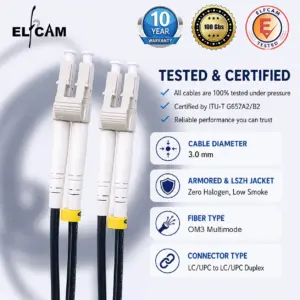
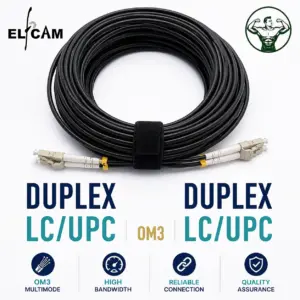
Duplex — two fibers side by side in the same sheath (or two joined sheaths). Used for classic bidirectional links (one fiber transmit, one fiber receive). It is the standard for LC/UPC → LC/UPC datacenter connections.
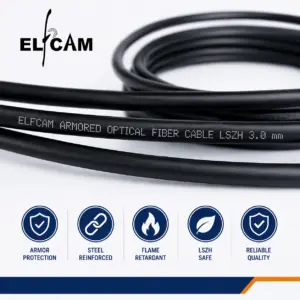
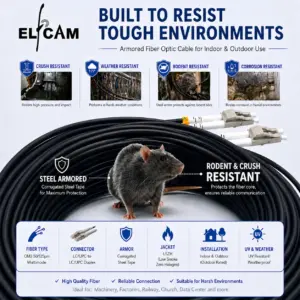
Steel-armored cable — outer sheath reinforced by a spiral steel wire. Resists rodents, crushing and mechanical stresses in industrial installations or technical ducts. Harder to bend, higher minimum bend radius.
Outdoor cable — PE (polyethylene) sheath resistant to UV, moisture and temperature variations (-40°C to +70°C). Can be directly buried ("direct burial" cable) or laid aerially over a short span. Indispensable for links between buildings.
-
Promo !
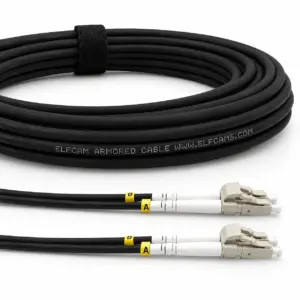
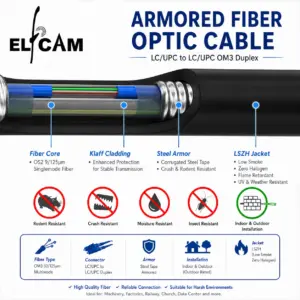
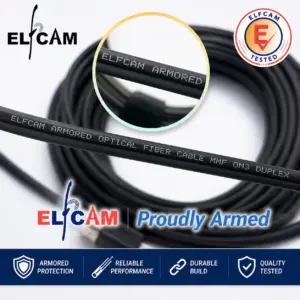
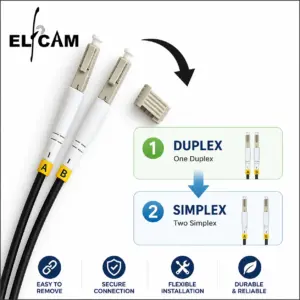
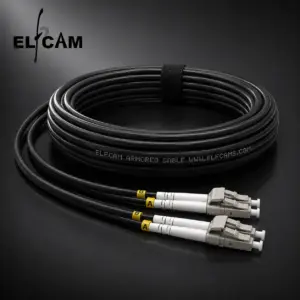
Câble à Fibre Optique en Acier Blindé pour Extérieur et Intérieur LC/UPC à LC/UPC Multimode Duplex OM3 Noir (Ref:4511)
57 comments 10M – 300M Le prix initial était : $24.99.$22.99Le prix actuel est : $22.99. + Ce produit a plusieurs variations. Les options peuvent être choisies sur la page du produit -
Promo !

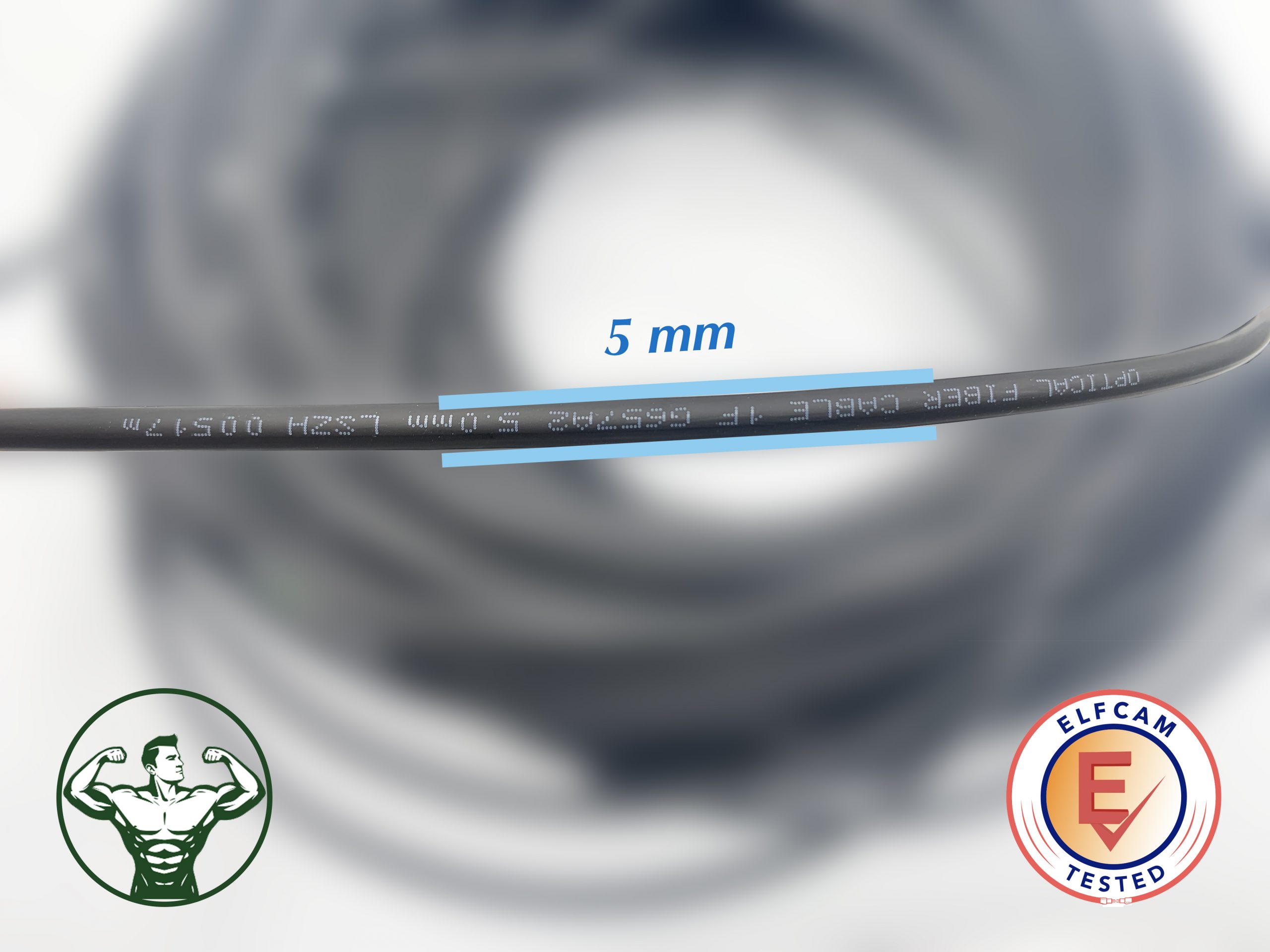
Câble à Fibre Optique Monomode SC/APC à SC/APC Renforcé pour Usage d’Extérieur et Intérieur(Ref:442)
31 comments 10M – 1000M Le prix initial était : $20.99.$18.99Le prix actuel est : $18.99. + Ce produit a plusieurs variations. Les options peuvent être choisies sur la page du produit -
Promo !

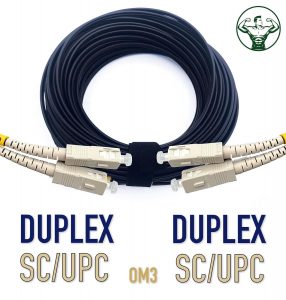
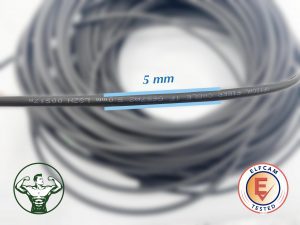
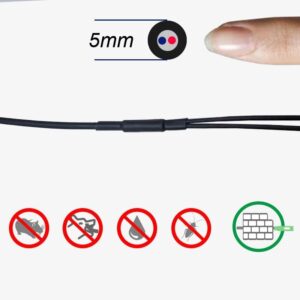
Elfcam® – Câble à Fibre Optique SC/UPC vers SC/UPC OM3 Duplex Multimode 50/125um G657A2 pour Extérieur et Intérieur(REF:11874)
8 comments 20M – 300M Le prix initial était : $29.99.$18.99Le prix actuel est : $18.99. + Ce produit a plusieurs variations. Les options peuvent être choisies sur la page du produit
Connector types: SC, LC, FC, ST, MPO
The connector is the mechanical interface that positions the fiber end relative to the active equipment port or the coupler. The connector type must exactly match the port — an adapter can be used, but it introduces additional loss.
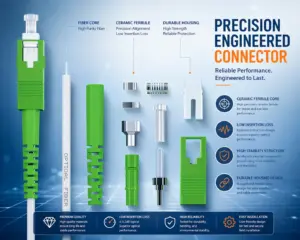
SC (Subscriber Connector) — square push-pull latch connector. 2.5 mm format. The most widespread in Europe for FTTH installations (green SC/APC) and network equipment (blue SC/UPC). Easy to handle, robust, but bulky.
LC (Lucent Connector) — compact 1.25 mm format, with a click latch. De facto standard for SFP, SFP+ and QSFP modules in datacenters. Allows twice the connection density of SC. Available in duplex (two joined clips) and simplex.
FC (Ferrule Connector) — screw connector, very mechanically stable. Used mainly in measurement equipment (OTDR, photometers) and vibratory or industrial applications.
ST (Straight Tip) — quarter-turn bayonet connector. Old standard for network cabling of the 1990s, still present in some legacy OM1/OM2 installations.
MPO / MTP — multi-fiber connector (8, 12 or 16 fibers in a single connector). Indispensable for 40G (QSFP+) and 100G (QSFP28) links in high-density datacenters. Available in Type A, B or C depending on polarity.
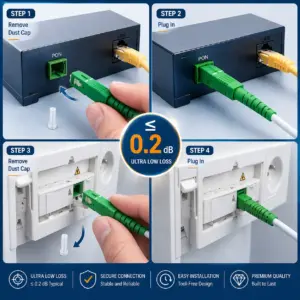
Mnemonic rule for single-mode connectors: SC/APC = green (8° angle, FTTH), SC/UPC = blue (flat polish, equipment), LC/APC = green small format, LC/UPC = blue small format (datacenter, SFP).
How to choose: single-mode or multimode?
The basic rule is simple: distance and budget decide.
- Beyond 500 m → single-mode OS2 mandatory. No multimode fiber can transmit 10G beyond 400 m.
- Between 100 m and 500 m at 10G → OM4 or OM3 depending on budget. OM4 offers a comfortable margin.
- Less than 100 m at 10G or less than 300 m at 1G → OM3 is sufficient and cheaper than OM4.
- Residential FTTH → OS2 G.657 systematically (imposed by French operators).
- Inter-building links → OS2 outdoor cable (distances, temperature, moisture).
- Datacenter with future 400G/800G rate → OM5 to prepare for the rate increase without redoing the cabling.
A second criterion: the type of active equipment. Entry-level Gigabit office switches often use multimode 850 nm SFP transceivers (SX), cheaper than single-mode 1310 nm SFP (LX). If the distance does not exceed 300 m and the active equipment budget takes priority, multimode OM3 can be a rational choice even when building new.
OM3/OM4 backward compatibility with existing OM1/OM2 cables
On an existing OM1 or OM2 infrastructure, OM3/OM4 equipment can work but with reduced distances (performance aligns with the most limiting fiber on the path). For a partial migration, check each segment with an OTDR before validating the link.

















