Switch managé vs non-managé : lequel choisir en 2026 ?
Sommaire
Devez-vous acheter un switch managé ou non-managé pour votre maison ou votre bureau ? Entre un switch 8 ports à 30 € et un modèle équivalent à 300 €, l'écart de prix impressionne. Et 90% des utilisateurs domestiques n'auront jamais besoin des fonctions justifiant cet écart.
Mais dans un environnement PME, industriel ou datacenter, le switch managé devient indispensable : VLAN pour isoler les flux, SNMP pour superviser, QoS pour prioriser la VoIP. Ce guide explique clairement les différences, les cas d'usage, et quand investir dans un switch managé est réellement justifié.
Le switch non-managé
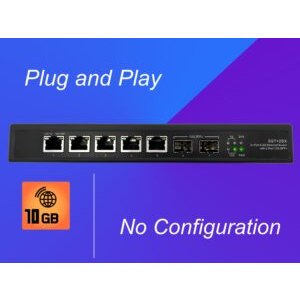
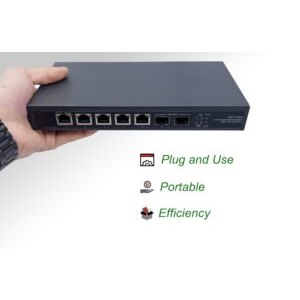
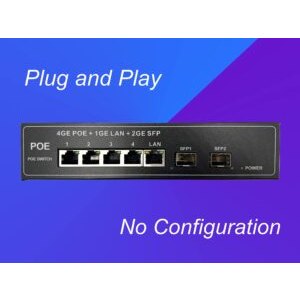
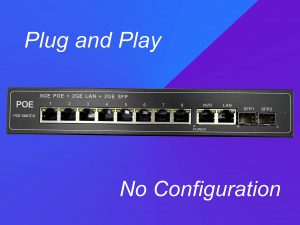
Un switch non-managé (unmanaged), aussi appelé non-administrable, est un équipement plug-and-play : vous branchez les câbles, il fonctionne. Caractéristiques :
- Opère sur la couche 2 OSI (liaison de données)
- Transfert basé sur l'adresse MAC des trames Ethernet
- Apprend automatiquement les MAC connectées sur chaque port
- Diffuse (broadcast) les trames dont l'adresse cible est inconnue
- Aucune configuration possible
- Tous les appareils sont dans le même sous-réseau
Avantages :
- Installation en 30 secondes
- Prix très abordable (25-100 €)
- Fiabilité exceptionnelle (peu de logiciel = peu de bugs)
- Faible consommation électrique
Limites :
- Pas de VLAN : tout le trafic est mélangé
- Pas de QoS : impossible de prioriser VoIP ou streaming
- Pas de supervision : aucun monitoring ni logs
- Pas de routage : incapable de router entre sous-réseaux
Le switch managé
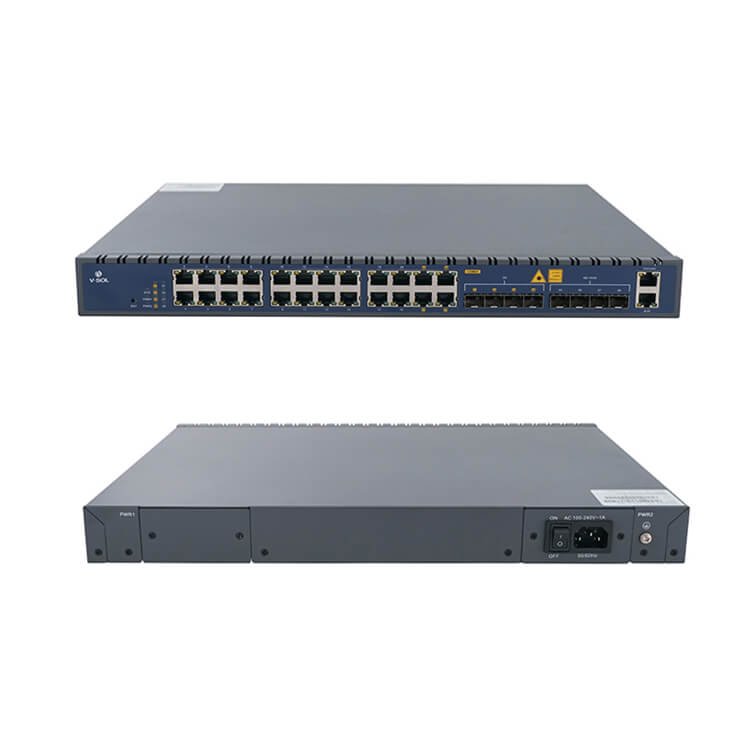
Un switch managé (managed), ou administrable, ajoute une couche logicielle importante :
- Opère souvent sur la couche 2+3 OSI (liaison + réseau)
- Interface web, CLI ou SNMP pour la configuration
- Support VLAN (802.1Q) natif
- Routage inter-VLAN possible (L3 switches)
- QoS basée sur DSCP, ports ou VLAN
- Port mirroring pour analyse de trafic
- Spanning Tree (STP/RSTP) pour redondance sans boucles
- Link Aggregation (LACP) pour cumuler plusieurs ports
Avantages : contrôle total, sécurité renforcée, supervision fine, fiabilité en environnement critique.
Limites : prix 3-10× supérieur, courbe d'apprentissage, plus gourmand en énergie, configuration initiale nécessaire.
Le VLAN, fonctionnalité clé
Le VLAN (Virtual Local Area Network) est la raison principale de passer à un switch managé. Il permet de diviser logiquement un réseau physique en plusieurs sous-réseaux isolés :
| VLAN | ID | Usage | Sécurité |
|---|---|---|---|
| VLAN 10 | Clients | Ordinateurs, smartphones | Accès Internet complet |
| VLAN 20 | VoIP | Téléphones VoIP | QoS prioritaire |
| VLAN 30 | Caméras IP | Caméras CCTV | Isolé du LAN, accès NVR uniquement |
| VLAN 40 | IoT | Thermostats, ampoules | Aucun accès LAN, seulement Internet |
| VLAN 50 | Invités | WiFi visiteurs | Isolé, bande passante limitée |
| VLAN 99 | Management | Admin switches, AP, NVR | Accès restreint admin |
Un switch managé avec VLAN transforme un réseau plat en une véritable architecture sécurisée. Un thermostat connecté ne peut pas espionner votre PC, une caméra piratée ne peut pas atteindre votre NAS.
Le tagging VLAN utilise la norme IEEE 802.1Q : chaque trame Ethernet est taggée avec un ID VLAN. Les ports trunk transportent plusieurs VLAN, les ports access en servent un seul.
Monitoring SNMP et supervision
Le SNMP (Simple Network Management Protocol) permet de superviser un switch managé depuis une console centralisée :
- Métriques : trafic par port, erreurs CRC, collisions, saturation CPU
- Alarmes : port down, link flapping, température
- Intégration avec Zabbix, Grafana, LibreNMS, PRTG, SolarWinds
- Logs exportés via syslog vers un SIEM
Pour une PME, la supervision SNMP permet de détecter un problème réseau avant qu'il ne devienne un incident : saturation d'un port, câble défectueux, boucle spanning tree. Indispensable dès 5-10 équipements réseau.
Comparatif complet
| Critère | Non-managé | Managé |
|---|---|---|
| Couche OSI | L2 | L2 ou L2+L3 |
| Configuration | Aucune | Web / CLI / SNMP |
| VLAN 802.1Q | Non | Oui |
| QoS (priorisation) | Non | Oui (DSCP, CoS) |
| SNMP monitoring | Non | Oui (v2c/v3) |
| Spanning Tree | Non | STP/RSTP/MSTP |
| Link Aggregation | Rare | LACP 802.3ad |
| Port mirroring | Non | Oui |
| Sécurité 802.1X | Non | Oui (RADIUS, MAB) |
| Prix 8 ports Gigabit | 30-60 € | 100-300 € |
| Usage cible | Maison, petit bureau | PME, industriel, datacenter |
Quel switch choisir ?
Cas 1 : Maison individuelle (< 20 appareils)
Non-managé Gigabit : largement suffisant. Pas de VLAN, pas de supervision nécessaire. Un switch PoE Gigabit 8 ports alimente caméras et AP WiFi 6.
Cas 2 : Domicile geek avec pare-feu (pfSense/OPNsense)
Managé : permet de créer des VLAN Clients / IoT / Caméras / Invités. Combiné à un pare-feu qui route entre VLAN, sécurité maximale. Budget 150-300 € pour 8-16 ports.
Cas 3 : PME 10-50 utilisateurs
Managé L2+ avec VLAN, QoS et SNMP. Combinez un switch 10G SFP+ core en backbone et des switches PoE Gigabit en accès. VLAN Voix + Data + Invités séparés.
Cas 4 : Industriel / bureau pro / datacenter
Managé L3 avec routage inter-VLAN, spanning tree avancé (MSTP), stacking, redondance d'alimentation. Ajouter des switches 10G ou 25G en cœur et des modules SFP+ longue distance pour liens inter-sites.
Switches recommandés selon usage
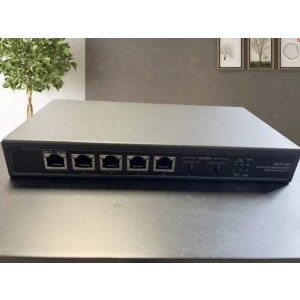
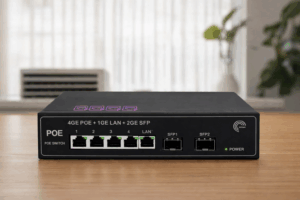
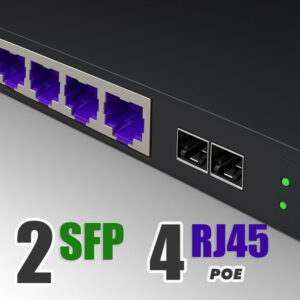
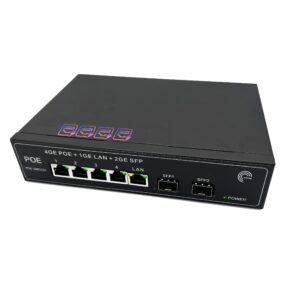
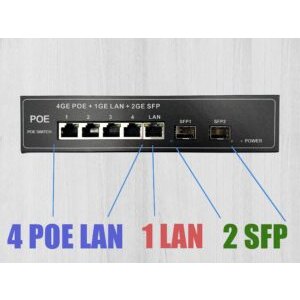
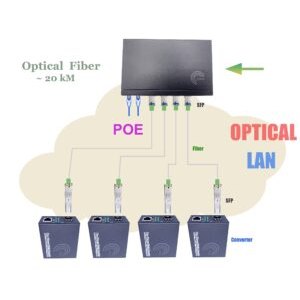
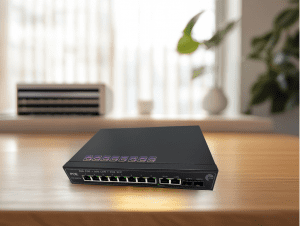
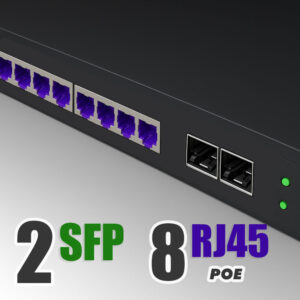
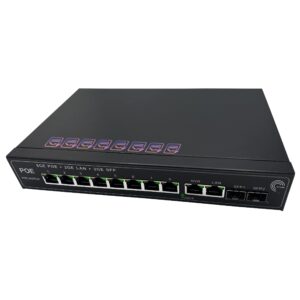
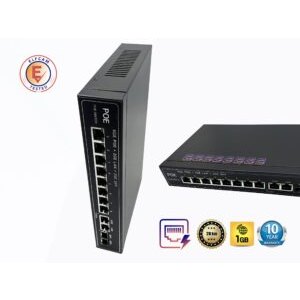
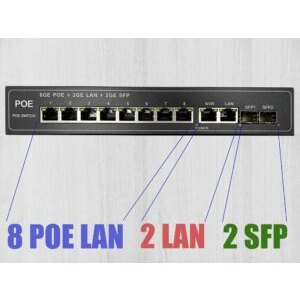
- Switches PoE Gigabit 4/8/16 ports — domestique + PME, alimentation caméras et AP
- Switches 10G SFP+ multi-ports — backbone multi-gig, NAS pro, vidéo 4K
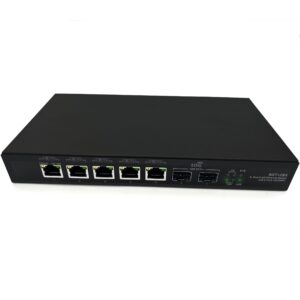
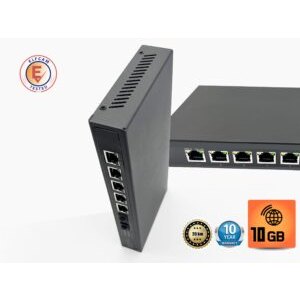
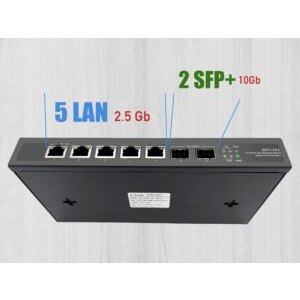
- Switch 2 × 10G SFP+ + 5 × 2,5G Ethernet — idéal NAS + PC récents
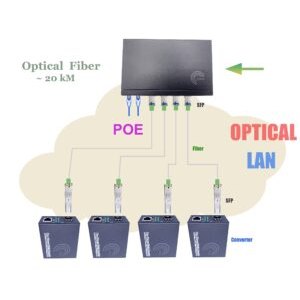
- Modules SFP/SFP+ BiDi, LR, ER — liaisons fibre longue distance
- Câbles Ethernet Cat 6/7/8 — interconnexion

FAQ — Switch managé vs non-managé
1Ai-je besoin d'un switch managé chez moi ?
- Isoler vos objets connectés (IoT) du reste du réseau
- Configurer un réseau invité sur un WiFi pro
- Prioriser vos appels VoIP ou votre gaming en ligne
- Surveiller le trafic (supervision SNMP, monitoring)
2Un switch "smart" ou "lite managed" est-il un vrai managé ?
3Puis-je mélanger switches managés et non-managés ?
4Combien de VLAN peut-on créer ?
5Switch L2 vs L3, quelle différence ?
- L2 : commute les trames Ethernet par MAC. Tous les ports sont dans le même réseau IP (ou plusieurs VLAN L2 isolés)
- L3 : route les paquets IP entre VLAN/sous-réseaux. Peut remplacer partiellement un routeur dans un LAN
6Un switch PoE est-il forcément managé ?
- PoE non-managé : moins cher, fournit simplement le PoE sur tous les ports. Idéal domestique
- PoE managé : permet de désactiver le PoE par port, de surveiller la consommation, de limiter la puissance. Idéal PME avec 10+ caméras
7Un switch managé peut-il remplacer mon routeur ?
8Livraison et support Elfcam ?
En résumé
Le choix switch managé vs non-managé dépend directement de vos besoins en segmentation (VLAN), priorisation (QoS) et supervision (SNMP) :
- Domestique standard : non-managé suffit. Switch PoE Gigabit pour caméras et AP
- Domestique avancé + pfSense : managé "smart" pour VLAN IoT/invités
- PME, industriel, datacenter : managé L2+/L3 obligatoire
Pour un réseau maison performant, combinez un routeur WiFi 6 Mesh à un switch PoE non-managé. Pour un usage pro, ajoutez un switch 10G et privilégiez un modèle managé pour le backbone.

















