FTTH, FTTB, FTTC fiber optics: understanding broadband access

Contents
- The copper → fiber transition in France
- FTTH, FTTB, FTTC, FTTX: decoding the acronyms
- Active access (AON) vs passive access (PON)
- From the NRO to the socket: the FTTH fiber path
- The equipment of a residential FTTH installation
- Installing your indoor patch cord: cables and PTO
- Essential tools to install and test fiber
- FAQ
In 2026, more than 22 million premises in France can be connected to FTTH fiber optics. The ADSL copper network is being progressively shut down — Orange has announced its complete switch-off by 2030. For fiber technicians, network installers and building managers, understanding the different fiber access architectures has become a core skill. This guide demystifies the FTTH, FTTB, FTTC and FTTX acronyms, explains how fiber reaches your home, and details the equipment and tools needed for a successful installation.
The copper → fiber transition in France
The switched telephone network (PSTN) and ADSL relied for 40 years on the same infrastructure: the copper pair connecting each home to the telephone exchange. This technology is reaching its physical limits — ADSL speeds depend directly on the distance to the exchange, with a 50% speed loss for every additional kilometer.
Fiber optics solves this structural problem. The light signal in an OS2 single-mode fiber does not degrade over 20 km — a subscriber 15 km from the exchange enjoys the same speed as a subscriber 500 m away. This fundamental property explains why fiber is the only medium suited to today's broadband uses (4K streaming, cloud gaming, multi-workstation remote work).
An OS2 single-mode fiber cable carries a signal over 20 km with a typical loss of 0.35 dB/km — i.e. 7 dB in total. A Cat 5e copper cable over the same distance: unusable signal.
FTTH, FTTB, FTTC, FTTX: decoding the acronyms
All these acronyms follow the same logic: FTT = Fiber To The, followed by the final destination of the fiber. The further the fiber goes into the access network, the higher the speed and the greater the deployment cost.
| Acronym | Meaning | Fiber to where? | Last segment | Typical speed |
|---|---|---|---|---|
| FTTH | Fiber to the Home | To the home | Optical patch cord | 1 Gbps symmetric |
| FTTB | Fiber to the Building | To the foot of the building | Internal copper or fiber cabling | 100 Mbps – 1 Gbps |
| FTTC | Fiber to the Cabinet | To the sub-distribution cabinet | Copper pair (VDSL2) | 30–100 Mbps |
| FTTLA | Fiber to the Last Amplifier | To the coaxial amplifier | Coaxial cable (DOCSIS) | 50–300 Mbps |
| FTTN | Fiber to the Node | To the neighborhood node | Copper pair (ADSL2+) | 15–50 Mbps |
| FTTX | Fiber to the X | Generic term | Variable | Variable |
In France, the national THD (Very High Speed) plan targets the exclusive deployment of FTTH in areas not yet fibered. FTTC (Numericable/SFR technology over coaxial cable) and VDSL2 are transitional solutions awaiting the ramp-up of FTTH.
How do you know if you are on FTTH or FTTB?
In pure FTTH, an optical patch cord (thin yellow or white cable with green SC/APC connectors) connects your wall-mounted PTO directly to your box. In FTTB, the building has active equipment at the foot of the riser that converts the fiber signal into an Ethernet or VDSL signal for each home — you don't see an optical patch cord in your home.
Active access (AON) vs passive access (PON)
Beyond the final destination of the fiber, FTTH networks differ by their transport architecture: active or passive.
An AON (Active Optical Network) uses powered active equipment (switches, routers) at each distribution node. Each subscriber has a dedicated point-to-point fiber to the exchange. It is technically the simplest solution but the most expensive in terms of infrastructure — it is mainly used for enterprise or datacenter links.
A PON (Passive Optical Network) uses only passive optical splitters between the OLT (exchange) and the ONUs (subscribers). A single fiber can serve up to 64 or 128 subscribers via signal splitters. It is the dominant architecture in residential FTTH deployments in France — GPON for current deployments, XGS-PON for the move to 10G.
Learn more about GPON ONU and OLT
To understand how the active equipment of a PON network works (OLT on the operator side, ONU/ONT on the subscriber side), see our detailed guide: GPON ONU, ONT and OLT — everything about the PON architecture.
From the NRO to the socket: the FTTH fiber path
A typical residential FTTH installation in France comprises several successive segments, each with its own equipment and responsibilities:
- NRO (Optical Connection Node) — the operator's technical room hosting the OLT. Serves several thousand subscribers within a radius of 5 to 20 km.
- Transport — high-density fiber cable (24 to 288 fibers), buried or aerial, between the NRO and the neighborhood sub-distribution cabinets.
- SRO (Optical Sub-Distribution Cabinet) — a street or building cabinet containing the first-level 1:4 or 1:8 splitters. Marks the boundary between the operator zone and the distribution network.
- PBO (Optical Branch Point) — a cabinet at the foot of the building or on the façade containing the second-level 1:8 or 1:16 splitters. The last shared point before the home.
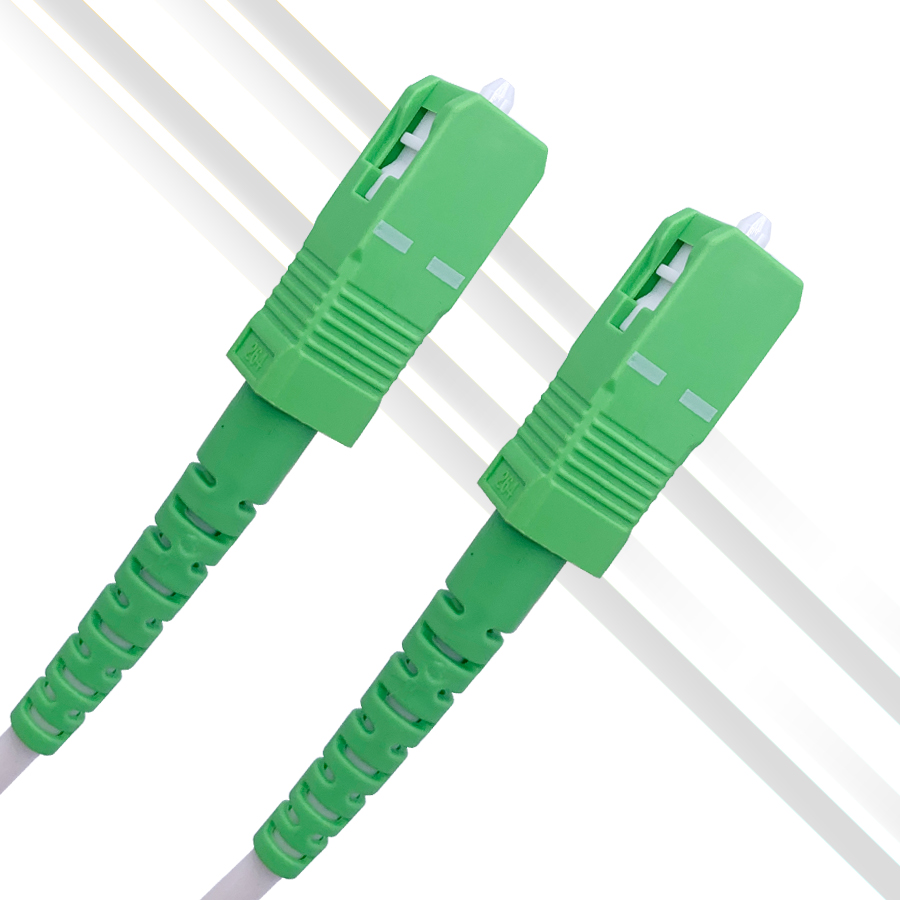
- DTIo (Optical Indoor Termination Device) — also called the PTO (Optical Terminal Socket). It is the wall socket in the home, with an SC/APC port. Demarcation point between the operator network and the private installation.
- Optical patch cord — a thin SC/APC → SC/APC cable (or SC/APC → SC/UPC for Freebox) connecting the PTO to the subscriber's ONT/box.
- ONT / box — subscriber equipment that converts the optical signal into a local Ethernet network.
The equipment of a residential FTTH installation
In an FTTH home, three pieces of equipment are essential:
1. The PTO (Optical Terminal Socket) — installed by the operator's technician during the initial connection. It presents an SC/APC port (green connector, 8° angle) on the user side. Some installations have a 2- or 4-port PTO to serve several rooms.
2. The optical patch cord — a flexible cable of 1 to 15 m connecting the PTO to the box. The vast majority of French installations use an SC/APC → SC/APC patch cord (Orange, SFR, Bouygues). The Freebox Ultra requires an SC/APC → SC/UPC patch cord (blue connector on the box side). To run through moldings, transparent 0.9 mm G.657B3 patch cords allow invisible installation along skirting boards.
3. The ONT or box — supplied by the operator or selected by the subscriber (third-party ONT). It receives the optical signal from the fiber and distributes the local network over Ethernet and WiFi. Modern boxes integrate the ONT directly.
-
Sale!
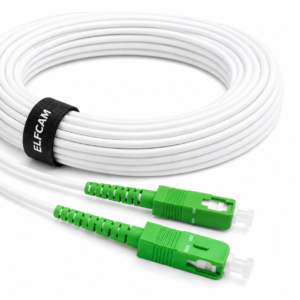
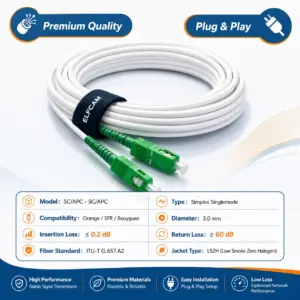
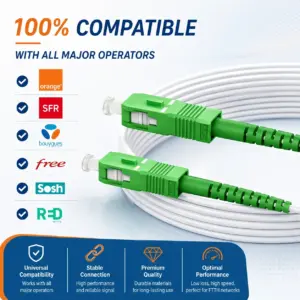
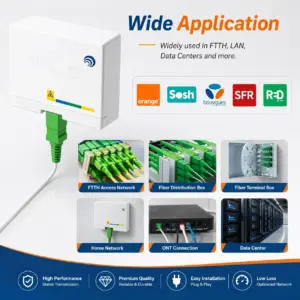
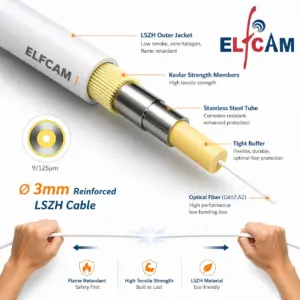
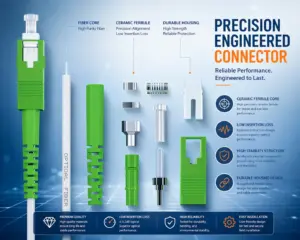
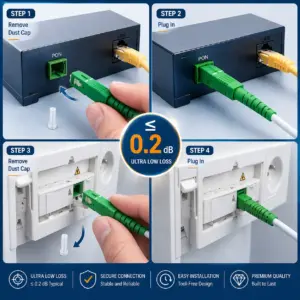
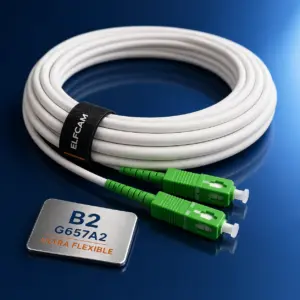

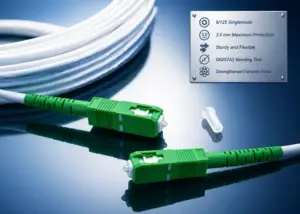
Optical Fiber Cable/Extension {Orange SFR Bouygues} – Simplex Single-Mode SC/APC to SC/APC OS2 Patch Cord – Reinforced Shielding and Connector – Very Reliable Loss – White (Ref: 319)
152 comments 0.5M – 300M Original price was: 7,49 €.1,99 €Current price is: 1,99 €. + This product has multiple variants. The options may be chosen on the product page -
Sale!
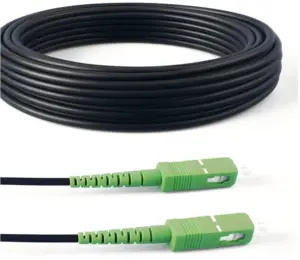
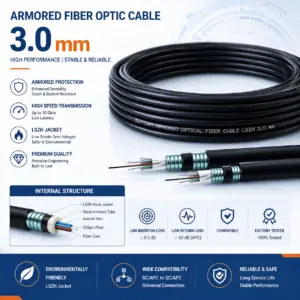
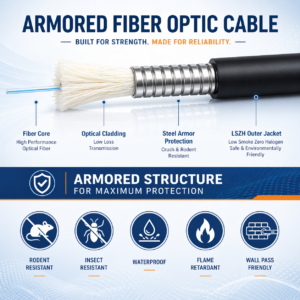
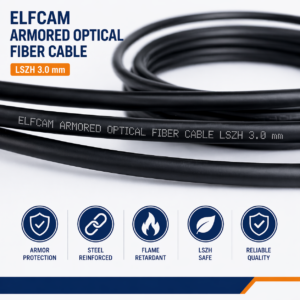
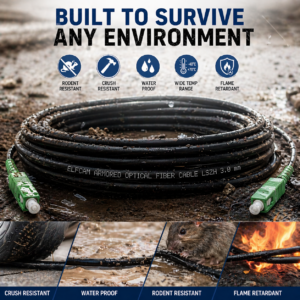
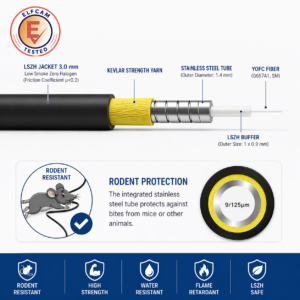
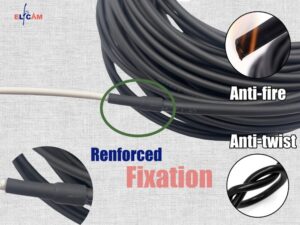
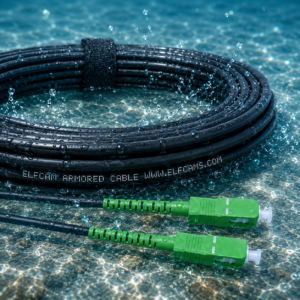
Steel armored fiber optic cable SC/APC–SC/APC OS2 single mode simplex LSZH (Ref:1366)
74 comments 5M – 300M Original price was: 9,90 €.7,48 €Current price is: 7,48 €. + This product has multiple variants. The options may be chosen on the product page -
Sale!
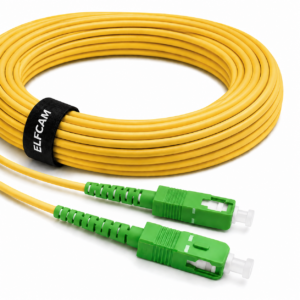
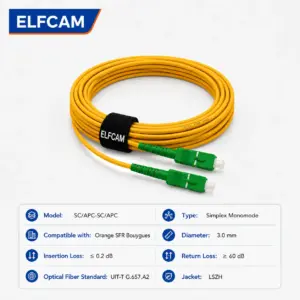
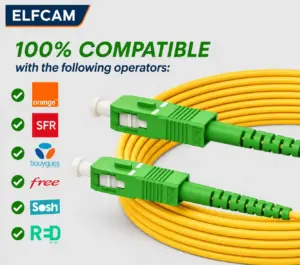
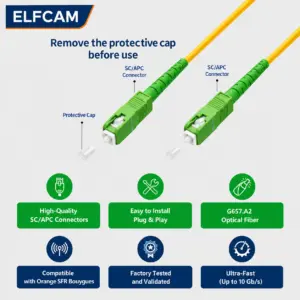
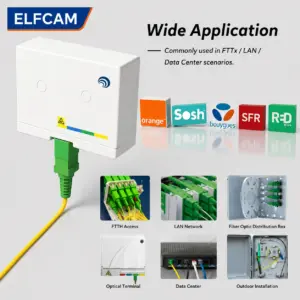
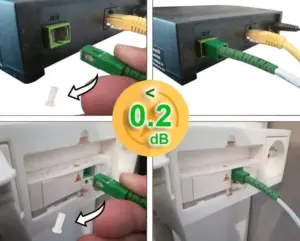
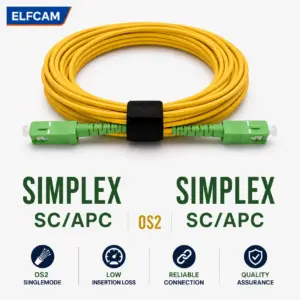
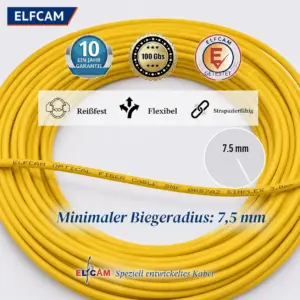

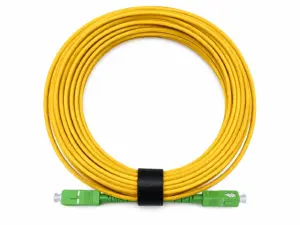
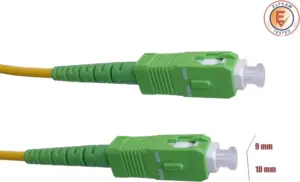
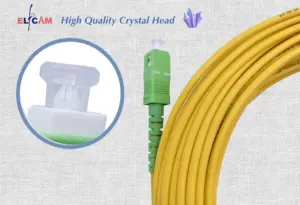
Fiber Optic Cable SC/APC to SC/APC OS2 Simplex Yellow (Ref:11)
135 comments 5M – 300M Original price was: 6,80 €.4,99 €Current price is: 4,99 €. + This product has multiple variants. The options may be chosen on the product page -
Sale!

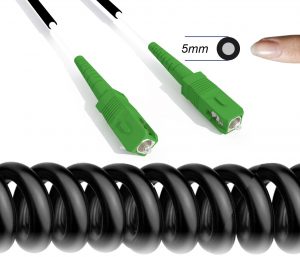
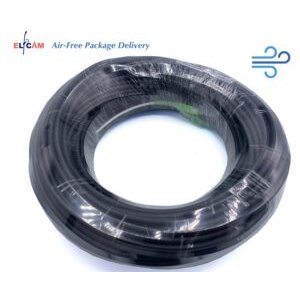
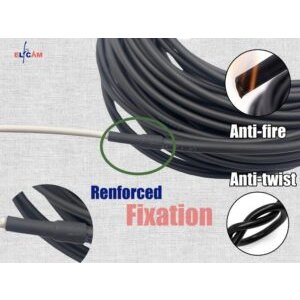
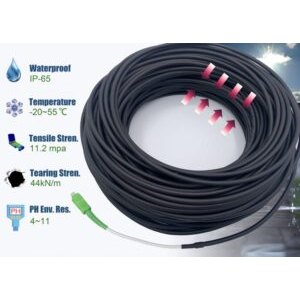
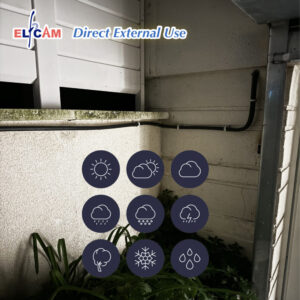
SC/APC to SC/APC Single Mode Fiber Optic Cable Reinforced for Outdoor and Indoor Use(Ref:442)
31 comments 10M – 1000M Original price was: 19,99 €.17,99 €Current price is: 17,99 €. + This product has multiple variants. The options may be chosen on the product page
In certain configurations (apartment without accessible PTO, connection of professional premises), a fiber/Ethernet converter can replace the dedicated ONT. This equipment is inserted between the fiber patch cord and the existing RJ45 local network.
-
Sale!
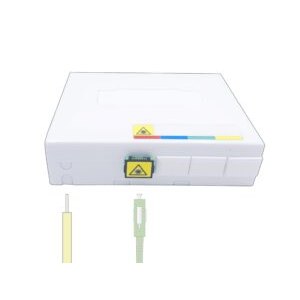
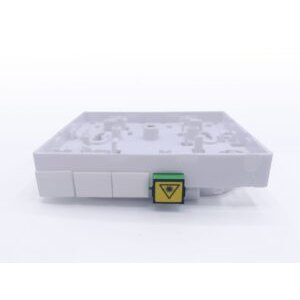
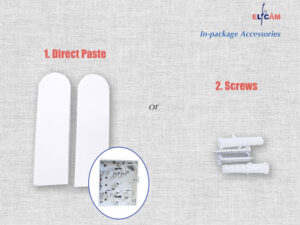
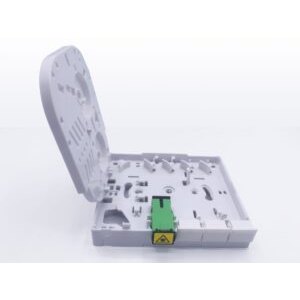
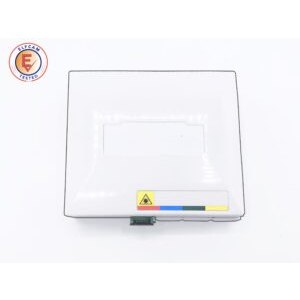
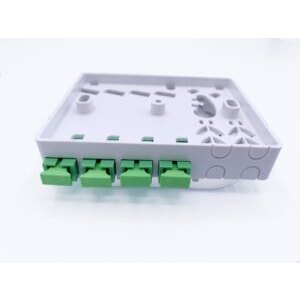
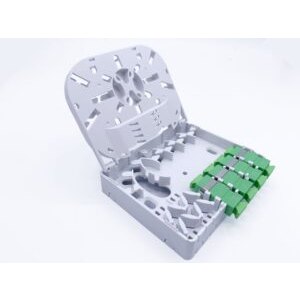
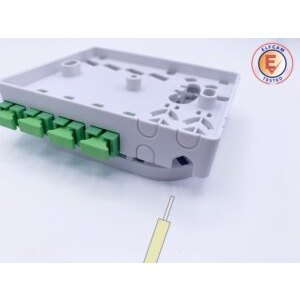
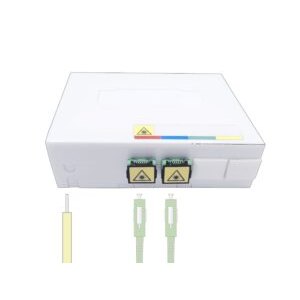
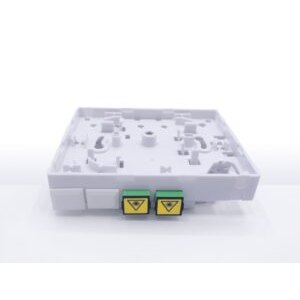
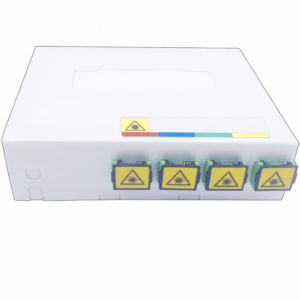
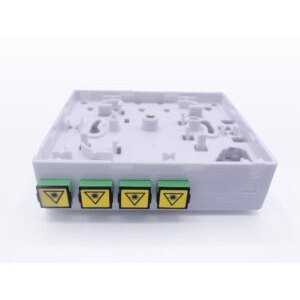
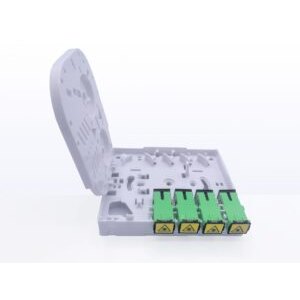
Optical Terminal Socket (PTO) with SC/APC interface (1 port, 2 ports and 4 ports) (Ref:2658)
20 comments 1port – 4ports Original price was: 14,99 €.10,99 €Current price is: 10,99 €. + This product has multiple variants. The options may be chosen on the product page -
Sale!
Sponsorisé
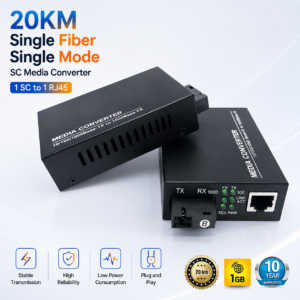
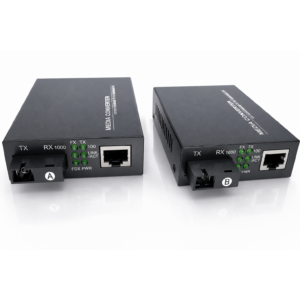
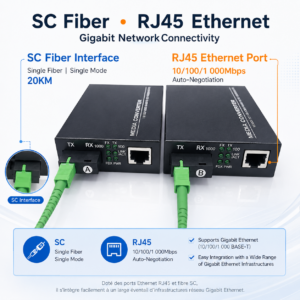
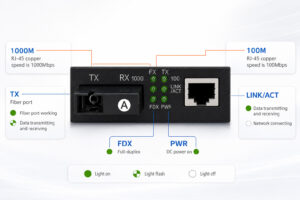
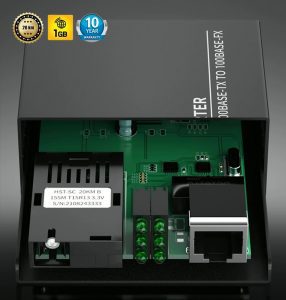
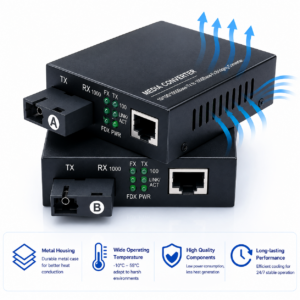
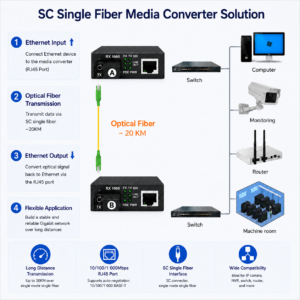
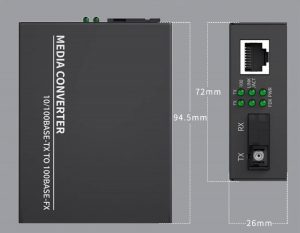
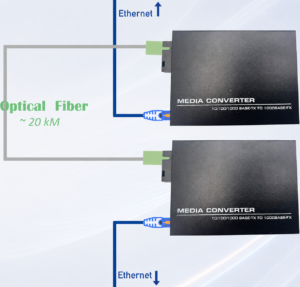
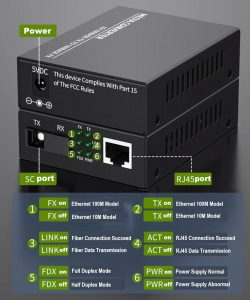
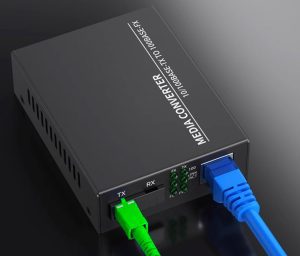
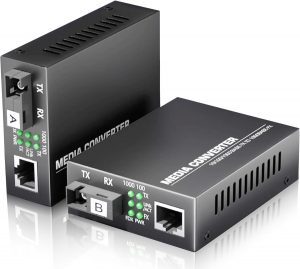
Fiber Ethernet Converter Equipped with 1.25G SFP (Mini-GBIC), 1 SC Port + 1 RJ45 Port, with Single-Mode SC Optical Fiber Ports, Up to a Distance of 20km (Lot 2) (Ref: 1222)
9 comments Original price was: 39,99 €.36,99 €Current price is: 36,99 €. + -
Sale!
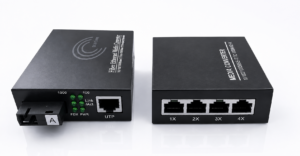
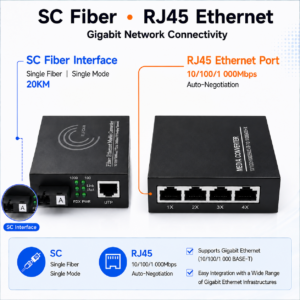
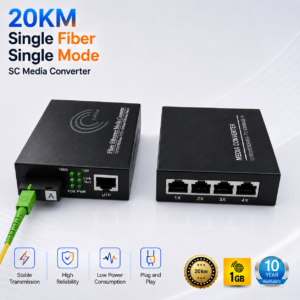
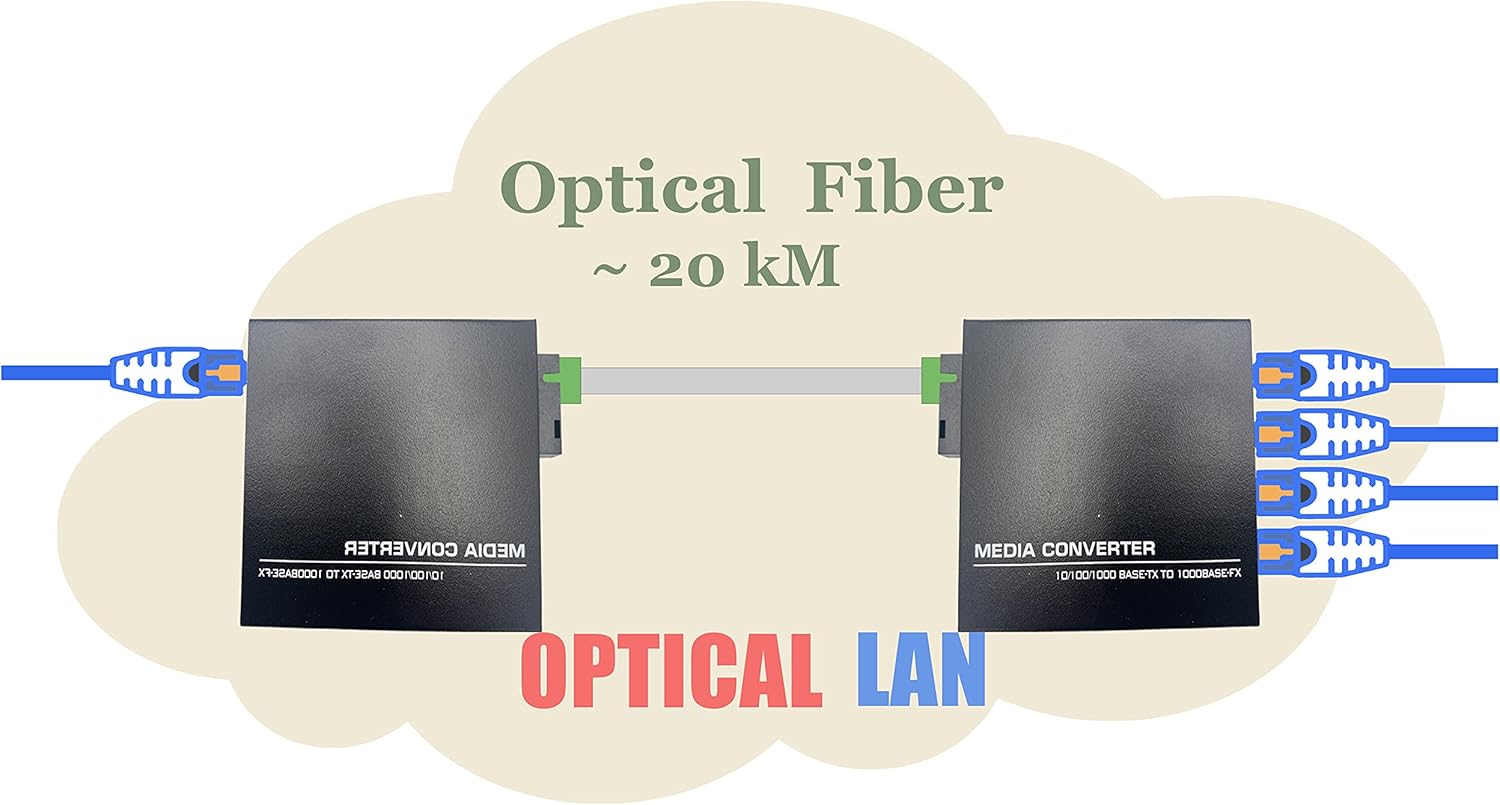
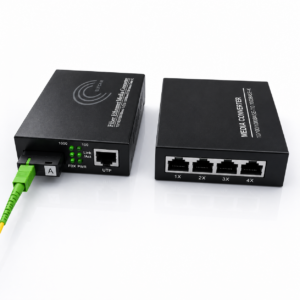
Fiber Ethernet Port1-Port4 Converter (Lot 2) (Ref:2181)
13 comments Lot2-1port-4port Original price was: 64,99 €.54,99 €Current price is: 54,99 €. + This product has multiple variants. The options may be chosen on the product page
Installing your indoor patch cord: cables and PTO
The operator's technician installs the PTO and the basic patch cord during the connection. But subscribers or installers often need to replace a damaged patch cord, extend the cable to another room, or move the PTO.
A few rules to follow:
- Never bend the fiber at a sharp angle — the minimum bend radius of a standard patch cord is 30 mm. Below that, IL losses rise sharply. G.657B3 fibers (such as transparent patch cords) tolerate a 5 mm radius.
- Clean the connectors before plugging in — a dusty SC/APC connector can introduce up to 3–5 dB of additional loss. Use a single-use cleaning stylus or a 40×40 mm IPA wipe.
- Check the connector type — SC/APC (green) and SC/UPC (blue) are mechanically identical but optically incompatible. Plugging an SC/UPC into an SC/APC port generates a high reflection return (RL = 25 dB instead of ≥60 dB) that can disrupt GPON transmission.
- Use shielded cables for runs in technical ducting or under flooring — steel-sheathed cables resist rodents and crushing.
Pigtail + PTO: the solution for a clean termination
If you need to create a fiber termination in a distribution box, the professional solution is to splice an SC/APC pigtail onto the pulling cable, then insert it into an SC/APC PTO. This approach avoids the use of quick connectors (crimp type) which present higher losses and lower durability.
Essential tools to install and test fiber
Unlike copper cabling, fiber optics requires specific tools for each operation — pulling, termination, testing. An unsuitable or poorly calibrated tool can generate defects invisible to the naked eye but detectable by measurement.
The essential tools by step:
- Fusion splicer — the main tool for creating a durable fiber splice (typical loss 0.02 dB). Touchscreen splicers of the AI-9 or S-10 type handle automatic alignment and program splice profiles for G.652D and G.657 fibers.
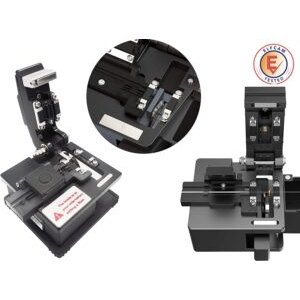
- Precision cleaver — prepares the fiber end for splicing with a cleave angle ≤0.5°. A bad cleave is the leading cause of a faulty splice.
- VFL visual fault locator — 650 nm red laser to locate breaks, excessive bends and bad contacts. Essential for a quick field diagnosis.
- Optical multimeter / power meter — measures optical power (dBm) to check the optical budget of a link and validate the compliance of an FTTH installation.
- OTDR — for long-distance networks or complex installations, the OTDR maps every event (splice, connector, break) along the entire length of the fiber.
-
Sale!
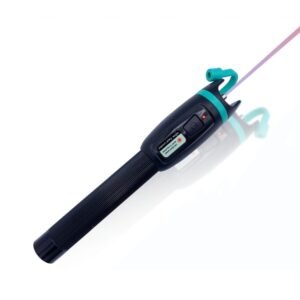
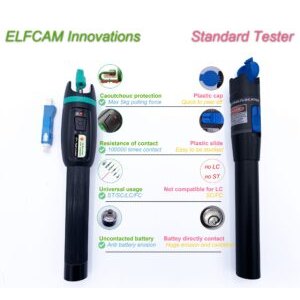
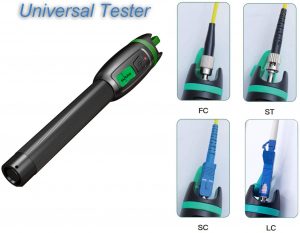
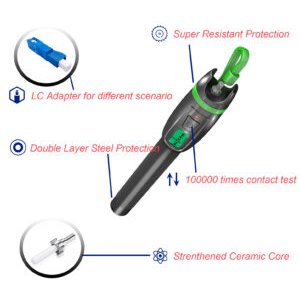
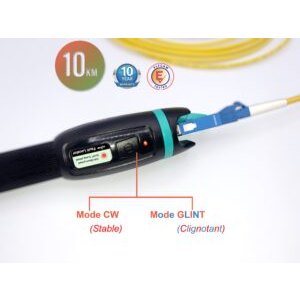
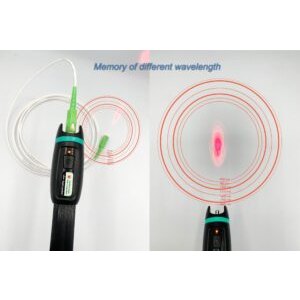



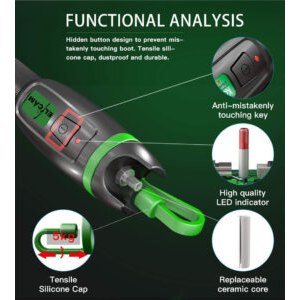
FTTH VFL Optical Pen, Red Laser Visual Locator (Ref:1164)
34 comments 10mW Unique – 50mW avec l'adaptateur SC/LC Original price was: 23,99 €.19,99 €Current price is: 19,99 €. + This product has multiple variants. The options may be chosen on the product page -
Sale!
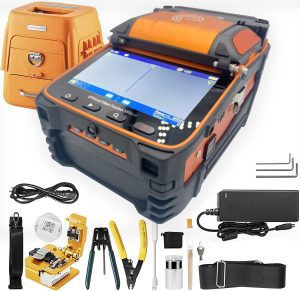
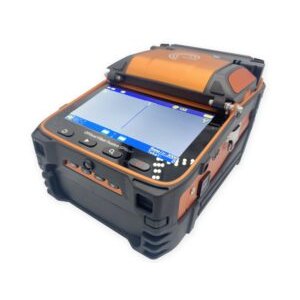
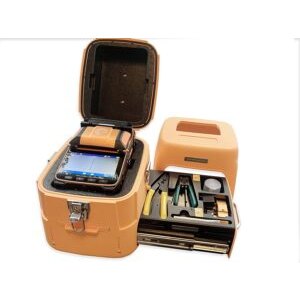
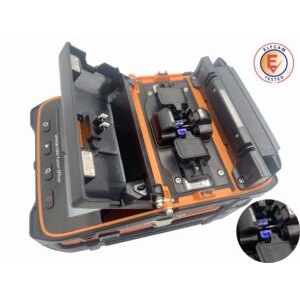
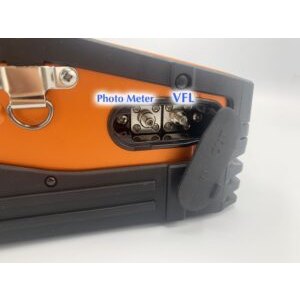
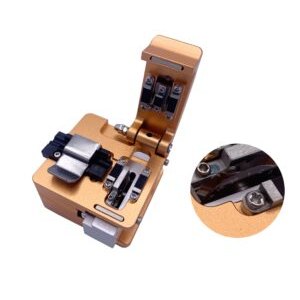
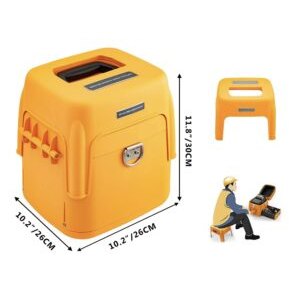
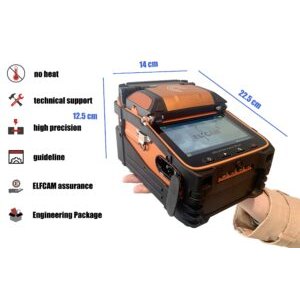
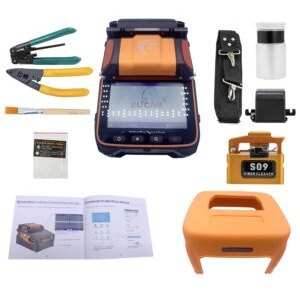

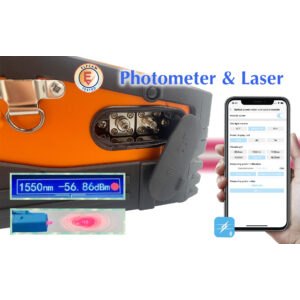
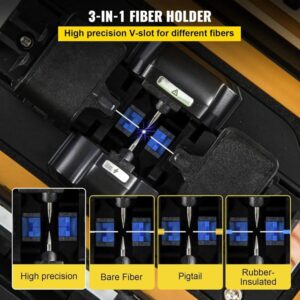
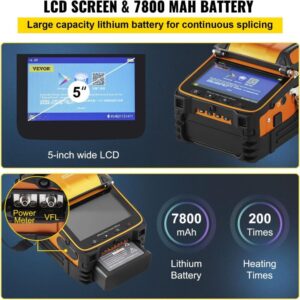
AI-9 Fiber Optic Welder Kit, Touch Screen for FTTH FTTx (Ref:3881)
58 comments Original price was: 1 059,99 €.929,98 €Current price is: 929,98 €. + -
Sale!
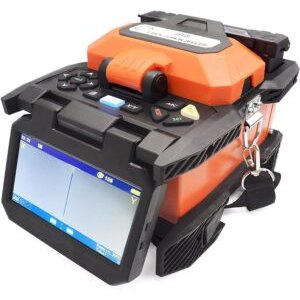
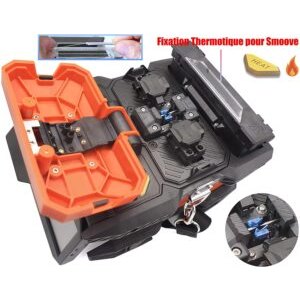
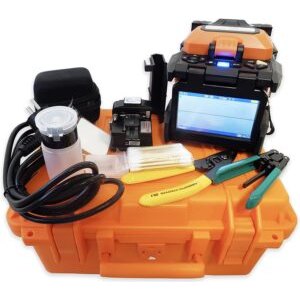
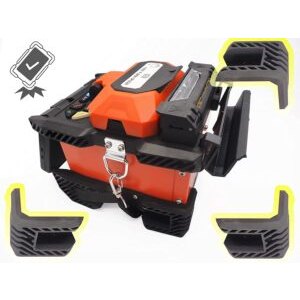
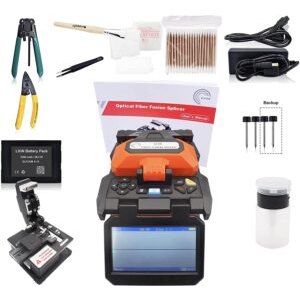
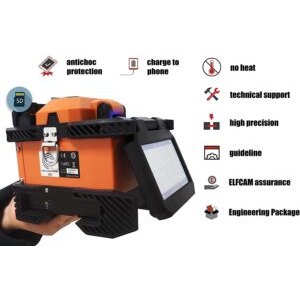
Mini Optical Fiber Welder S-10 for FTTH FTTx (Ref:4997)
6 comments Original price was: 899,00 €.769,99 €Current price is: 769,99 €. + -
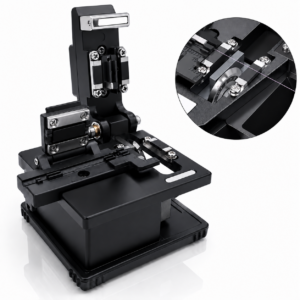

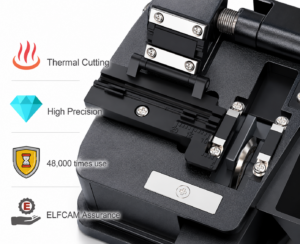
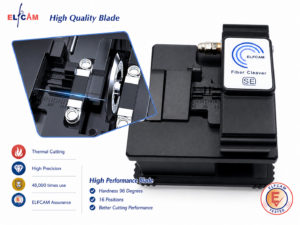
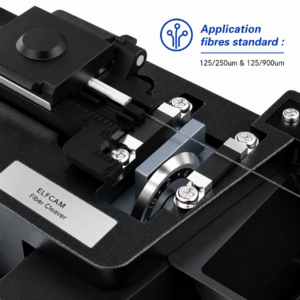
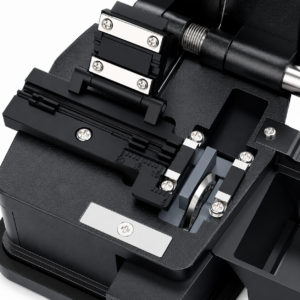
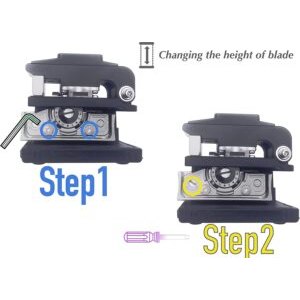
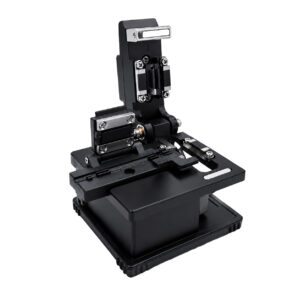
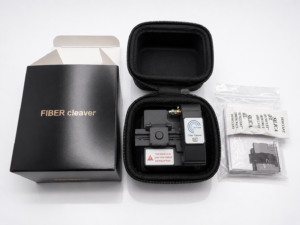
Elfcam - SE High Precision Fiber Cleaver for Optical Fiber Cutter/Cleaver and Fusion Splicer (SE) (Ref:6463)
2 comments 46,99 € +
Never look directly into an active fiber
An active FTTH fiber carries an infrared laser signal at 1490 nm (invisible to the naked eye) at a power of +3 to +5 dBm. This power is enough to cause irreversible retinal lesions. Always use a VFL with a safety shutter and check for the absence of signal before any connector handling.

















