Elfcam PoE switches — power your network equipment directly through the Ethernet cable.
Three ranges for every scenario: PoE Ethernet for simple installations (IP cameras, Wi-Fi APs, VoIP), PoE + SFP fiber for networks with an optical backbone, and PoE + SFP+ 10G for advanced multi-gig architectures. All models are plug & play, silent and in a metal enclosure. Simple connection with a Cat 6 Ethernet cable.
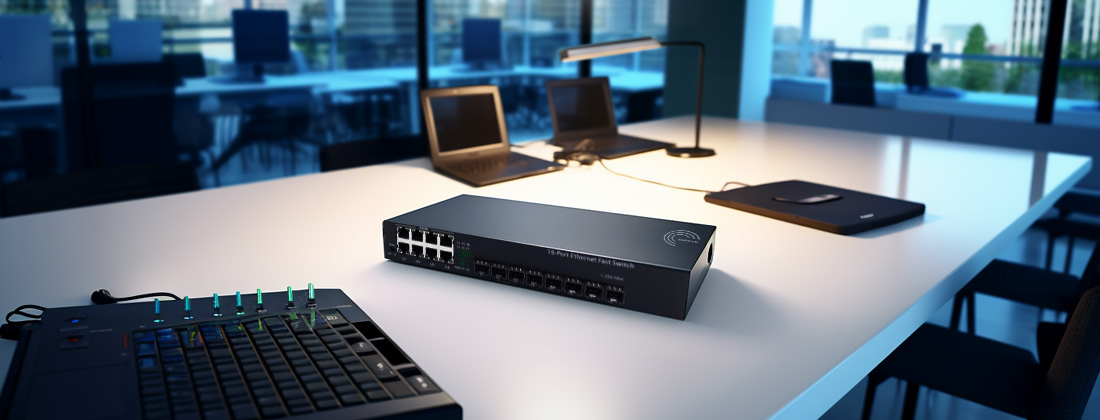
Choosing the right PoE switch
The right model depends on the number of devices to power and the type of backbone (Ethernet or fiber).
Simple network
PoE power + standard Ethernet uplinks. Ideal for small installations without fiber.
- 7808 — 4 PoE ports
- 7813 — 8 PoE ports
- 7818 — 16 PoE ports
- 7823 — 24 PoE ports
Fiber optic network
PoE + fiber backbone via 1.25G SFP ports. For home networks and SMBs with optical infrastructure.
- 9273 — 4 PoE + 2 SFP
- 9285 — 8 PoE + 2 SFP
- 10097 — 16 PoE + 2 SFP
Multi-gig network
PoE with 10G SFP+ uplinks and 2.5G RJ45 ports. For advanced Freebox Ultra / Livebox 6 architectures.
- 19285 — 4 PoE 2.5G + 2 SFP+ 10G
- 19259 — 8 PoE 2.5G + 2 SFP+ 10G
Decision matrix (30 seconds)
- 1–4 simple IP cameras → 7808 (4 PoE Ethernet)
- Wi-Fi AP + cameras + VoIP → 7813 (8 PoE) or 7818 (16 PoE)
- Large installation (> 16 devices) → 7823 (24 PoE)
- PoE + fiber backbone → 9273 / 9285 / 10097
- PoE + multi-gig 2.5G/10G → 19285 (4 ports) or 19259 (8 ports)
- Freebox Ultra + Wi-Fi cameras → 19285
Products by category
PoE Ethernet (4–24 ports)
PoE switches with Gigabit Ethernet uplinks. 120W total PoE budget, 30W per port. Metal enclosure, plug & play, fanless.
-
Promo !
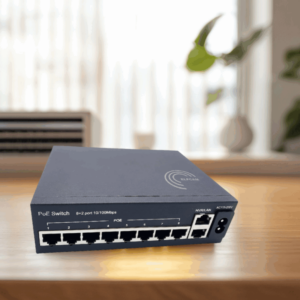
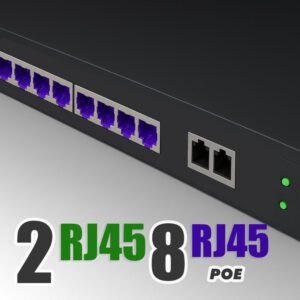
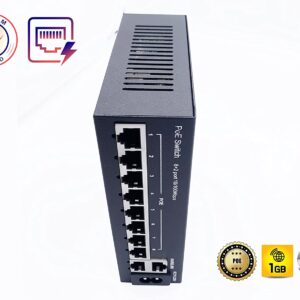
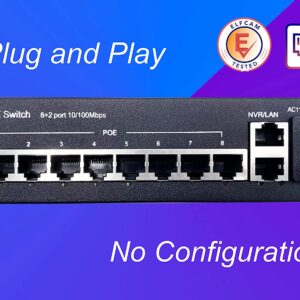
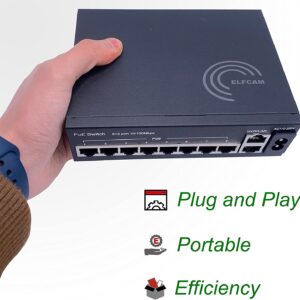
PoE Ethernet Switch avec 2 Ports Uplink Gigabit Ethernet 10/100/1000 Mbps, Plug & Play Non Géré, Métal Robuste (8 Ports PoE)(REF:7813)
4 comments Le prix initial était : 69,99 €.62,99 €Le prix actuel est : 62,99 €. + -
Promo !
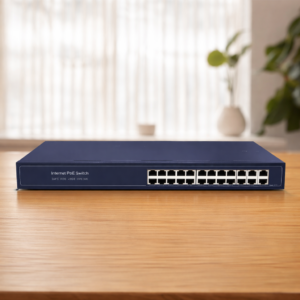
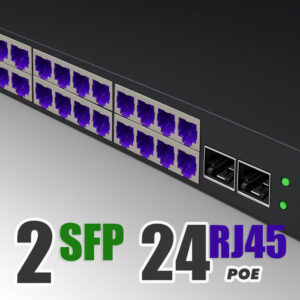
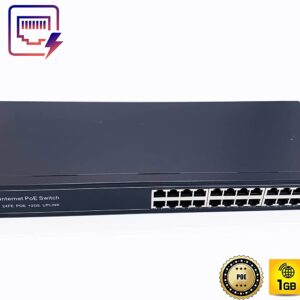
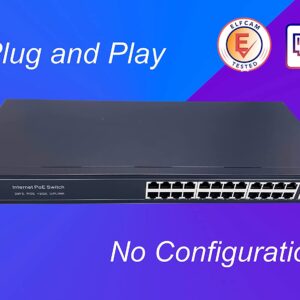
24 Ports PoE Ethernet Switch avec 2 Ports Uplink Gigabit Ethernet 10/100/1000Mbps, Plug & Play Non Géré, Métal Robuste (24 Ports PoE)(REF:7823)
3 comments Le prix initial était : 199,99 €.179,99 €Le prix actuel est : 179,99 €. + -
Promo !

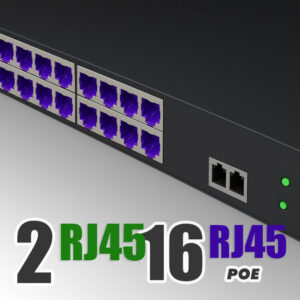
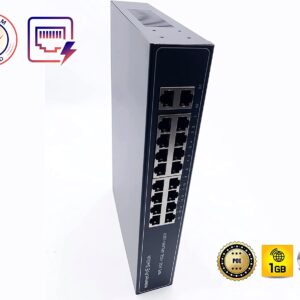
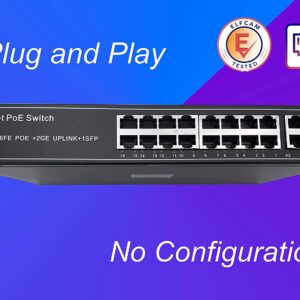
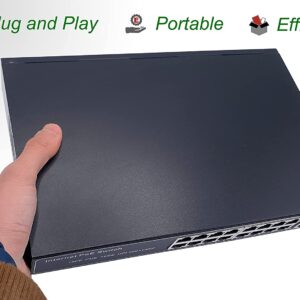
PoE Ethernet Switch avec 2 Ports Uplink Gigabit Ethernet 10/100/1000Mbps, Plug & Play Non Géré, Métal Robuste (16 Ports PoE) (Ref: 7818)
2 comments Le prix initial était : 129,99 €.109,99 €Le prix actuel est : 109,99 €. + -
Promo !
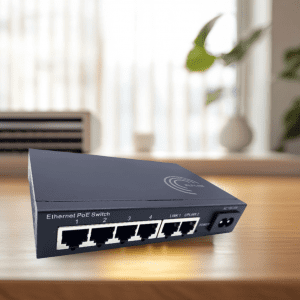
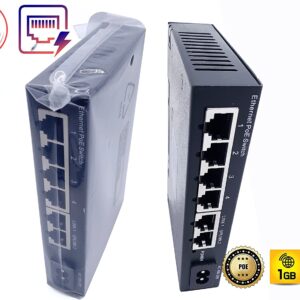
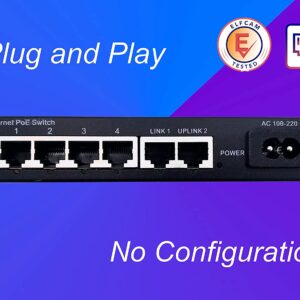
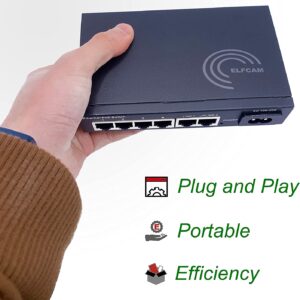
PoE Ethernet Switch avec 2 Ports Uplink Gigabit Ethernet 10/100/1000Mbps, Plug &Play Non Géré, Métal Robuste (4 Ports PoE) Réf:7808
4 comments Le prix initial était : 49,99 €.44,99 €Le prix actuel est : 44,99 €. +
PoE + SFP Fiber (4–16 ports)
Switches with Gigabit PoE ports + 2 SFP 1.25G ports for fiber optic backbone. Plug & play.
-
Promo !
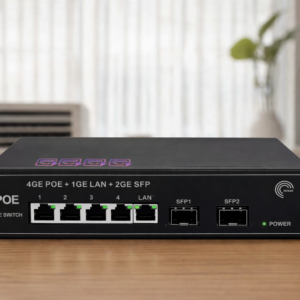
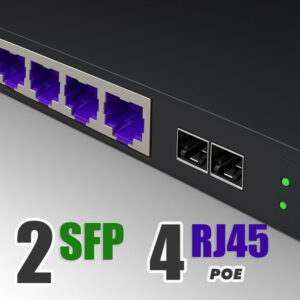
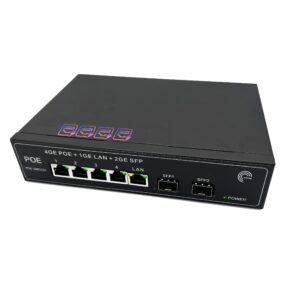
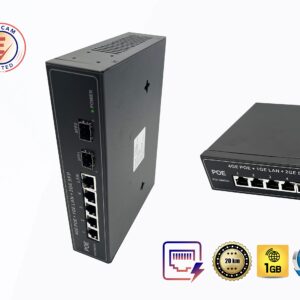
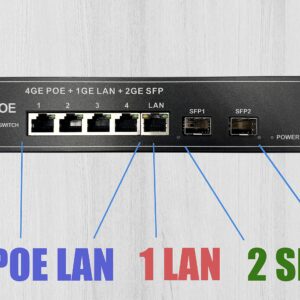
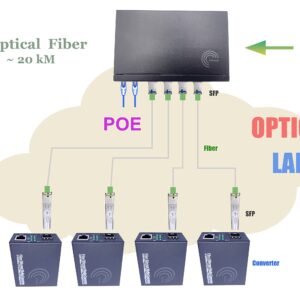
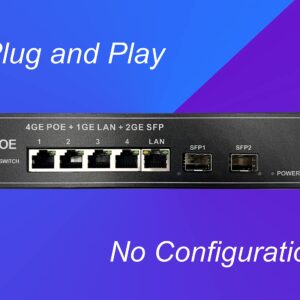
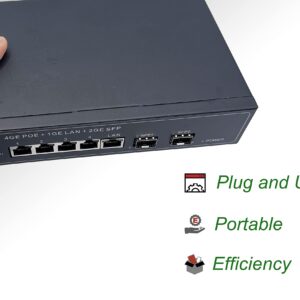
PoE Commutateur Switch Fibre Optique avec 2 Ports SFP 1,25Go, 4 Ports PoE Gigabit Ethernet 10/100/1000Mbps, Plug & Play Non Géré (4 Ports PoE) (Ref: 9273)
3 comments Le prix initial était : 179,99 €.158,99 €Le prix actuel est : 158,99 €. + -
Promo !
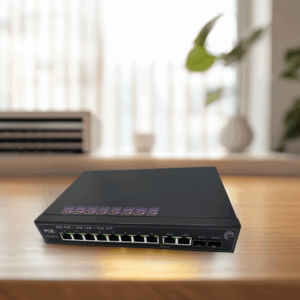
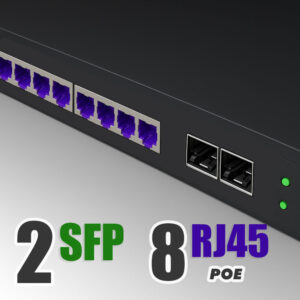
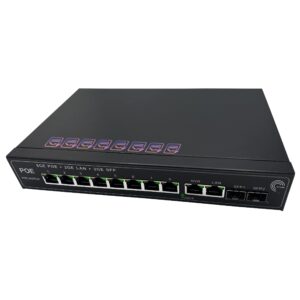
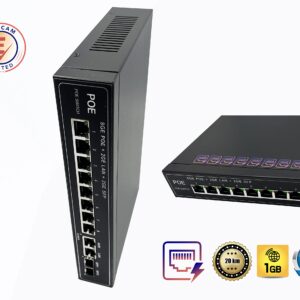
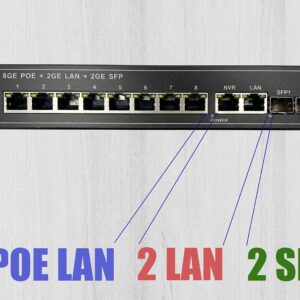
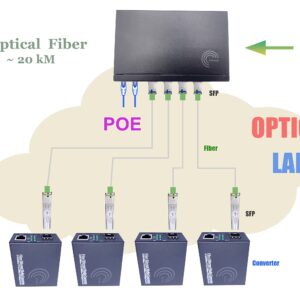
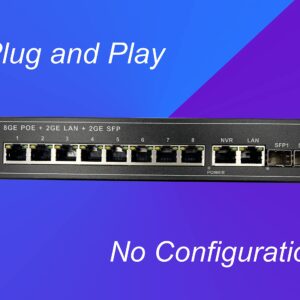
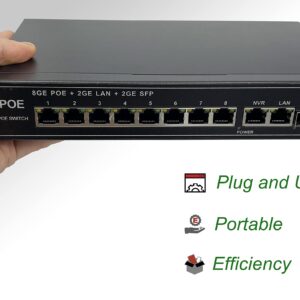
PoE Commutateur Switch Fibre Optique avec 2 Ports SFP 1,25Go, 8 Ports PoE Gigabit Ethernet 10/100/1000Mbps, Plug & Play Non Géré (8 Ports PoE)(Réf: 9285)
4 comments Le prix initial était : 229,99 €.139,99 €Le prix actuel est : 139,99 €. + -
Promo !

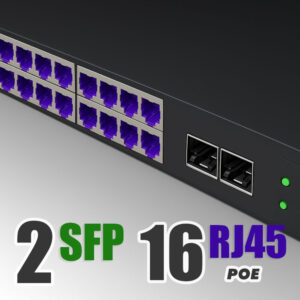
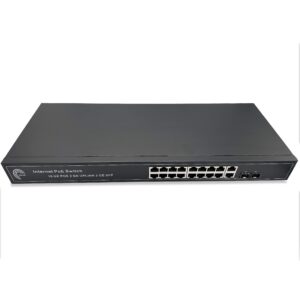
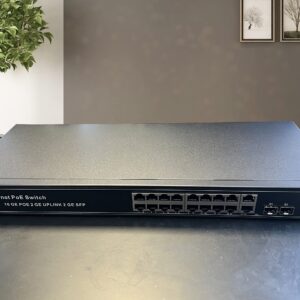
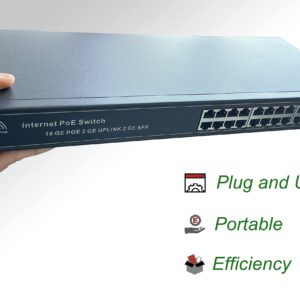
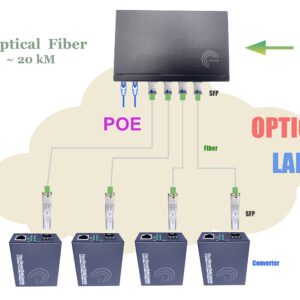
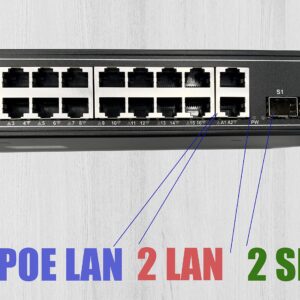
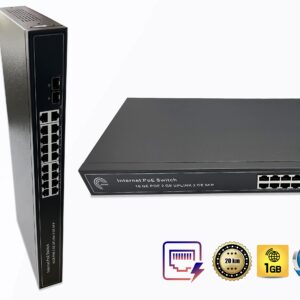
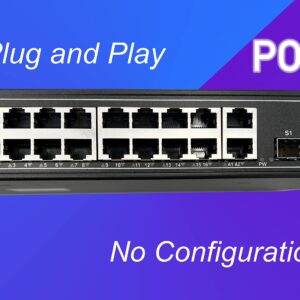
PoE Commutateur Switch Fibre Optique avec 2 Ports SFP 1,25Go, 16 Ports PoE Gigabit Ethernet 10/100/1000Mbps, Plug & Play Non Géré (16 Ports PoE)(REF:10097)
2 comments Le prix initial était : 309,99 €.289,99 €Le prix actuel est : 289,99 €. +
PoE + SFP+ 10G Multi-Gig
PoE switches with RJ45 2.5G ports and 2 SFP+ 10G ports. Ideal for modern networks with Freebox Ultra, 10G NAS and Wi-Fi 6/7 APs.
-
Promo !
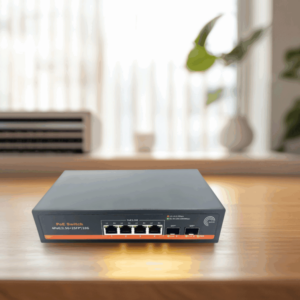
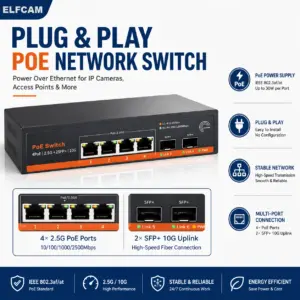
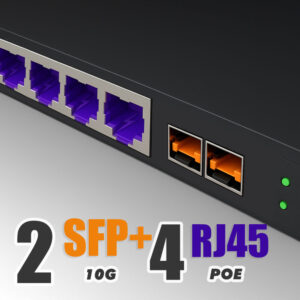
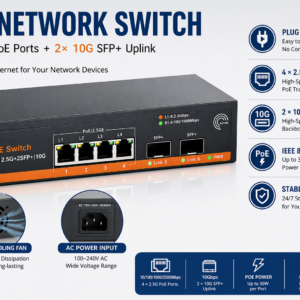
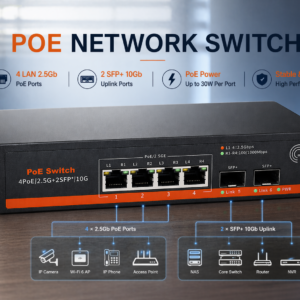
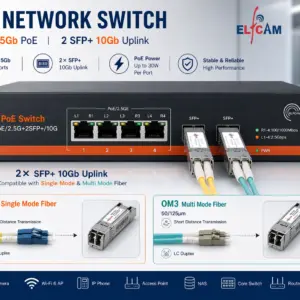
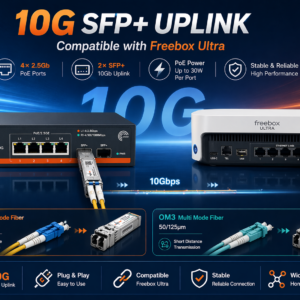
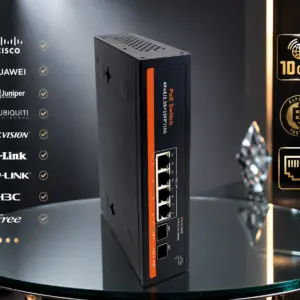
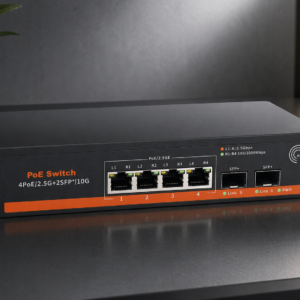
Elfcam® – 10Gb Commutateur Switch Fibre Optique Compatible avec Freebox Ultra, avec 2 Ports 10G SFP+ et 4 Ports 2,5 Gigabit Ethernet RJ45 POE, Plug & Play Non Géré (2 Ports 10Gb SFP+ et 4 Ports 2,5G RJ45 POE) (REF: 19285)
5 comments Le prix initial était : 89,99 €.79,99 €Le prix actuel est : 79,99 €. + -
Promo !

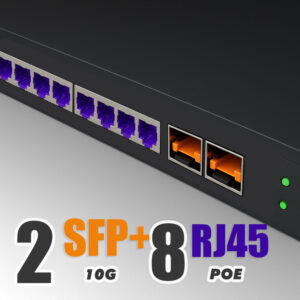
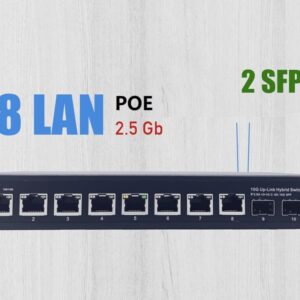
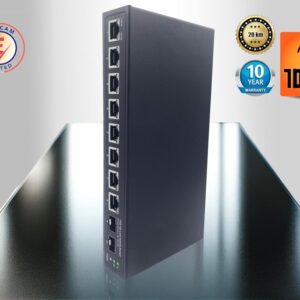
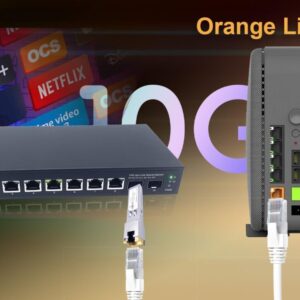
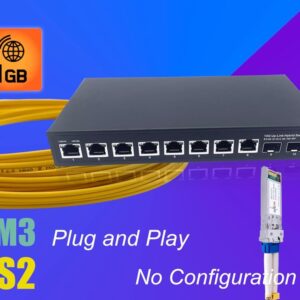
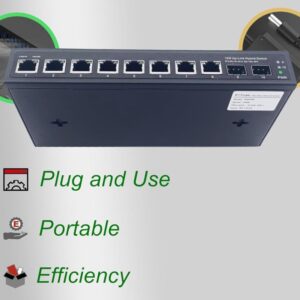
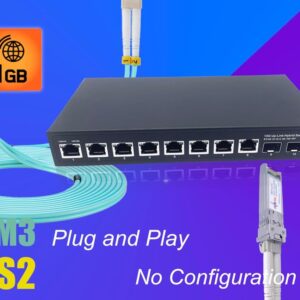
Elfcam® – 10Gb Commutateur Switch Fibre Optique Compatible avec Freebox Ultra, avec 2 Ports 10G SFP+ et 8 Ports 2,5G RJ45 PoE, Plug & Play Non Géré (2 Ports 10Gb SFP+ et 8 Ports 2,5G RJ45 PoE) (Ref: 19259)
5 comments Le prix initial était : 199,99 €.139,99 €Le prix actuel est : 139,99 €. +
Highlights
Why choose an Elfcam PoE switch
- A single cable: power + data on the same Ethernet cable. No need for separate power supplies for each device.
- Simplified installation: no power outlet needed next to each camera or Wi-Fi AP.
- 30W per port: compatible with IEEE 802.3af/at for IP cameras, access points, VoIP phones and small equipment.
- Robust metal enclosure: passive thermal dissipation, no fan, 100% silent operation.
- Plug & play: no configuration, automatic detection of PoE devices.
Typical use cases
- Indoor/outdoor IP cameras
- Centralized NVR recorder
- No power outlet per camera
- Ceiling Wi-Fi 6/7 access points
- Multi-room mesh
- Clean installation with no visible cables
- Desktop IP phones
- One cable per workstation
- Quick deployment
- Fiber backbone via SFP/SFP+
- Local PoE distribution
- Scalable architecture
PoE switch comparison table
Quickly compare models by number of ports, PoE power and backbone type.
| REF | PoE ports | Uplinks | SFP | Power | Per port | Features |
|---|---|---|---|---|---|---|
| 7808 | 4 | 2× 10/100 Mbps | — | 120W | 30W | Metal enclosure, Plug & Play, Fanless |
| 7813 | 8 | 2× Gigabit | — | 120W | 30W | Metal enclosure, Plug & Play, Fanless |
| 7818 | 16 | 2× Gigabit | — | 120W | 30W | Metal enclosure, Plug & Play, Fanless |
| 7823 | 24 | 2× Gigabit | — | 120W | 30W | Metal enclosure, Plug & Play, Fanless |
| 9273 | 4 | 1× Gigabit | 2× SFP 1.25G | — | — | Optical fiber, Plug & Play |
| 9285 | 8 | 8× Gigabit | 2× SFP 1.25G | — | — | Optical fiber, Plug & Play |
| 10097 | 16 | 16× Gigabit | 2× SFP 1.25G | — | — | Optical fiber, Plug & Play |
| 19285 | 4× 2.5G PoE | — | 2× SFP+ 10G | 120W | 30W | Multi-gig, 10G fiber, Plug & Play |
| 19259 | 8× 2.5G PoE | — | 2× SFP+ 10G | 120W | 30W | Multi-gig, 10G fiber, Plug & Play |
FAQ — PoE switches
1What is PoE and what is it used for?
2How many PoE ports do I need?
- 4 ports: 1–4 cameras or APs in one area.
- 8 ports: equipped home or small office (cameras + APs + VoIP).
- 16 ports: medium installation (multi-zone, many APs).
- 24 ports: large installation or multi-storey building.
3What is the difference between Ethernet, SFP and SFP+ models?
- Ethernet only (7808–7823): copper Gigabit uplinks, no fiber.
- + SFP (9273/9285/10097): adds 2 × 1.25G fiber ports for optical backbone.
- + SFP+ 10G (19285/19259): 2.5G PoE ports + 10G fiber uplinks for modern networks.

















